Shopify FAQ Generator: Target Products by Collection
On this page
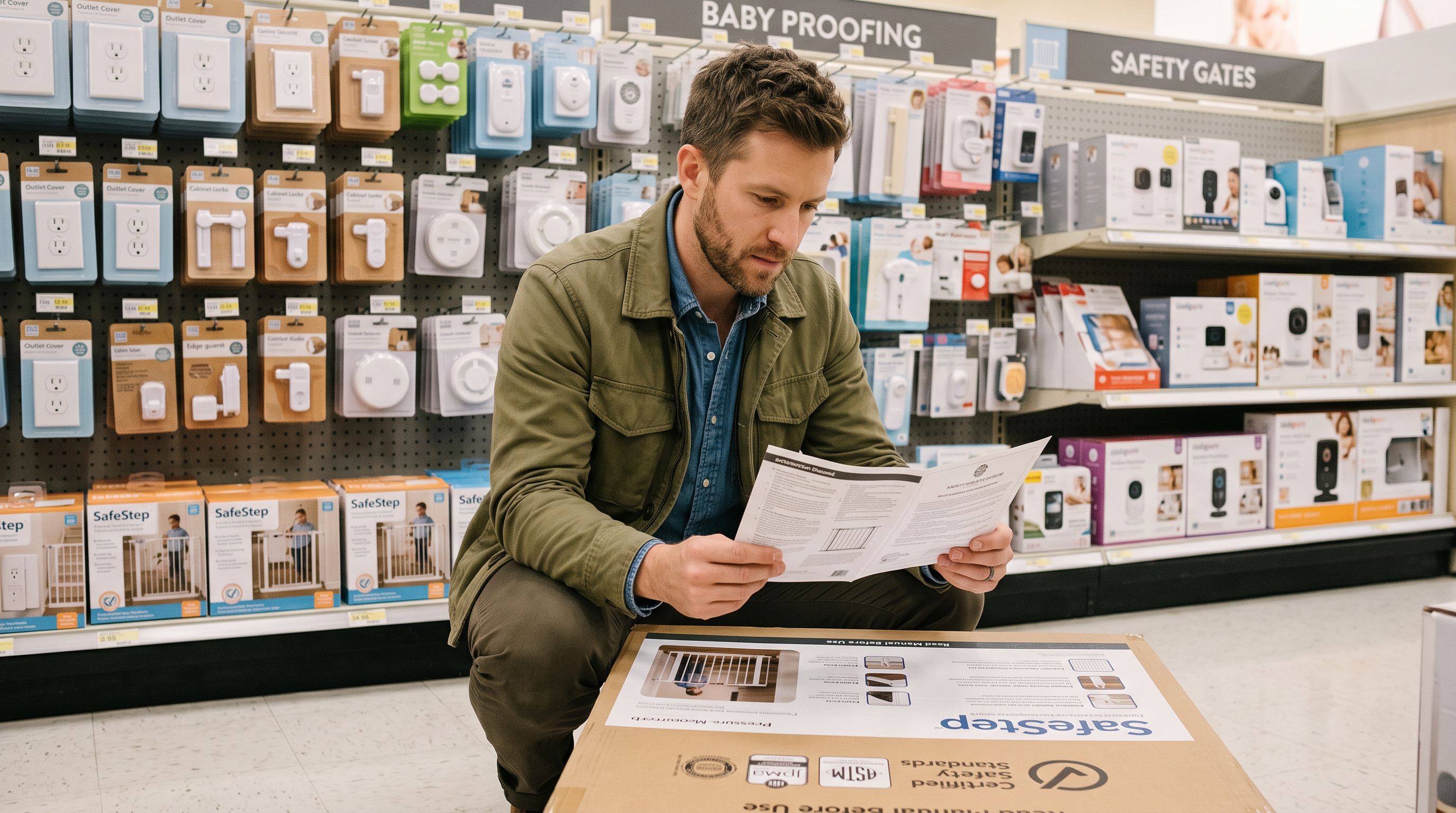
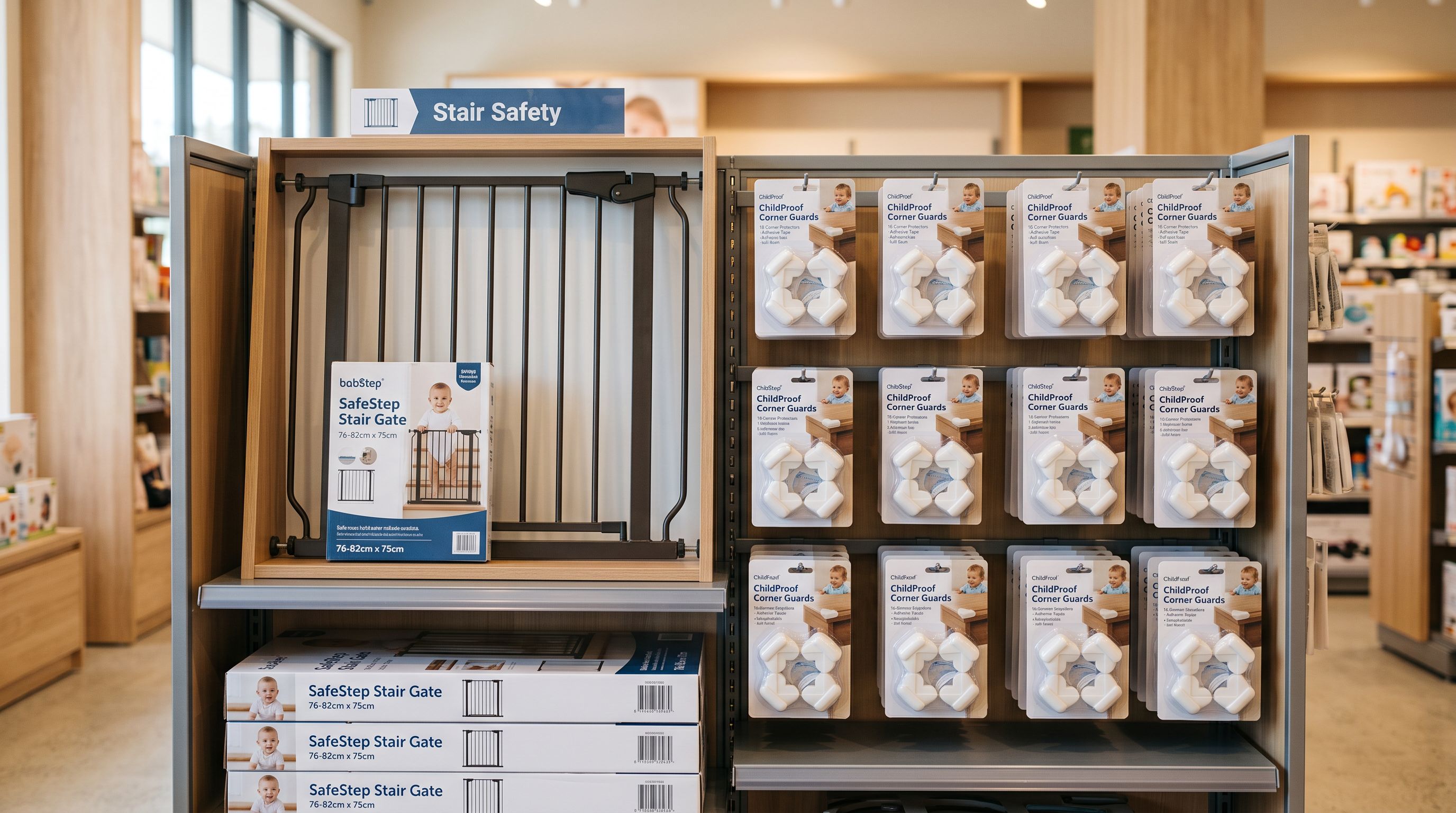
A home safety merchant carries 200 products across three collections: Safety Gates & Barriers, Stair Guards and Bannister Kits, and Corner and Edge Protection. Each collection serves parents buying for a different installation scenario. The FAQ questions that matter for safety gates (installation width compatibility, certification standards, wall-mount vs pressure-mount) are entirely different from the questions that matter for corner protection (material hardness, adhesive residue, washability).
Running FAQ Generator across the entire 200-product catalogue would produce the same generic question set for every product. Running it by collection produces safety-gate-specific questions for the safety gate collection and corner-protector-specific questions for the corner protection collection. Importier's FAQ Generator collection filter makes the second approach as fast as the first.
Why Collection-Level FAQ Targeting Matters
Product FAQs improve conversion rates when the questions they answer are the actual questions buyers have for that product. Generic FAQs ("What is the return policy?" "How long does shipping take?") duplicate information available elsewhere on the storefront. Product-specific FAQs ("Does this gate fit a 90cm doorway?" "Is this EN 1930 certified?") answer the questions that prevent add-to-cart decisions.
The questions buyers have depend on the product category. A safety gate buyer asks about installation width ranges, wall anchor requirements, and safety certification. A corner protector buyer asks about adhesive strength, whether the protector leaves residue on painted walls, and whether it fits curved corners. A stair banister kit buyer asks about spindle spacing, whether the kit works with existing banisters, and the maximum staircase angle.
When FAQ generation runs across a mixed catalogue without collection targeting, the AI draws from the product title and whatever description context is available. A safety gate generates questions that might overlap with what a bannister kit buyer needs. The signal-to-noise ratio of the FAQ section drops.
Collection filtering solves this by giving the FAQ Generator a focused scope. The AI generates questions based only on the products in the targeted collection, and those products share enough category context that the generated FAQs are consistently relevant within the group.
Using the Collection Filter in Importier's FAQ Generator
Importier's FAQ Generator is accessible from the main dashboard. After selecting the FAQ Generator, you choose the targeting options before generation runs.
The collection filter presents a dropdown of all published collections in the connected Shopify store. Select the collection you want to target. The generator shows a count of eligible products (products in that collection with Shopify admin access).
Configuration options that apply to the selected collection:
FAQ count per product: Set between 2 and 10 FAQs per product. For product categories where buyers have specific technical questions, a higher count (5-8) serves them better. For simpler product categories, 3-4 is sufficient. The home safety merchant sets 5 FAQs per product for the safety gates collection: enough to cover the key pre-purchase questions without overwhelming the product page.
Generation model: Select from Importier's 18+ AI models. The choice affects both the depth of the questions and the tone of the answers. For safety products where accuracy matters, a higher-tier model produces more reliable answers. For standard consumer goods, a mid-tier model is sufficient.
Append vs Replace mode: See the section below.
- 01Open Importier and navigate to FAQ Generator. Select the Collection filter from the targeting options. Choose the target collection from the dropdown. The product count updates to show how many products are in scope.
- 02Set the FAQ count per product. For technical or safety product categories, 5-8 FAQs per product gives buyers enough information to make a confident purchase decision. For simpler categories, 3-4 is sufficient.
- 03Choose the generation model. For categories where product specification accuracy matters, select a higher-tier model from Importier's 18+ options.
- 04Set Append or Replace mode depending on whether the products in the collection already have FAQs. For a first run on a collection, Replace ensures a clean result. For adding to existing FAQs, Append adds the new questions without deleting what is already there.
- 05Run the generator. Importier generates the configured number of FAQs for each product in the collection and pushes them to Shopify as metafields. The FAQ section on each product page updates automatically.
Vendor Filter and SKU Pattern as Alternatives
Collection is one of three filtering dimensions in Importier's FAQ Generator. The other two are vendor (supplier brand) and SKU pattern.
Vendor filter: Targets all products from a specific supplier or brand. Useful when a merchant sells products from multiple suppliers and wants supplier-consistent FAQ content. A sporting goods retailer carrying products from 4 brands can run FAQ generation per vendor, letting the AI focus on the specific product range each brand covers.

SKU pattern filter: Targets products whose SKU matches a prefix or pattern. Useful when a catalogue is organised by SKU structure rather than by Shopify collection. A distributor using SKU prefixes like SFT- for safety products and KIT- for installation kits can target each product group by its SKU prefix without needing to organise them into separate collections first.
The filters can be combined in sequence across separate runs. The home safety merchant runs FAQ Generator three times: once per collection. Each run targets a different collection, uses an appropriate FAQ count for that category, and generates questions relevant to that specific product group. The three runs take less than 30 minutes in total for 200 products. Writing 200 product-specific FAQ sections manually takes 40-80 hours.
Three targeted FAQ runs across three collections. Under 30 minutes. 200 products with relevant, category-specific questions on each product page.
Managing existing FAQ content
Append vs Replace Mode for Existing Products
The Append vs Replace choice in FAQ Generator matters when products already have FAQ content.
Replace mode: Overwrites any existing FAQs on the targeted products with the newly generated set. Use this for a first FAQ run on a collection, when you are revising FAQs after a product range update, or when existing FAQs are outdated or generic. Replace produces a clean, consistent FAQ set across the collection.
Append mode: Adds the newly generated FAQs to any existing FAQs without deleting them. Use this when products already have FAQs from a previous run and you want to add more questions without losing the existing set. Append is the right mode when running a second pass on a collection to increase the FAQ count, or when adding a new category of questions (for example, adding installation-specific questions to a product page that already has usage FAQs).
One practical scenario for Append mode: the home safety merchant has already run FAQ Generator on the safety gates collection with 4 FAQs per product. After a customer support review, they identify that buyers frequently ask about compatibility with specific stairgate adaptor sets. They run FAQ Generator again in Append mode targeting the same collection, with 2 FAQs per product focused on adaptor compatibility. The existing 4 FAQs are preserved. 2 new questions are added. Each safety gate product page now shows 6 FAQs.
- Write FAQ content for each product individually. Research the questions buyers ask for each product category. 200 products at 20 minutes per product: 66 hours of content writing. Questions drift inconsistent across products in the same collection. Revisiting or updating means rewriting each product individually.
- Set the collection filter, configure FAQ count and model, run once per collection. Importier generates product-specific questions based on each product's title, description, and specifications. 200 products across 3 collections: under 30 minutes. Consistent question coverage across each collection. Re-running in Replace mode updates the entire collection in minutes.
FAQ Generator and the Product Page
Importier generates FAQs and stores them as Shopify metafields. How they display on the product page depends on your theme: themes that support FAQ metafield rendering display them as an accordion or list in the product page. If your theme does not have a FAQ metafield block, the data is stored in Shopify and ready for a theme block to display when you add one.
The article on Shopify product FAQ Generator covers the FAQ Generator feature in full, including how metafields work and the theme configuration needed to display generated FAQs on product pages. The collection filter described in this article is an extension of that workflow: instead of targeting all products or entering products individually, you scope the run to a specific collection for category-relevant results.
According to Semrush's e-commerce content research, product pages with FAQs that address category-specific buyer concerns see higher conversion rates than pages with generic FAQ content. The collection filter is the mechanism that makes the difference between generic and specific FAQ generation at scale.
Google's FAQ rich results documentation notes that FAQ content marked up with structured data can appear as expandable question-and-answer pairs in Google Search results. When your theme renders Importier's generated FAQs with the appropriate JSON-LD schema, product pages in competitive categories gain an additional Search visibility surface beyond the standard blue link. Category-specific FAQs, generated per collection, are more likely to match the exact questions buyers type into Search than generic FAQ content.
Key Takeaways
- FAQ Generator's collection filter runs generation on a specific Shopify collection without affecting products in other collections. The AI generates questions relevant to the specific product group, not generic questions that apply to everything.
-
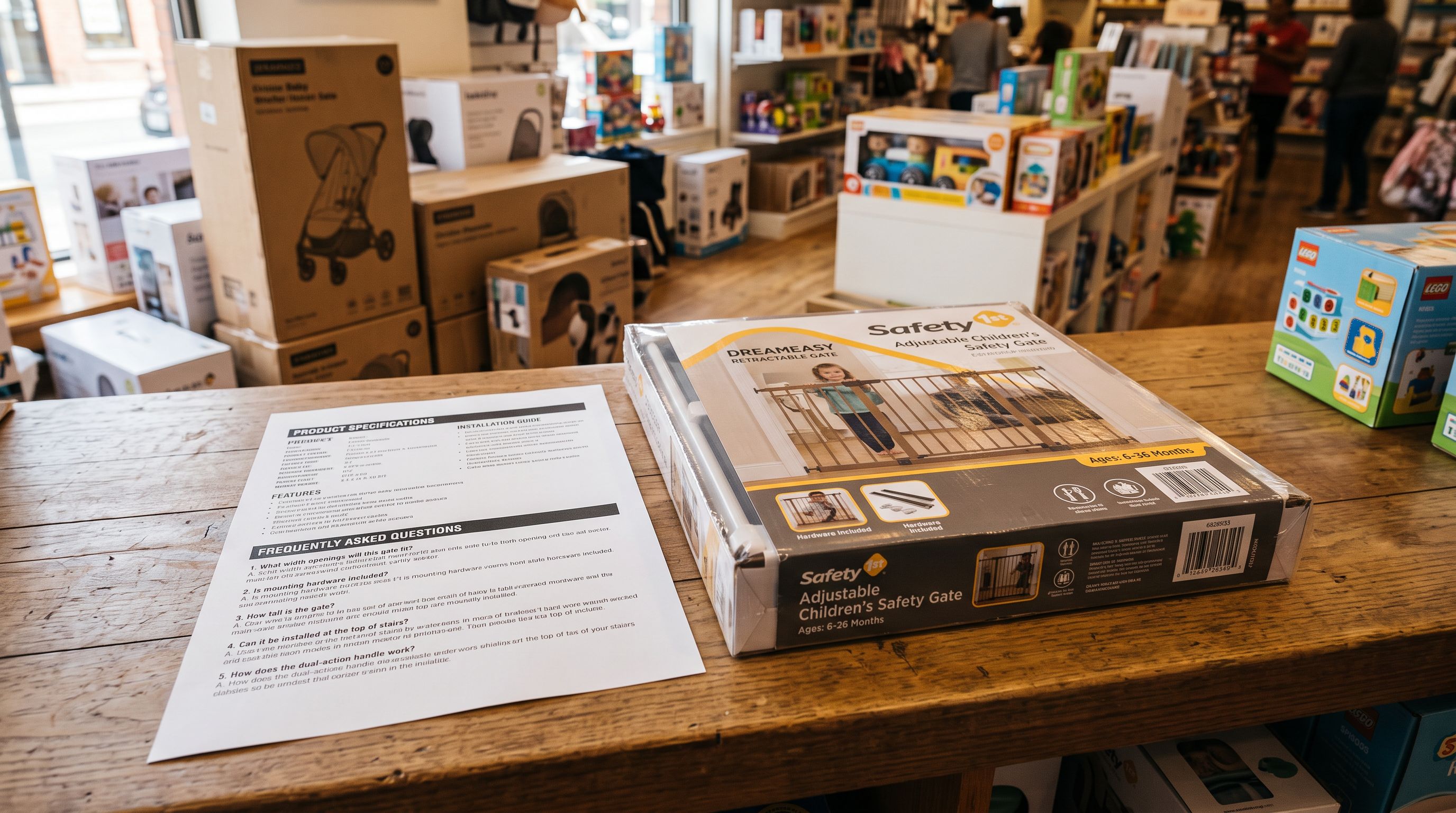
Different collections need different FAQs. Safety gates need certification and installation questions. Corner protectors need adhesive and material questions. Running separate FAQ generation passes per collection produces better questions than running across a mixed catalogue.
-
Three filter options are available: collection (by Shopify collection membership), vendor (by supplier brand), and SKU pattern (by SKU prefix or format). They can be used in sequence across separate runs to cover different product groups.
-
Append mode and Replace mode serve different purposes. Replace overwrites existing FAQs for a clean result. Append adds new questions alongside existing ones. Use Replace for first runs or revisions; use Append when adding to an established FAQ set.
-
200 products across 3 collections, under 30 minutes. Writing those FAQs manually takes 40-80 hours. Importier generates product-specific, category-relevant questions from the product data already in Shopify.
Generate FAQs for your most important collections first at importier.app.
Set up your first import in under five minutes.
Importier brings products into Shopify with AI descriptions, category metafields, and data enrichment on every run.