Shopify Automated Gift Collections: What Import Tags Do
On this page
Shopify Automated Gift Collections: What Import Tags Do
Your Shopify automated Christmas gift guide collections look right on the storefront. "Gifts for Her" shows 48 products. "Gifts Under $50" shows 61. The tag conditions are firing, collection pages render, and product images load. But when you open your Google Shopping campaign structure for December, the custom label data is fragmented across a dozen values; you cannot bid by recipient.
This happens when gift guide collections are built on product-type conditions rather than tag conditions. Product types are the right organisational tool for most Shopify work. But they produce one custom label row per product type in a Shopping feed. A "Gifts for Her" collection containing jewellery, scarves, candles, and skincare generates four separate custom label values when you try to segment the campaign by recipient. The bid structure breaks.
The fix is import-applied tags designed for both systems at once: Shopify collection membership and Google Merchant Centre custom labels. A product that carries the gifts-for-her tag at import joins the automated collection immediately AND maps to a single, clean custom label value in the Shopping feed.
Two Jobs, One Tag
The Two Jobs a Gift Tag Does
Shopify automated collections evaluate tag conditions at product save time. When a product is imported or updated and its tags match a collection condition, the product joins the collection instantly. No manual assignment, no scheduled job, no admin intervention required.
Google Merchant Centre custom labels work differently. Custom labels are set at the product level in a Shopping feed. A feed management app (Google and YouTube channel for Shopify, Simprosys, or similar) reads Shopify product fields (including tags) and maps them to custom label slots custom_label_0 through custom_label_4. When the feed syncs, every product with the tag gifts-for-her sends custom_label_0 = "gifts-for-her" to Merchant Centre. This custom label becomes a biddable dimension in Shopping campaigns: you can apply a bid modifier to all gifts-for-her products regardless of product type.
Both systems depend on the same underlying data: a consistent, lowercase, hyphenated tag on every qualifying product. The tag must be present before the collection evaluates (at product save time) and before the feed syncs (at feed refresh time). Import-time application ensures both conditions are met before either system looks for the data.
According to Shopify's documentation on automated collections, collection conditions are evaluated each time a product is saved. Products that existed in your store before you created the collection do not join retroactively; they join when they are next saved with matching tags. This is the timing rule that catches most merchants when switching from product-type to tag-condition collections.
Why Product-Type Collections Break Shopping Campaign Segmentation
A home goods retailer has 240 gift catalogue products organised into three gift guide collections: Gifts for Her, Gifts for Him, and Gifts for the Home. All three collections use product-type conditions because the merchant created them from their existing product organisation.
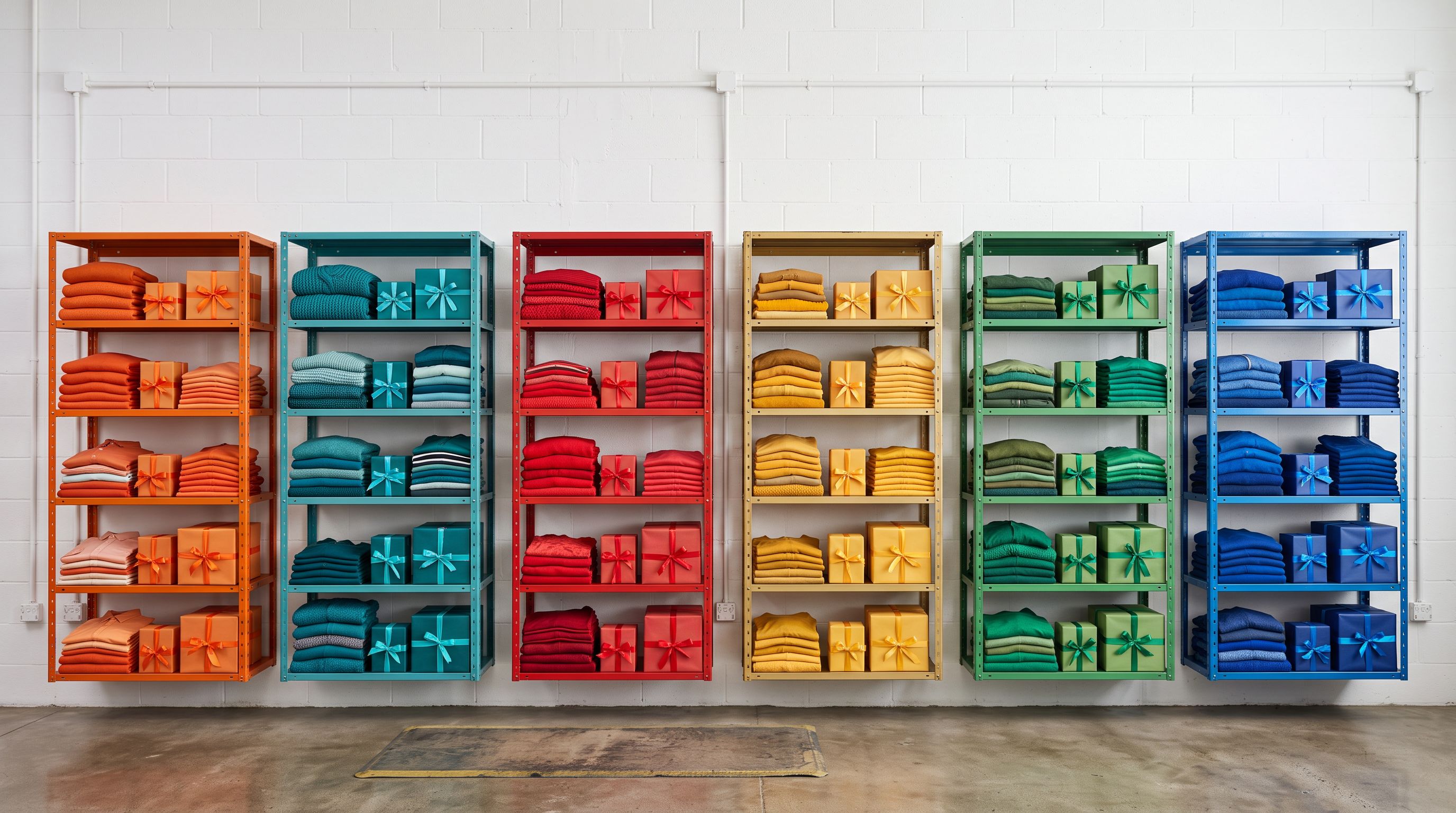
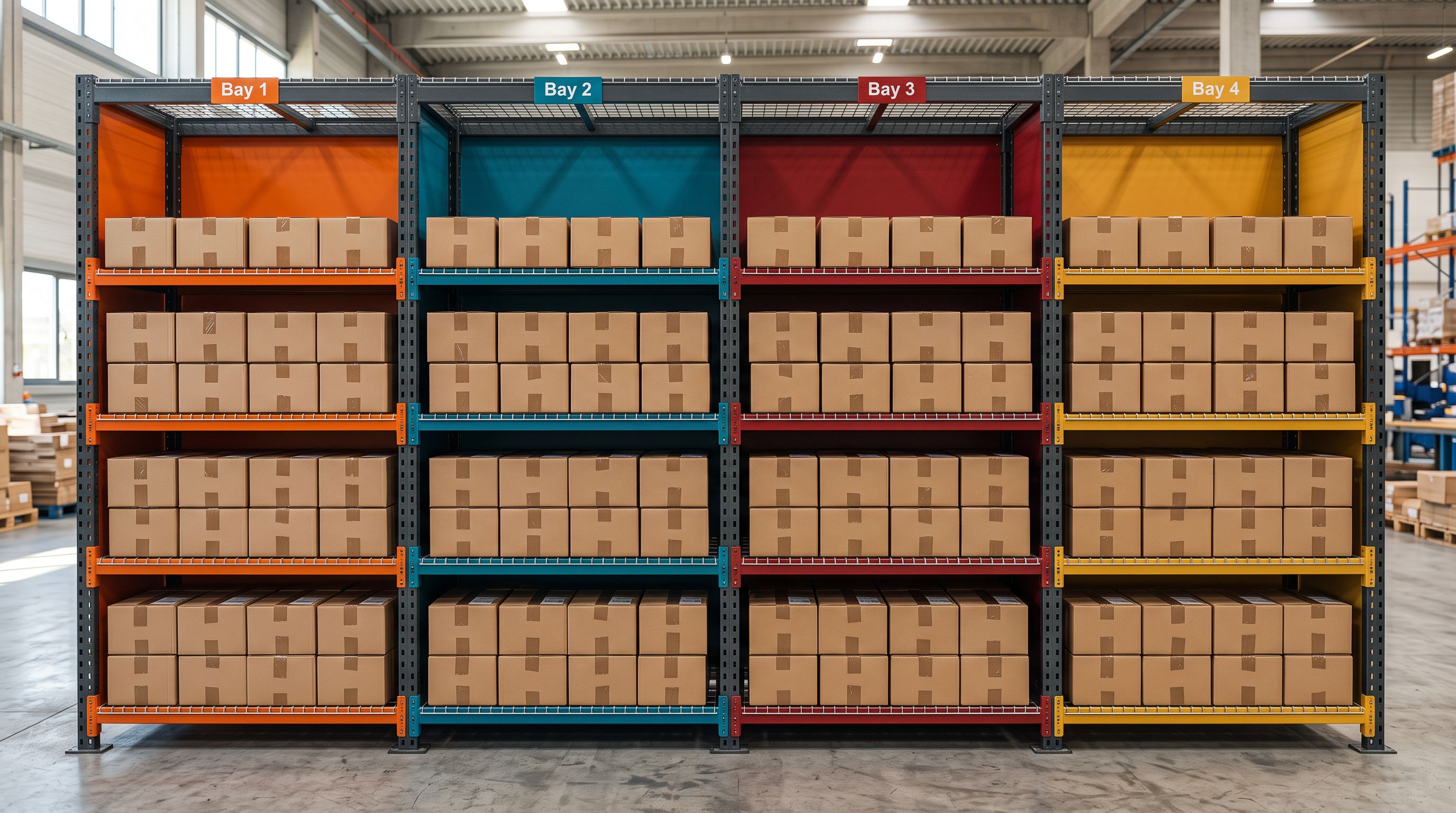
The "Gifts for the Home" collection contains candles (Product Type: Home Fragrance), cushions (Product Type: Home Textiles), picture frames (Product Type: Home Décor), and wall art (Product Type: Art Prints). The Shopping feed maps each product type to a different custom label row. Result: four separate custom_label_0 values for what should be a single campaign segment.
When the merchant sets up a December Christmas Shopping campaign and tries to apply a bid modifier to "Gifts for the Home," there is no single custom label to target. They would need to create four separate ad groups, each targeting a different custom label value, which breaks the gift guide framing entirely and makes performance reporting impossible.
The fix requires two changes: switching the Shopify collection from product-type condition to tag condition, and adding a consistent gifts-for-the-home tag to all 240 products. Import handles the second change in one pass.
Google Merchant Centre's custom label documentation specifies that custom labels are user-defined and can contain any value. The value only becomes useful for campaign management when it is consistent across the full set of products that belong to the same campaign segment. Inconsistent values (different capitalisations, different separators, different terms for the same concept) produce campaign segments that are too granular to bid on.
Structuring Tags for Both Systems
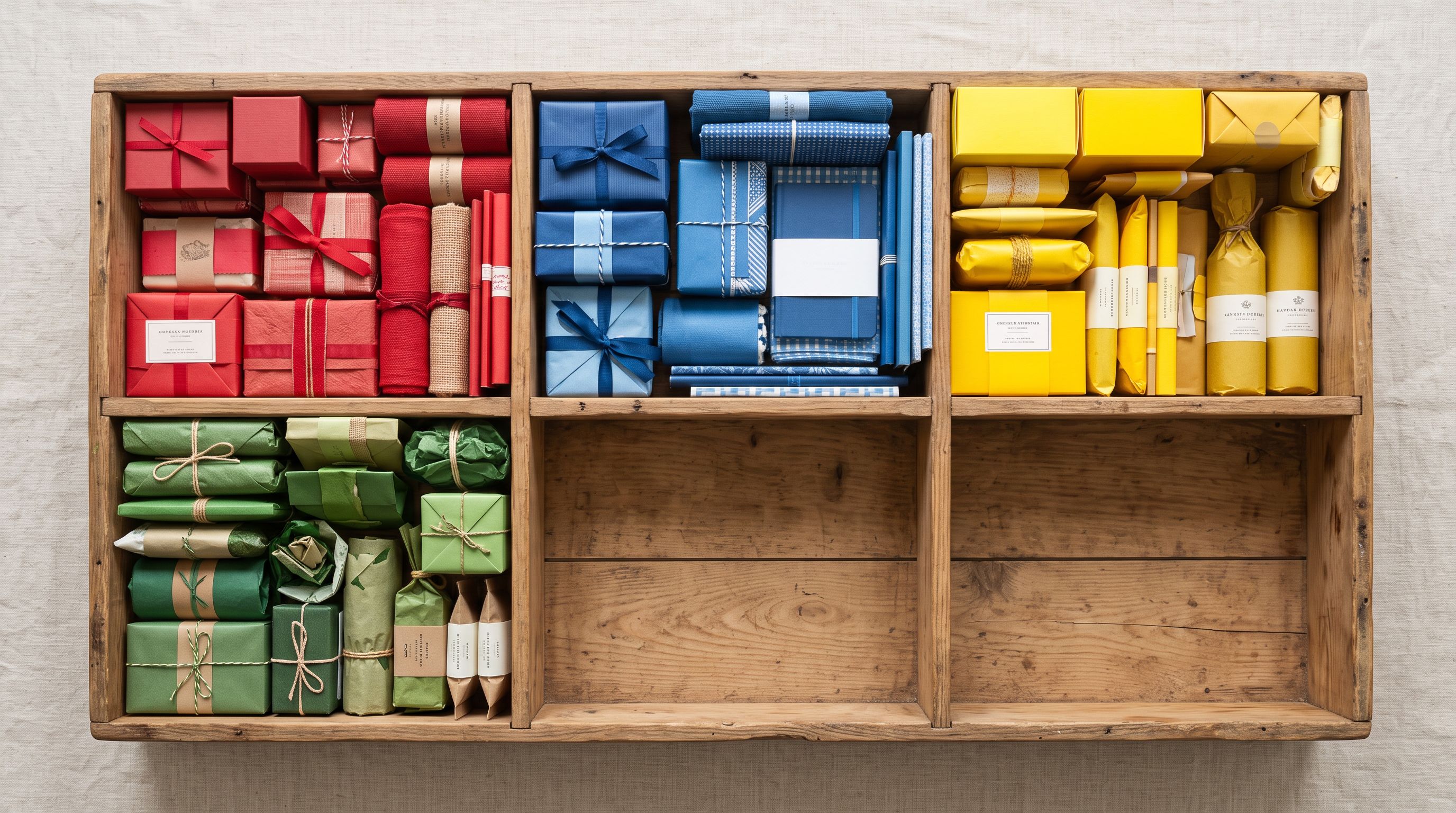
The tag taxonomy must satisfy two constraints: Shopify collection condition matching (exact text match, case-sensitive) and Shopping feed custom label clarity (consistent, recognisable values for bid management).
Recommended tag conventions:
Recipient tags: gifts-for-her, gifts-for-him, gifts-for-kids, gifts-for-the-home, gifts-for-couples: lowercase, hyphenated, unambiguous.
Price tier tags: gift-under-25, gift-under-50, gift-under-100, gift-under-200: consistent prefix, numeric value without currency symbol (currency varies by market).
Occasion tag: christmas-2026, year-scoped so post-season removal archives the Christmas segment without affecting other gift guide tags.
Avoid: mixed case (Gift For Her), spaces (gifts for her), special characters, or inconsistent separators. A collection condition for gifts-for-her will not match a product tagged gifts-for-her (trailing space) or Gifts-For-Her. The same inconsistency breaks the custom label mapping in the feed.
- 01Export your gift catalogue products from ImportierUse the Full Shopify CSV preset and filter to the product set that belongs in gift guide collections. The export captures current tags: you need this to build on existing tags rather than replace them.
- 02Add recipient, price-tier, and occasion tags to the Tags columnFor each product row, add the gift tags using pipe separation: gifts-for-her
- 03gift-under-50
- 04christmas-2026. Keep all existing tags in the same celladding to the Tags column without preserving existing values overwrites them.
- 05Reimport in Replace mode mapping only the Tags columnRun the import with Replace mode and map Handle (for product matching) plus Tags. Every matched product saves with the new tags applied. Products with existing tags retain them; gift tags are added on top.
- 06Create or update Shopify automated collections with tag conditionsIn Shopify admin, set each collection's condition to Tag equals the recipient tag value. Products save as they import, joining the collection immediately. Confirm collection member counts match the product count in the import file.
- 07Map gift tags to custom labels in your Shopping feed appSet custom_label_0 to the recipient tag, custom_label_1 to the price-tier tag. Products with both tags present will carry both custom label values. This enables bid modifiers by recipient and by price tier independently.
The Timing Rules
The Two Timing Rules That Determine Whether This Works
Rule 1: Tags must be on the product when it is saved. Shopify evaluates automated collection membership at product save time. If you create a tag-condition collection first and then run the tag reimport, the reimport save triggers collection membership for each matched product. If you run the tag reimport first and then create the collection, Shopify evaluates current tags against the new condition and adds matching products during collection creation.
Both sequences work. If you create the collection and forget to run the reimport, the collection shows zero products with no error message explaining why.

Rule 2: Custom labels need a feed sync buffer. Most Shopify feed management apps sync to Merchant Centre on a schedule: Google and YouTube channel syncs every few hours for standard fields; custom label changes from updated tags may take 24–48 hours to propagate fully. A tag reimport run on the morning of your campaign launch may not appear in the custom label data for that day's campaign impressions. Complete the tag reimport and verify the custom label mapping by December 10 for a December 15 campaign start.
An automated collection created before the tag reimport runs shows zero products: it doesn't scan backwards. The collection catches products at the moment they are saved with matching tags, not when the collection itself is created.
The same timing logic applies to merchants doing a first-time Christmas gift guide setup. If this is the first year you are building gift guide collections, run the tag import, verify collection membership, then set up the Shopping feed mapping. Do not set up the Shopping campaign structure before the tags are confirmed in Shopify. Campaign segments built on empty custom label values serve broad inventory without the gift guide segmentation you planned.
Enriching Gift Guide Products with Occasion-Specific Descriptions
Once the gift guide collections are built and the tag structure is verified, Store Scanner can apply gift-occasion descriptions to only the products in a specific collection.
Store Scanner's collection filter targets description generation to a named collection rather than the entire catalogue. Set the filter to "Gifts for Her," select the Emotional Storytelling description style, and apply a gift writer persona. Store Scanner generates occasion-first language for each product in that collection specifically: descriptions that frame the product as a Christmas gift for a recipient, not a general-purpose product description.
This matters because a product description written for general SEO ("Soft Italian leather wallet with eight card slots and two note compartments") reads differently from a gift-occasion description ("Give someone the wallet they will reach for every day: Italian leather that softens with use, eight card slots, and room for the notes that matter"). Both are accurate. Only the second works in a gift guide campaign email or a Shopping ad creative.
For a 180-product "Gifts for Her" collection, Store Scanner processes the entire set in one session using the same persona and style settings. The description-length filter catches products already carrying gift-framed descriptions from a previous import. If the existing description is already substantive, they can be excluded from the generation pass.
Connecting the Tag Taxonomy to Your Cross-Channel Christmas Setup
The same tag taxonomy that drives Shopify automated collections and Google Shopping custom labels also works in email marketing and social advertising.
Email platforms that connect to Shopify read product tags for segmentation conditions. A flow triggered by "viewed a product tagged gifts-for-her" can fire a gift-recipient-specific follow-up sequence. The same tag that built the Shopify collection and the Shopping campaign segment builds the email marketing segment automatically.
For the full gift catalogue curation process from an existing Shopify catalogue, including the five-point gift-worthiness filter and the Tags column preservation technique, that article covers the selection workflow. The article you are reading covers what to do with the tags once the curation is complete: collection setup, Shopping feed mapping, and description enrichment.
The tag taxonomy design (the four-dimensional gift classification of recipient, price tier, occasion, and interest) is covered in detail in Shopify Gift Guide Collection Structure. Start there if you are designing a gift taxonomy for the first time. Return here when the taxonomy is designed and you are building the systems that use it.
- Collection populates automatically from existing product types
- Shopping feed maps each product type to a separate custom label row
- 12 product types in a gift collection = 12 fragmented custom label values
- Cannot bid by recipient in Shopping campaign
- Campaign structure breaks when new product types are added to the gift range
- Collection requires consistent gift tag at product save time
- Shopping feed maps one tag value to one clean custom label
- All Gifts for Her products share a single custom label value
- Recipient-based bid modifiers work correctly across product types
- Tag taxonomy is stable; new products join collections by carrying the right tag at import

Key Takeaways
- Import-applied gift tags do two jobs: they trigger Shopify automated collection membership at product save time and populate Google Merchant Centre custom labels when mapped in a Shopping feed app.
- Product-type-condition collections look correct on the storefront but fragment Shopping campaign custom labels. Each product type produces a separate custom label value, breaking recipient-segment bid management.
- Use lowercase, hyphenated, consistent tag values for both collection conditions and feed mapping:
gifts-for-hernotGift For Her. Case and format inconsistencies break both systems. - Shopify automated collections do not evaluate retroactively. The reimport saves tags to products; collection membership is applied at that save event. A collection created before the reimport shows zero products until the reimport runs.
- Complete tag reimport and Shopping feed mapping by December 10 to allow 48–72 hours of feed sync before December 15 campaign launch.
- Use Store Scanner's collection filter to generate gift-occasion descriptions for all products in a specific gift guide collection using a matched persona, without touching the rest of the catalogue.
The tag is the connection between your Shopify storefront and your Google Shopping campaign structure. Import applies it to the right products at the right time. The collection and the campaign segment follow from the same tag value.
Try Importier free at importier.app.
Related Articles
Set up your first import in under five minutes.
Importier brings products into Shopify with AI descriptions, category metafields, and data enrichment on every run.
Free for your first 10 products. No credit card needed.