Shopify Product Descriptions for Google Merchant Centre

On this page
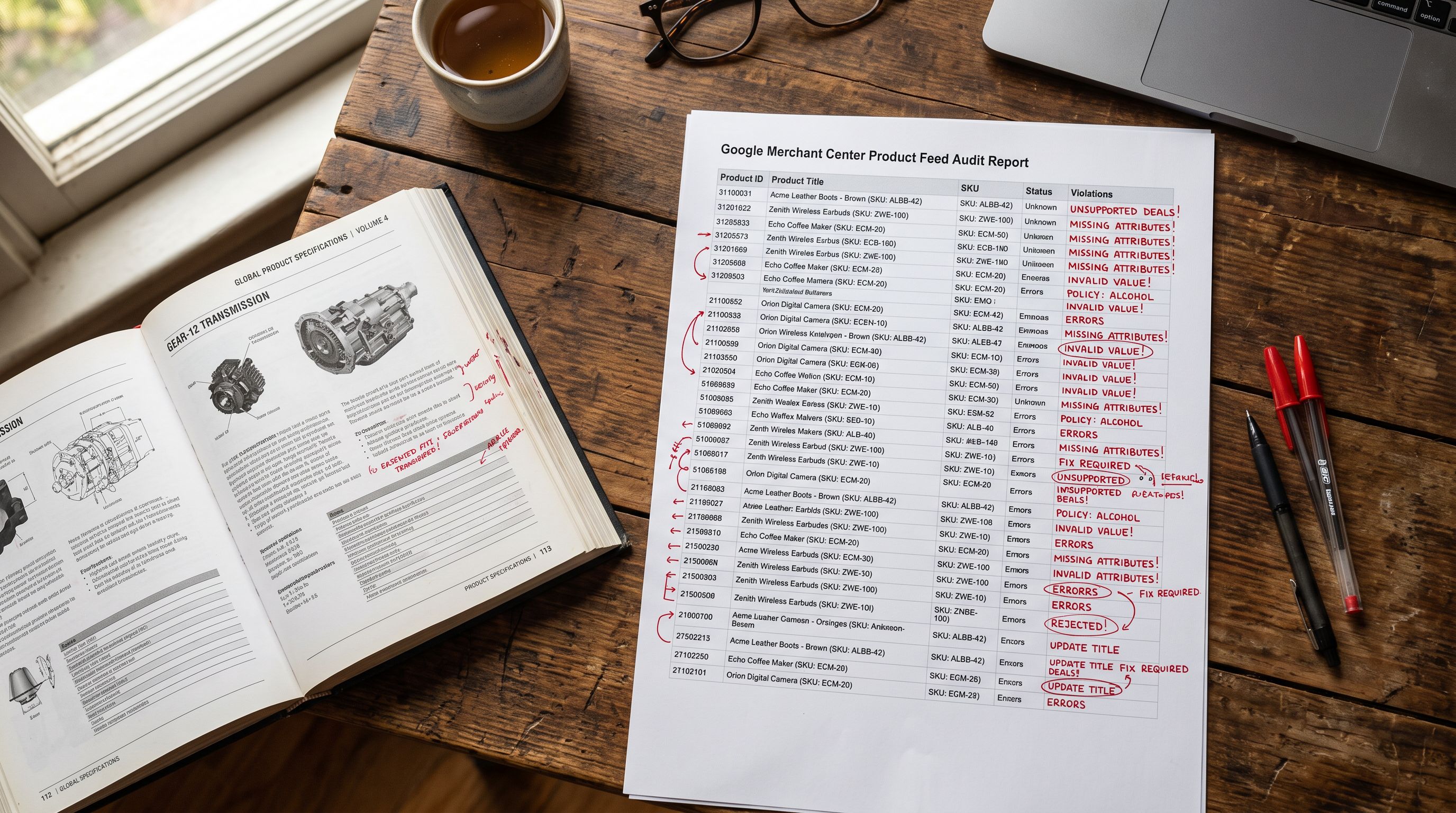
A merchant connects their Shopify store to Google Shopping via the Google channel integration and submits 200 products. Three days later, 18 products come back with a disapproval reason: "Misleading content". The merchant reads the flagged descriptions and sees phrases like "The best waterproofing on the market", "Unbeatable value for adventurers", and "Our most popular trail boot ever".
The products are not misleading. The waterproofing is genuine. But Google cannot verify those claims. "Best on the market" is a comparative assertion that Google has no way to confirm is true. "Most popular ever" is a superlative that may have been accurate when written and false by the time a customer reads it.
This is how shopify google merchant centre product descriptions get disapproved: not for inaccuracy, but for unverifiability. The fix is not to make the claims more accurate. It is to remove them and replace them with specific facts.
What Google Merchant Centre prohibits in product descriptions
Google Merchant Centre's content policies for product descriptions prohibit content that Google cannot independently assess as accurate. The specific categories that trigger disapprovals are:
Superlatives. Words like "best", "cheapest", "most popular", "world-class", "unbeatable", "number one". These are ranking claims. Google cannot verify where a product ranks at any given moment, nor can it confirm a ranking that may have changed since the description was written.
Comparative claims. Phrases that position the product against competitors or the general market: "better than the competition", "outperforms every other brand", "nothing else comes close". Google does not run product comparisons and cannot validate these assertions.
Unverifiable claims without a source. "Clinically proven", "dermatologist recommended", "scientifically formulated" without citing the study, institution, or regulatory body. A sourced claim (with the source named) can be evaluated. An unsourced one cannot.
Promotional language in the description field. Phrases like "limited time offer", "buy now for the discounted price", "free shipping included". GMC has separate fields for promotions. Promotional text in the description field violates the policy separating factual content from marketing communication.
Contact information. Phone numbers, website URLs, email addresses embedded in product descriptions. Google treats these as attempts to redirect buyers away from the Shopping interface.
All-caps emphasis. "The BEST boot for serious hikers": the all-caps word is read as a spam or shouting signal by GMC's content classification.
Why AI-generated descriptions commonly fail GMC
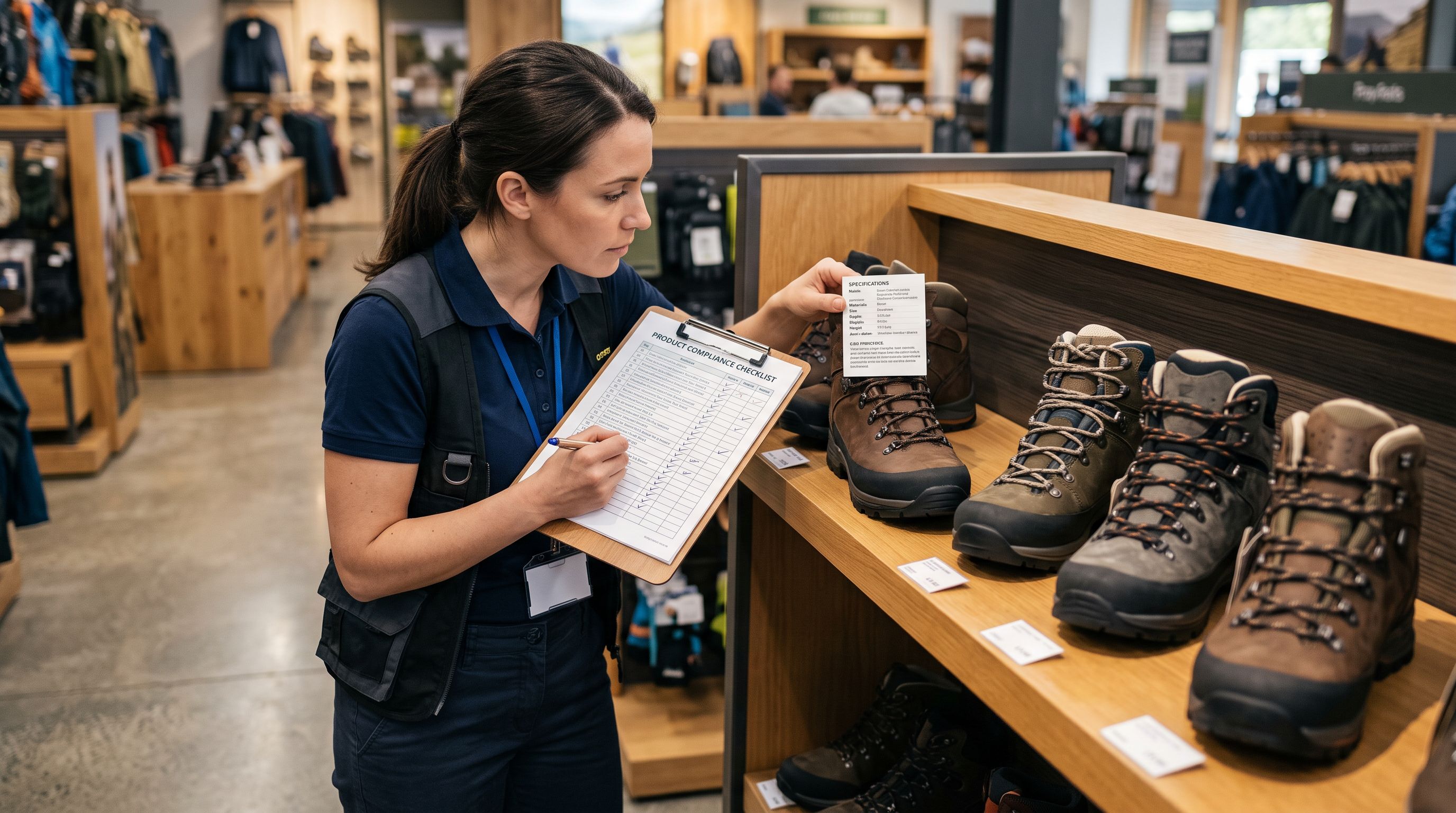
A generic AI prompt ("write a compelling product description for these hiking boots") produces descriptions that are designed to convert. Converting copy uses superlatives, comparisons, and urgency. That is what makes it compelling to a buyer. It is also exactly what GMC prohibits.
Without explicit constraints, the most capable AI models default to marketing language for product descriptions. The reasoning is straightforward: most product descriptions in the training data are marketing copy. The AI produces what it has seen most often.
The result: merchants who use generic AI tools to generate descriptions at scale frequently discover that their Shopping feed has elevated disapproval rates precisely in the descriptions that were most thoroughly rewritten.
Read more about how product description quality affects Google Shopping visibility. The GMC compliance failure mode is distinct from the thin-content problem but both originate in description quality.
A description written to convert a browser is often the same description that fails Google Merchant Centre content review. The two objectives require different outputs.
The difference between a non-compliant and a compliant description
- The best waterproof hiking boots for serious adventurers
- Unbeatable grip that outperforms every competitor in its class
- Our most popular colour now in stock, available in sizes 6 to 14
- Limited time: free delivery when you order today
- Perfect for anyone who demands the best from their gear
- Gore-Tex Pro membrane waterproof to 28,000mm hydrostatic head
- Vibram Megagrip outsole with 5mm lug depth for wet rock and mud
- Available in Dark Olive and Graphite, EU 38-48 (US 6-14), regular and wide widths
- Weight 680g per boot
- Rated for Class 2 alpine terrain
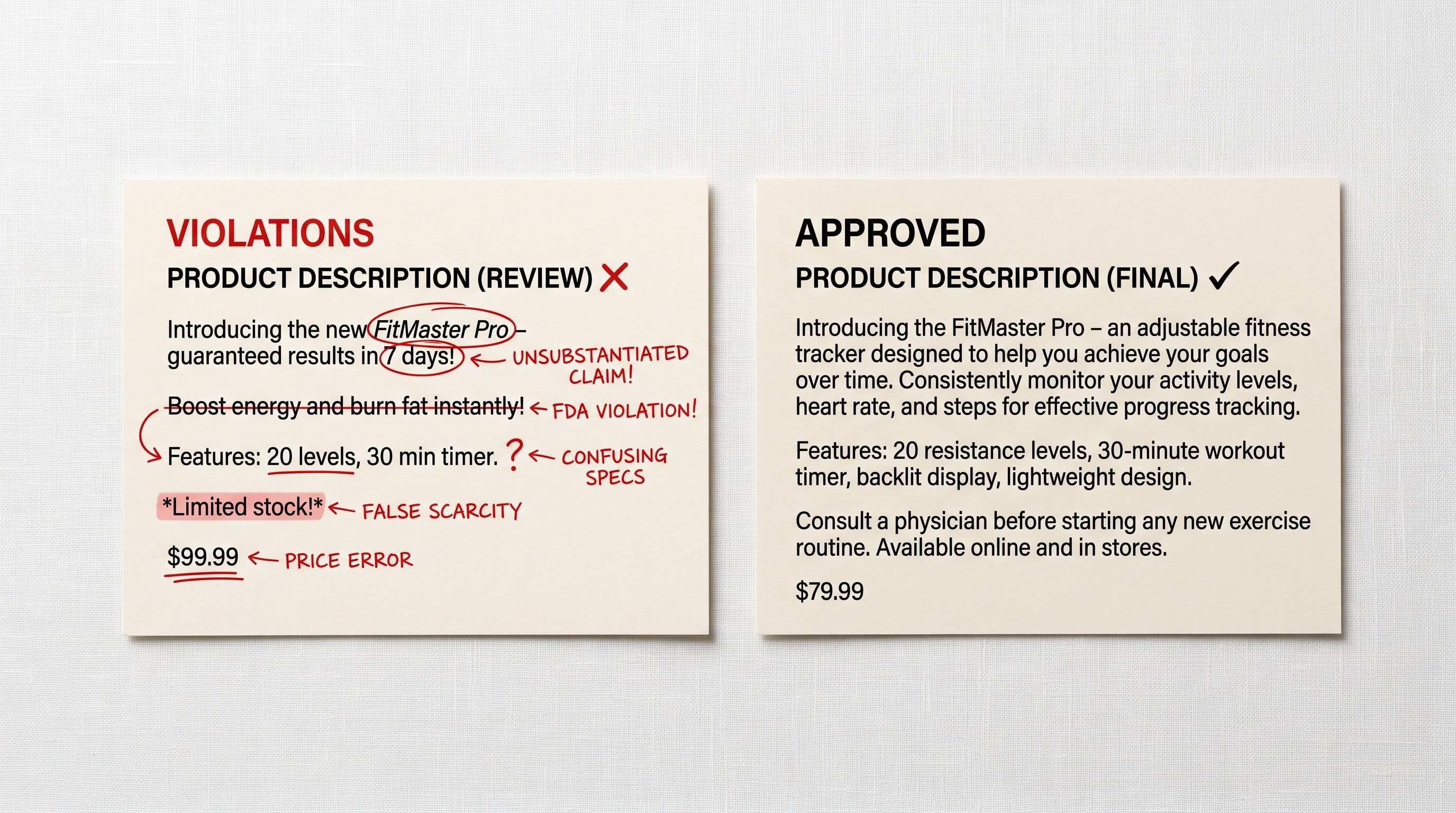
The non-compliant description contains four GMC violations across five sentences: superlatives ("best"), comparative claims ("outperforms every competitor"), inventory claims that may be inaccurate ("most popular colour now in stock"), and promotional language ("free delivery when you order today").
The compliant description contains the same number of sentences and covers the same product. It contains no policy violations. It also answers the question a buyer actually needs answered before purchasing hiking boots: how waterproof, what outsole, what sizes, what weight, what terrain is it rated for.
Setting up Importier's GMC compliance mode
Importier includes a GMC compliance mode for AI description generation. When enabled, the AI receives explicit instructions to avoid superlatives, comparative claims, unverifiable assertions, and promotional language. The output shifts from marketing copy to attribute-dense product description.
- 01Step 1Enable GMC compliance mode in Importier settings. In the AI Description section of your Importier settings, toggle the Google Merchant Centre compliance mode on. This applies to all subsequent description generation in that session: import flow, Store Scanner, and batch jobs.
- 02Step 2Select a description style suited to factual output. Technical Gadget and Benefits-First styles generate the most attribute-dense content under compliance mode. Technical Gadget front-loads specifications before features, which aligns naturally with GMC's preference for verifiable claims.
- 03Step 3Run descriptions through your import or Store Scanner flow. For a new import, compliance mode applies during the description generation step in the import wizard. For existing products, run Store Scanner with compliance mode enabled to regenerate non-compliant descriptions in batch.
- 04Step 4Export the SEO Audit preset to verify the output. After generating, export using the SEO Audit preset. Check the description column for any descriptions that are unusually short. Very short descriptions may indicate the compliance filter stripped too much content. Review those individually.
- 05Step 5Resubmit the Shopping feed and monitor disapprovals. After updating descriptions in Shopify, the Google channel integration resyncs the feed on its next sync cycle. In Google Merchant Centre, monitor the Diagnostics tab for the disapproval rate on the items that were regenerated.
GMC-compliant descriptions perform better across AI search
The same attributes that satisfy GMC content policy also perform better in AI-generated search responses. Google's product requirements for Shopping establish a baseline for data quality. The content policy for descriptions reinforces this by requiring that descriptions be factual and specific.
A description that states "Gore-Tex Pro membrane waterproof to 28,000mm hydrostatic head" is both GMC-compliant and a direct answer to a buyer query for "waterproof jacket heavy rain". An answer engine reading that description can cite it as a source for the query. A description that says "the most waterproof jacket you will ever own" is neither compliant nor citable: it states a superlative that cannot be verified and does not contain a specific enough answer to a measurable question.

Read more about how Shopify product structured data and description quality interact with Google's Shopping surface. The schema.org description property maps directly to the description field, so GMC-compliant descriptions improve both the policy status and the structured data quality simultaneously.
Identifying non-compliant descriptions in existing catalogues
For merchants with established catalogues written in marketing copy, the identification step is as important as the fix.
Export your catalogue using Importier's Descriptions Only export preset. This produces a CSV with product ID, title, handle, and description. Search the description column for common non-compliant patterns:
- Descriptions that begin with "The best", "Our most popular", "Introducing"
- Descriptions that contain "unbeatable", "amazing", "incredible", "perfect", "guaranteed"
- Descriptions that contain "buy now", "order today", "limited time", "free shipping"
- Descriptions shorter than 100 words (often the most formulaic, template-based ones)
The last group matters: very short descriptions tend to rely on a template with a superlative opener, a vague feature claim, and a CTA: exactly the pattern GMC rejects. Longer descriptions tend to be more specific because there is more content to fill.
Read more about how to use Store Scanner to add and update descriptions across your Shopify catalogue. The same batch flow handles replacing non-compliant descriptions.
After fixing: what to watch in Google Merchant Centre
Monitoring GMC after regenerating descriptions
After regenerating descriptions with compliance mode enabled and pushing them to Shopify, the Google channel integration picks up the changes on its next sync (typically within 24 hours, though Google Merchant Centre's item processing timelines vary by catalogue size and change volume).
In GMC Diagnostics, watch the "Disapproval reasons" panel for the "Misleading content" category. A successful fix shows a downward trend in that category over the 72 hours after the feed processes. If the count does not drop, check whether the feed has resynced (not all theme configurations push description updates immediately).
Two things to verify after the feed syncs:
The offers/availability field in the structured data must match the actual inventory status. A product described accurately but marked as "in stock" when out of stock generates a different disapproval ("Incorrect price or availability") that compliance mode does not address. This is a Shopify inventory field, not a description field.
The brand/name field in schema.org maps to Shopify's vendor field. A product whose vendor is set to your store name instead of the manufacturer brand may generate a "Missing brand" disapproval separate from any description issue. Read more about how Shopify product page structured data maps to schema.org fields for the full field mapping.

What to take away
Google Merchant Centre's content policy for product descriptions enforces one clear standard: descriptions must be verifiable. Superlatives, comparative claims, and promotional language are not verifiable, and they trigger disapprovals regardless of whether the underlying product is excellent.
Key points:
- GMC prohibits superlatives ("best", "most popular"), comparative claims ("outperforms the competition"), unverifiable assertions ("clinically proven" without a source), and promotional language ("buy now") in the description field.
- Most AI-generated descriptions fail GMC compliance because generic AI prompts produce marketing copy. Marketing copy optimised for conversion contains the exact patterns GMC prohibits.
- Importier's GMC compliance mode instructs the AI to generate factual, attribute-dense descriptions that describe what the product is, not how the merchant ranks it.
- GMC-compliant descriptions are also better answer sources for AI search features. Specificity serves both compliance and discoverability.
- For existing non-compliant catalogues, export the Descriptions Only preset to identify problem patterns, then use Store Scanner with compliance mode to regenerate at scale.
Try Importier free at importier.app: GMC compliance mode, AI description generation across 18+ models and 7 styles, and Store Scanner for batch updates to existing catalogues.
Set up your first import in under five minutes.
Importier brings products into Shopify with AI descriptions, category metafields, and data enrichment on every run.