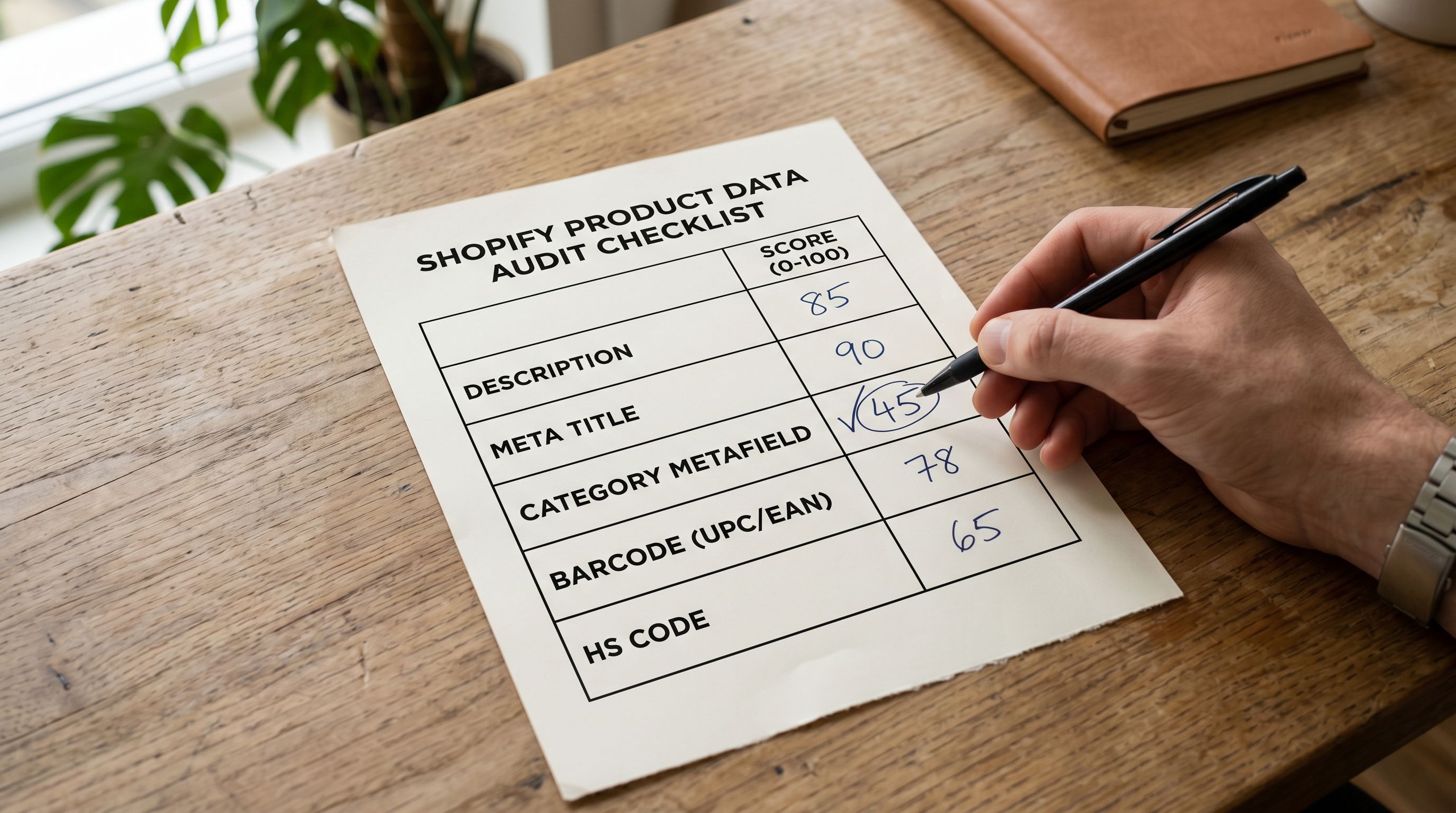
Shopify Product Data Completeness Audit: December 15

On this page
Shopify Product Data Completeness: Close Catalogue Gaps Before December 15
A Shopify product data completeness audit in the first week of December finds the gaps that BFCM traffic masked. Black Friday shoppers browse quickly and act on price. December shoppers compare, deliberate, and read. They want to know what the product weighs (for freight estimates), how it compares to the full price (to judge the offer), and what category it sits in (to find it via collection filters). They also rely on product descriptions and images to decide whether a gift is right for the recipient.
BFCM traffic can mask product data gaps because shoppers act on price regardless of completeness. December traffic does not. A product without a description, missing a compare-at price, or absent from a product type shows the gaps it has always had. But in December, those gaps cost conversions.
December 15 is the practical cutoff. After that date, merchant attention turns to fulfilment, shipping deadlines, and operations. Any catalogue work that does not happen before December 15 happens in January.
The Five Fields That Cost You in December
Why These Five Fields Affect December Conversion
Not all missing data costs equally. Five fields create the most impact on December conversion, Shopping ads, and collection navigation.
Product description: Gift purchases require persuasion. A product page with no description or a placeholder does not tell a gift buyer what makes this product right for the recipient. Description quality also affects Google Shopping ranking, since Google parses the description for relevance signals.
Featured image: Shopify collection pages pull the featured image for each product card. A missing featured image displays a grey placeholder. In December, collection pages serve as gift guide browsing. A placeholder image breaks the visual flow and makes the product look unpublished.
Product type: Shopify uses product type for collection filter logic and for Google Shopping category mapping. A missing product type means the product may not appear when a shopper filters by category on a collection page. Google Merchant Centre may also mis-map the product to a broader category with weaker ad targeting.
Compare-at price: The compare-at price produces the strikethrough pricing and percentage discount label on product cards and pages. For December gifting, the compare-at price communicates value: a $45 item shown as "was $70" reads as a gift worth giving. Without it, the same item displays only its price with no context, no perceived value signal.
Weight: Shopify uses product weight for shipping rate calculation at checkout. A missing weight displays either a default rate or no estimate at all. For shoppers deciding before a December 20 delivery deadline, an inaccurate or absent shipping estimate is a reason not to complete the purchase.
Running a Shopify Product Data Completeness Audit
Importier's Store Scanner scans your existing Shopify products for missing or short descriptions and surfaces them in a filtered list. For a completeness audit, the workflow extends beyond descriptions: you use the scanner to identify products with gaps, then export and fix across all five fields via reimport.
The audit starts with a targeted scan rather than a full-catalogue scan. A lifestyle accessories merchant with 450 products might have 110 of those products sitting in a "Christmas Gifts" collection. Running the Store Scanner against that collection first shows exactly which of those 110 products lack descriptions, so the audit focuses on the products with December relevance rather than working through catalogue order.
Exporting the full data picture
The Store Scanner identifies missing descriptions, but the other four fields require an export. Importier's Product Export feature includes several presets: the SEO Audit preset outputs handle, title, description, product type, and tags; the Pricing preset adds compare-at price; the Full Shopify CSV preset includes variant weight. For a completeness audit, run the Full Shopify CSV export filtered to the same collection you scanned.
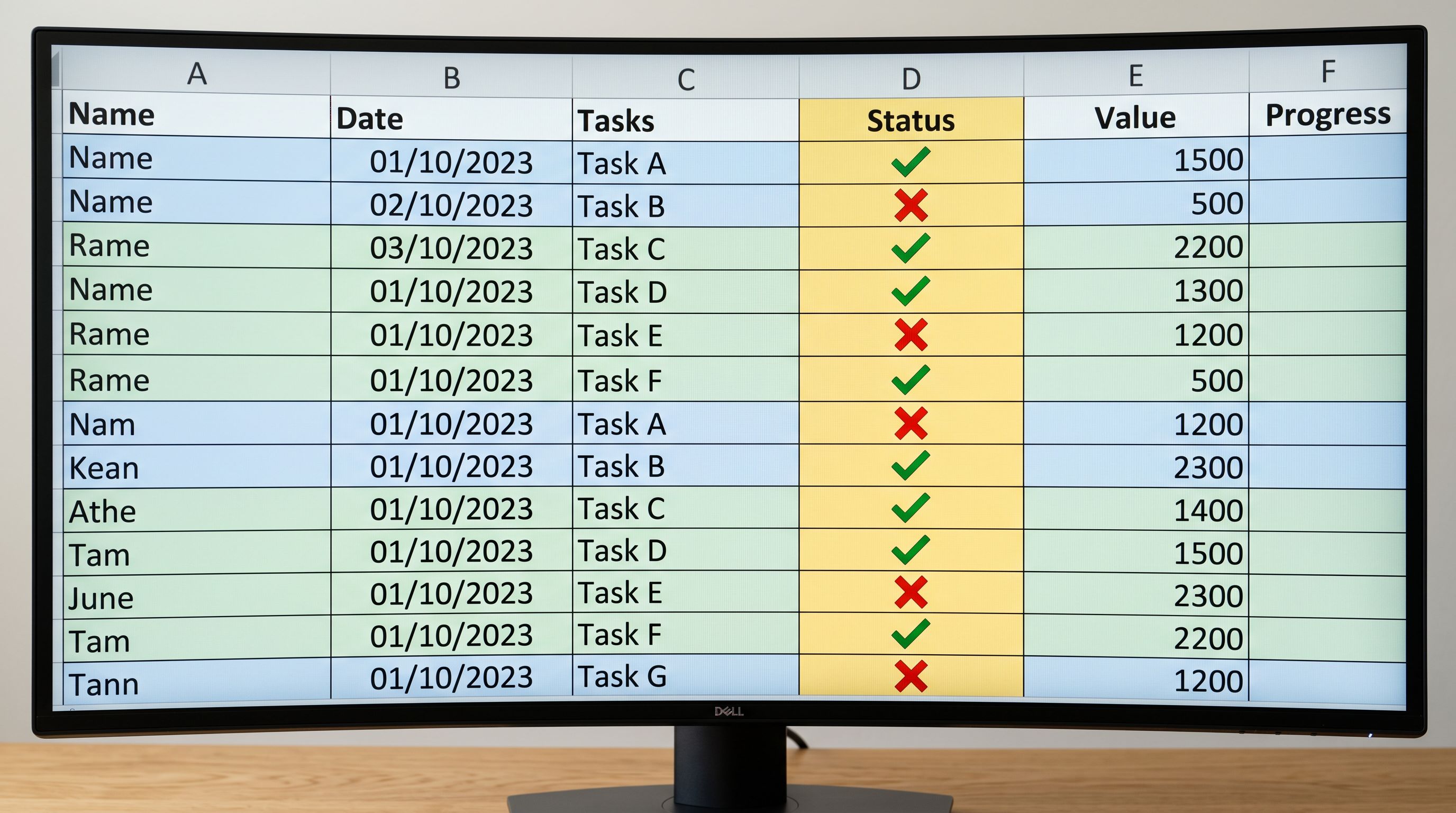
In the downloaded spreadsheet, add status columns for each of the five fields: "has description", "has image URL", "has product type", "has compare-at price", "has weight". A Y/N flag based on whether the cell is populated. Sort by the count of N values per product. The products at the top of this sorted list carry the most gaps and the most risk going into December.
Fixing via reimport
A reimport file needs only the product Handle column plus the specific columns you are adding or correcting. You do not need to resubmit the full product record. Build a fix file with Handle, Product Type, Variant Compare At Price, and Variant Grams columns. Fill in the values for each product that has a gap. For descriptions, use the Store Scanner's AI generation workflow directly in Importier. It generates descriptions for all flagged products in the filtered collection in one session, using whichever AI model and description style you configure for that run.
- 01Filter Store Scanner to your top December collectionRun the scan against your gifting or Christmas collection. Note which products surface as missing or short descriptions.
- 02Export product data for the same collectionUse the Full Shopify CSV export preset filtered to the same collection. Download and open in a spreadsheet.
- 03Identify gaps across all five fieldsAdd Y/N status columns for description, image, product type, compare-at price, and weight. Sort by the count of N values per row.
- 04Generate missing descriptions in ImportierReturn to Store Scanner, filter to the same collection, and use AI generation to fill descriptions for all flagged products. Review before pushing.
- 05Build a reimport file for the remaining fieldsCreate a CSV with Handle plus Product Type, Variant Compare At Price, and Variant Grams columns. Fill in correct values only for products with gaps.
- 06Import the fix fileDrop the reimport CSV into Importier and run the import. The file updates only the columns present and all other product data is untouched.

Prioritising by Revenue Impact
Fix the Top 10% of Products First
A 450-product catalogue with widespread data gaps is a triage problem. Attempting to fix every missing field across the entire catalogue before December 15 is not realistic. The practical approach is to identify the 10% of products driving the majority of December traffic and fix those first.
Pull your Shopify analytics for the most recent 60 days, covering the BFCM period, and sort by product page views or units sold. Take the top 45 products (10% of a 450-product catalogue). Cross-reference against the gap spreadsheet from the audit. Products that appear in both lists, high traffic AND data gaps, are your critical fixes.
The pareto principle applies here: fixing the top 10% of products by traffic typically closes 70-80% of the revenue impact of data gaps, because a small share of products drives the majority of purchases. A product that gets 60 page views per week in December but lacks a compare-at price or description is an active conversion problem. A product with 2 page views per week that lacks a weight entry is a background issue that can be resolved in January without meaningful revenue cost.
For the top-priority products, some fields require a business decision rather than just data entry. Compare-at price needs a judgement call: what is the reference price you are comparing against? Product type needs to reflect the category conventions your team uses. These decisions take five minutes per product at most, but they cannot be automated. For descriptions, Importier handles generation automatically. The Store Scanner filters to the specific products needing work and generates descriptions for all of them in one batch.
Fixing product data gaps by traffic rank is the difference between a December 15 deadline you can meet and a whole-catalogue project that runs into January.
What Passes Through the Gaps in December
The fields that cost the most in December are the same fields that break downstream systems at the moment those systems pull product data. Email platforms, Shopping ads, and app integrations all query your Shopify catalogue in real time. They do not cache the data at setup time.
An email platform sending a "last chance for Christmas delivery" campaign pulls product images and descriptions from your Shopify catalogue at send time. Products that lack featured images appear as blank image blocks in the email. Products without descriptions show only the product title. For a 10,000-subscriber list, blank product cards in a December campaign represent lost clicks on products that were otherwise eligible to convert. The Christmas email product data guide covers the November 20 deadline for syncing email platform metafields, but that deadline assumes description and image completeness is already resolved.
According to Google Merchant Centre's product data specification, the google_product_category attribute can be inferred from product type, but only when product type is present and maps to a recognisable category. Missing product types result in broader category assignment, weaker ad targeting, and higher cost-per-click for the same impressions in December Shopping campaigns.
Shipping estimate apps and carrier-calculated rates use Variant Grams (weight) to calculate the checkout shipping estimate. A missing weight either falls back to a default flat rate that may not reflect the actual freight cost, or shows no estimate at all. For shoppers comparing two products side by side, the one with a confirmed shipping estimate and a specific order-by deadline, covered in the Christmas shipping deadline metafield guide, is the one that converts.
Shopify's Admin REST API documentation for the product resource lists all standard product fields including product type, weight unit, and the variants object where compare-at price and weight sit. Each of these fields has a defined data type: compare-at price is a decimal, weight is a float, product type is a free-text string. The fields are not optional in the API schema, but they are optional at product creation, which is why gaps accumulate.
The Store Scanner Replace and Append Modes
One behaviour worth understanding before running the audit: Importier's Store Scanner generates descriptions only for products with missing or short existing content when you use Replace mode. If a product already has a description that is 50 words long and you have set a minimum length of 150 words, the scanner flags it as short and replaces it.
If you want to add to an existing short description rather than replace it, use Append mode. This keeps the original text and places the AI-generated addition after it. This matters for products that have a manually written description where the merchant has specific language they want to preserve. The AI-generated addition appears after the existing text rather than overwriting it.
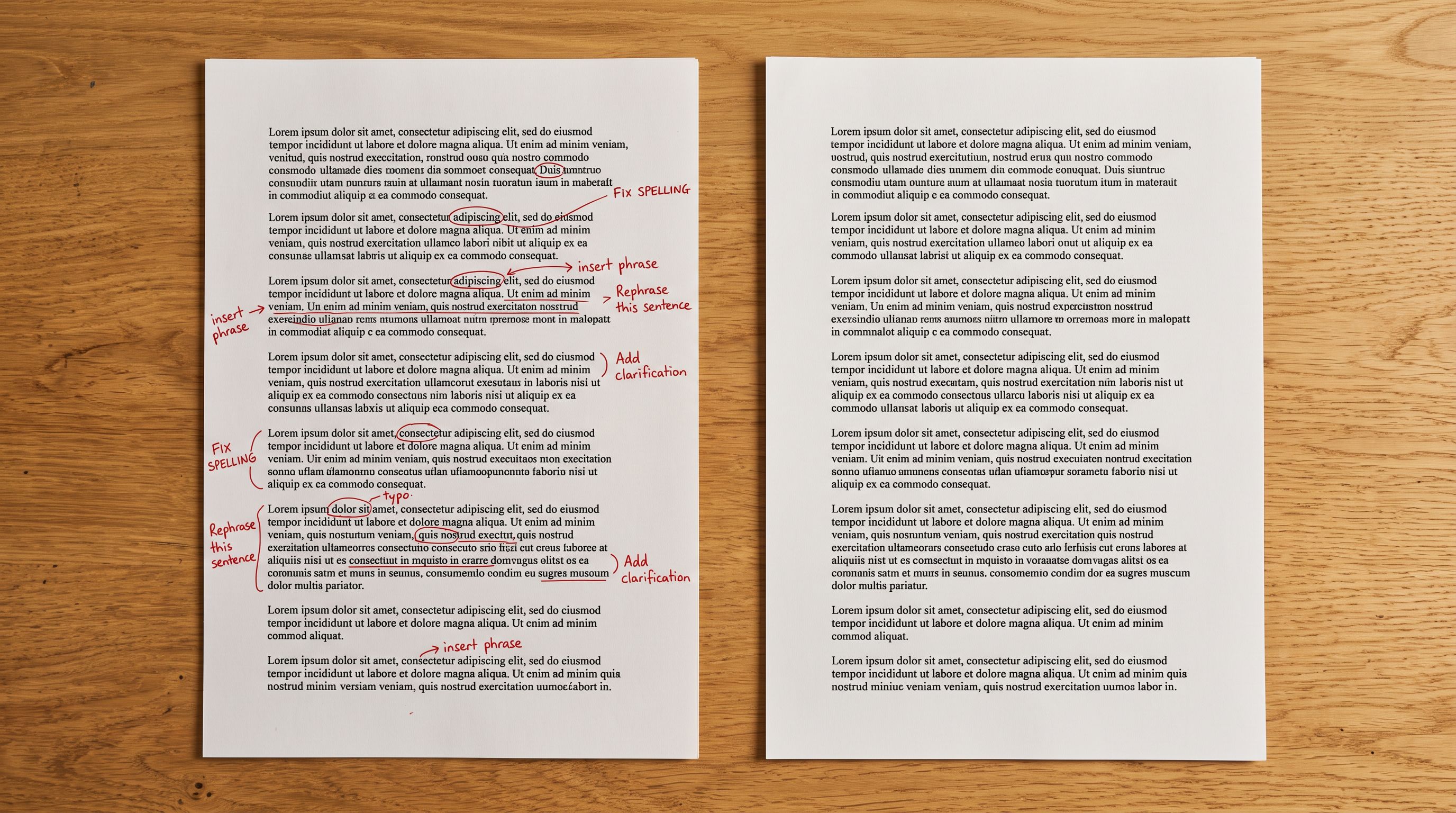
For the December completeness audit, Replace mode is typically the right choice for products with placeholder text or descriptions under 100 words. Append mode is appropriate when a product has a usable existing description that simply needs more detail for a gift audience.
After the Audit: Completeness as a Default
A December completeness audit is a one-time effort that becomes a permanent process improvement if you build one rule from it: every product imported into Shopify must include product type, compare-at price (where applicable), and weight columns in the import file before it goes into a December collection.
For descriptions, Importier generates them at import time via the AI generation flow, so there is no separate step. For images, Shopify's native product import accepts an image URL column. Neither of these requires manual work after the import is complete.
The merchants who reach December 15 with complete product data are not the ones who did a last-minute audit. They are the ones who treated completeness as a requirement for publication rather than something to fix later. The Store Scanner makes "fix it later" fast when it does happen, but the goal is not to need it every December.

- Open each product in Shopify admin to check individual fields
- No collection-level overview of which products have gaps
- Descriptions require writing each one manually
- No revenue-based priority: gaps found in catalogue order
- Reimport requires building a fix file from scratch each time
- Store Scanner filters by collection to surface missing descriptions immediately
- Full CSV export gives a gap view across all five fields in one spreadsheet
- AI generation fills missing descriptions for the entire filtered collection in one session
- Revenue-sorted gap list from analytics and export combined tells you what to fix first
- Same export-reimport workflow is reusable for quarterly catalogue audits
Key Takeaways
- Five fields drive December conversion impact: description, featured image, product type, compare-at price, and weight. Missing any of them costs at different points in the purchase journey.
- Run the Store Scanner against your top December collections first. Filtering by collection focuses the audit on products with the most December revenue exposure rather than working through catalogue order.
- Fix the top 10% of products by traffic first. Cross-reference your analytics and your gap spreadsheet. Products in both lists are the critical fixes before December 15.
- For descriptions, the Store Scanner generates them in bulk for the filtered collection. For product type, compare-at price, and weight, build a reimport CSV with Handle plus those three columns.
- Product data gaps propagate into downstream systems the moment those systems pull data. A missing image in Shopify becomes a blank card in a December email campaign. A missing product type becomes a broad category mis-match in Shopping ads.
Run your Store Scanner completeness audit at importier.app.
Related Articles
Set up your first import in under five minutes.
Importier brings products into Shopify with AI descriptions, category metafields, and data enrichment on every run.
Free for your first 10 products. No credit card needed.