Shopify Product Description Styles: Pick the Right One
On this page
A merchant generating AI descriptions for a jewellery catalogue uses the Standard shopify product description style. The output reads like a product specification sheet: metal type, stone count, dimensions, finish. Technically correct, completely cold. The buyer wanted occasion-setting warmth. The merchant switches to Emotional Storytelling. The first description opens with a Tuesday that becomes a memory. The merchant reads it and immediately understands: the style, not the model and not the persona, was the variable that needed to change.
Importier's 7 shopify product description styles govern the structure and register of every description the AI produces. They are a distinct setting from the AI model (which determines language capability and cost), the persona (which determines vocabulary and domain expertise), and the tone (which determines formality). A merchant who changes only the model and wonders why descriptions still feel wrong has probably left the style on its default setting for years.
What Description Styles Actually Control
Style is the blueprint the AI follows when building a description. It determines where the description opens, what order information appears in, and whether the register is experiential, functional, or analytical.
This is separate from persona and tone. A "Fashion Retail Buyer" persona using a Luxurious tone in Standard style produces an orderly, formal description of a dress: fabric, construction, occasion. The same persona, same tone, in Emotional Storytelling style produces a description that opens with the occasion and earns the specification detail. Both use the same vocabulary and formality level. Only the structure and entry point change.
Understanding what each style builds is the fastest way to make the right choice for a catalogue.
The 7 styles explained
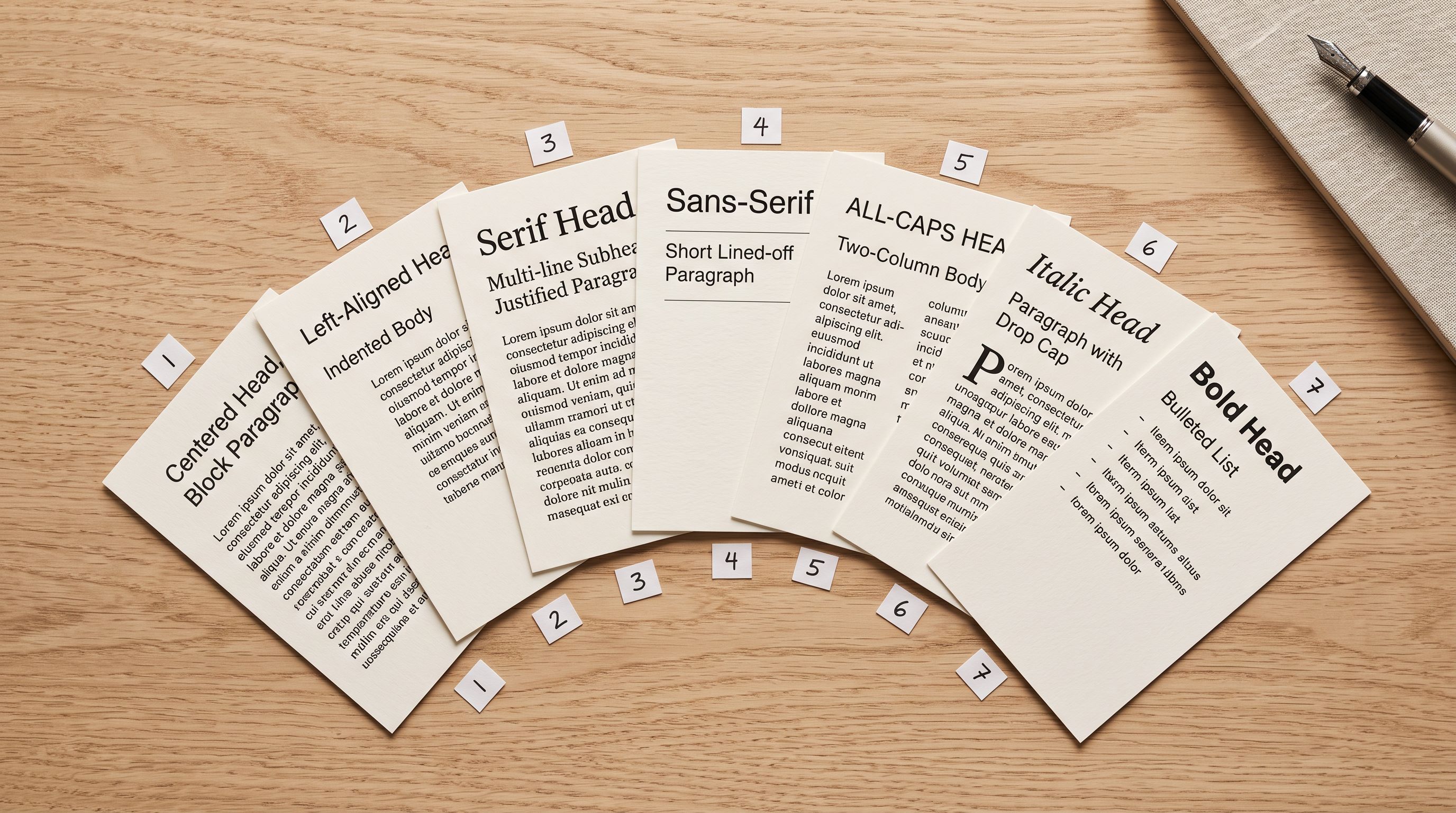
How Each of the 7 Styles Works
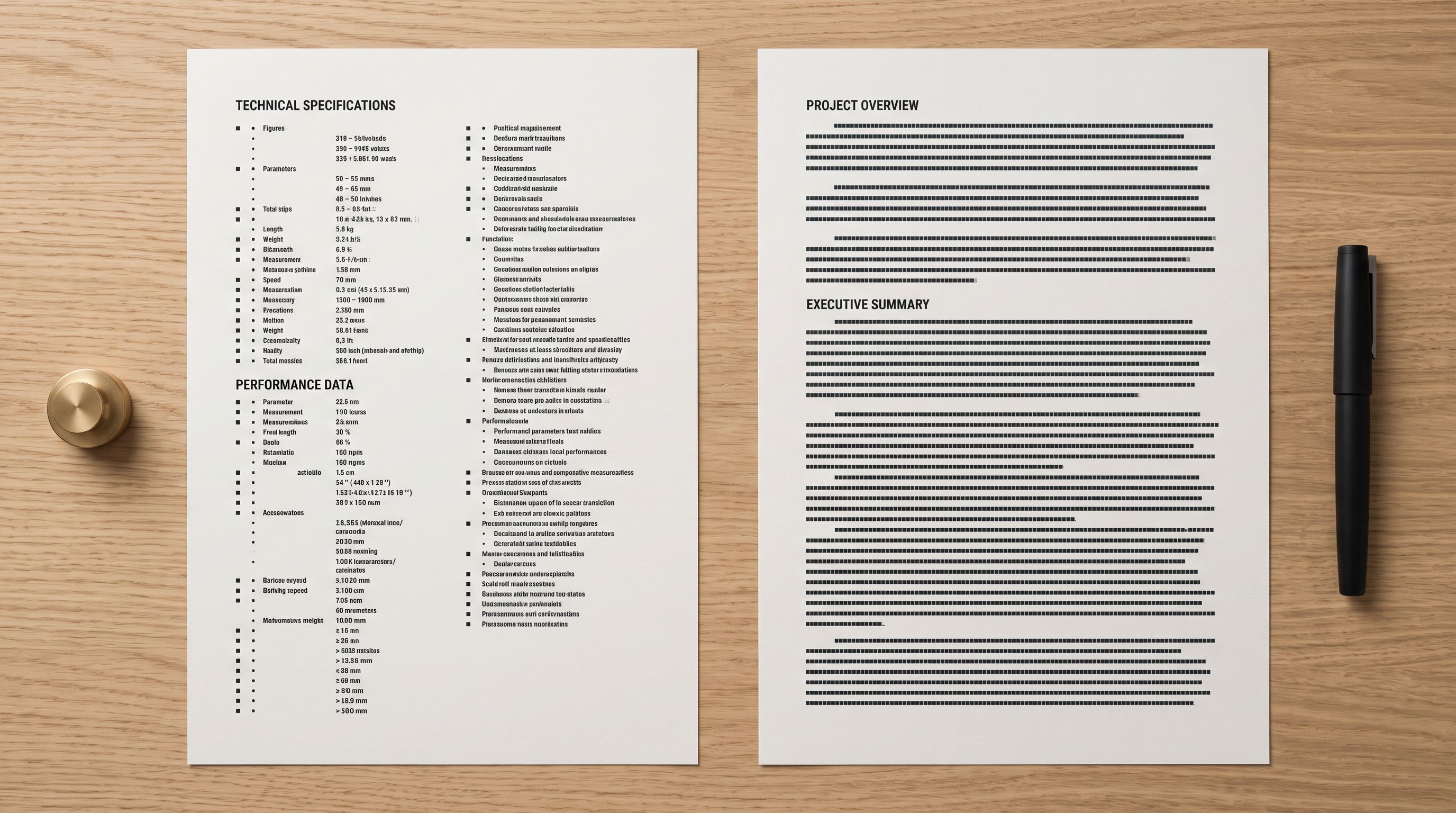
Standard opens with a category statement and a key specification, follows with a feature list, and closes with an application or suitability note. It suits high-volume catalogues with consistent product types where efficiency matters more than emotional pull: hardware, office supplies, agricultural inputs, replacement parts.
Technical Gadget leads with specification data: wattage, compatibility, dimensions, operating parameters. It then explains use cases after the specs are established. It suits electronics, tools, industrial equipment, and any product where a buyer needs to verify a specification before reading anything else.

Emotional Storytelling opens with a scene, an occasion, or a feeling before the product is mentioned by name. The specification and feature content comes after the emotional frame is established. It suits fashion, gifts, home decor, jewellery, and lifestyle products where the buyer decision is more aspirational than functional. See the full Emotional Storytelling descriptions guide for examples across fashion and home decor categories.
Benefits-First opens with the outcome the customer gets, then justifies that outcome with the feature that produces it. The structure is outcome → feature → validation for each key point. It suits health and wellness products, supplements, fitness equipment, and anything with a clear problem-to-solution arc where a reader arrives with a specific improvement in mind.
Sensory-Rich builds the description through sensory language: how the product feels, sounds, weighs, smells, or tastes. Material descriptions use texture vocabulary. Flavour descriptions use layered sensory sequencing. It suits food and beverage, beauty, textiles, candles, and handmade goods where the in-hand experience cannot be replicated but can be made imaginable. The Sensory-Rich description guide covers how this style performs for textiles and F&B specifically.
Ingredient Spotlight dedicates a paragraph or structured section to each key material, ingredient, or component. Rather than listing ingredients in a sentence, it explains each one: what it is, where it comes from, why it is in this product. It suits skincare, supplements, F&B products with multiple notable ingredients, and handmade goods where the "what's in it" question is a purchase driver.
Custom lets a merchant define up to 10 section headings of their own. For a step-by-step walkthrough of configuring Custom style to match a Shopify theme's accordion structure, see Shopify product description custom sections. The AI writes content for each heading in sequence. It suits merchants whose product page theme has a fixed accordion structure with specific section labels such as "Material", "Care Instructions", or "Sizing Notes", where the generated content needs to match the theme's expected headings exactly.
- 01Step 1Identify what your buyer decides on first. If they check a specification before reading anything else, start with Technical Gadget or Standard. If they imagine themselves using the product before checking specs, start with Emotional Storytelling or Sensory-Rich. If they arrive with a specific problem to solve, start with Benefits-First.
- 02Step 2Generate the same product in two candidate styles. Use the same AI model, persona, and tone for both runs. Compare the opening sentence of each output: which one pulls the right buyer in? This takes under two minutes and settles most style decisions.
- 03Step 3Check whether your product page theme imposes structural constraints. Themes with named accordion sections (Material, Dimensions, Care) need Custom style so the AI content lands in the right section. Themes with a single description block work with any style.
- 04Step 4Set the style in Importier settings and save it as a preset. Once you know the right style for a product type or supplier, save the full settings configuration (model, persona, style, tone, brand voice) as a named preset. Switch between suppliers or product categories with one click.
Matching Style to Product Category
The decision comes down to what a buyer processes first when they land on a product page. Some buyers scan specifications; others read for experience; others arrive with a problem and want the solution stated immediately.
A general matching guide:
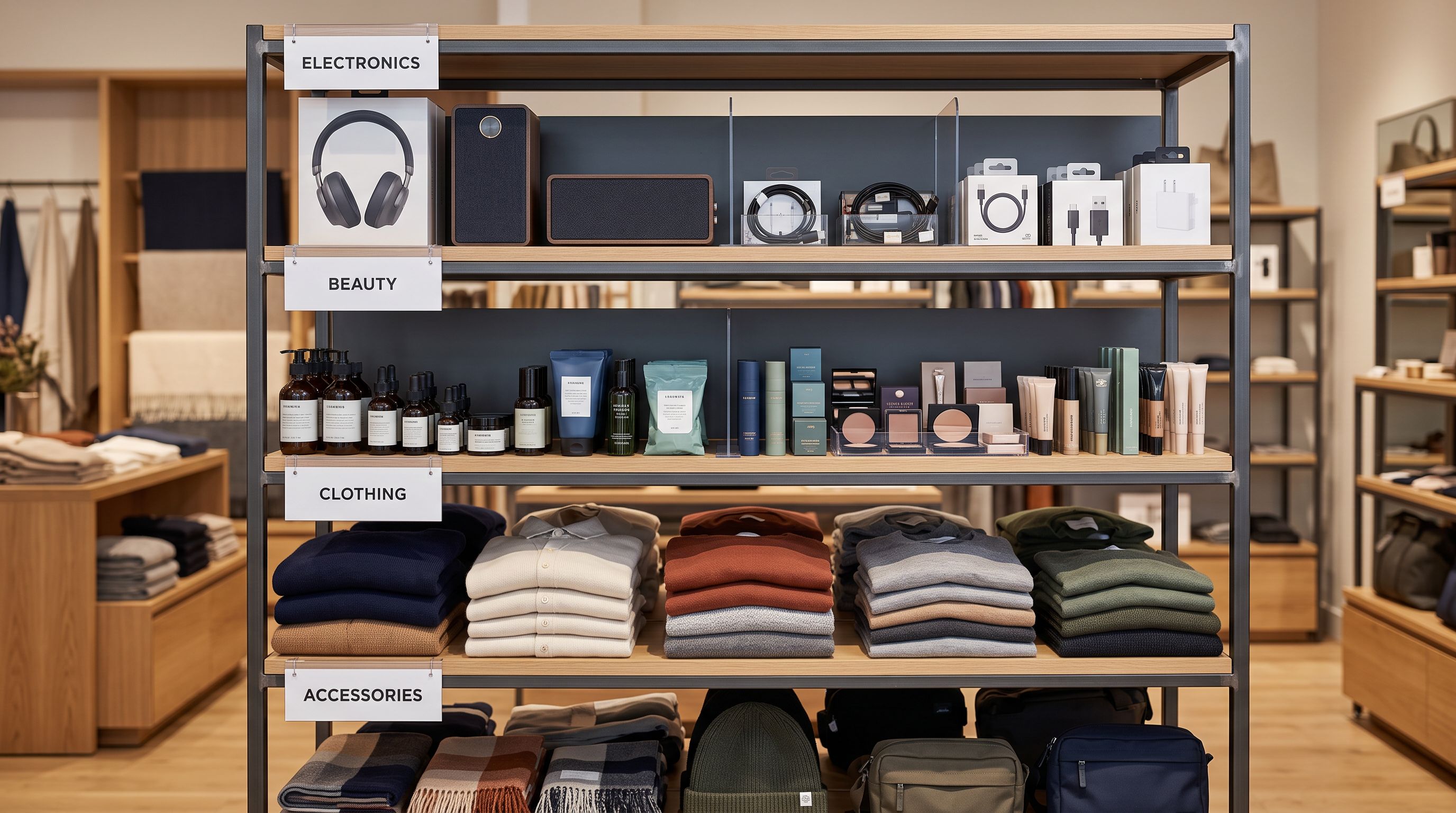
Electronics, tools, hardware → Technical Gadget. The buyer wants to know if the product is compatible with their setup before investing any attention.
Fashion, jewellery, gifts, home decor → Emotional Storytelling. The buyer imagines wearing or using the product before committing; the description's job is to make that imagination vivid.
Food, beverages, beauty, candles, textiles → Sensory-Rich. The buyer cannot touch, taste, or smell; the description compensates by describing the experience in sensory terms.
Skincare, supplements, wellness products, handmade goods → Ingredient Spotlight or Benefits-First. Buyers either want to understand what is in the product (Ingredient Spotlight) or want the outcome stated first (Benefits-First). Both apply to health and wellness; the deciding factor is whether ingredients or outcomes are the stronger purchase signal for the specific niche.
Office supplies, replacement parts, agricultural inputs, industrial stock → Standard. Buyers in these categories read product descriptions as specifications, not experiences. Standard structure is efficient and familiar.
Merchant-specific accordion-structured pages → Custom. No built-in style maps cleanly to a theme with specific section requirements. Custom generates content per named heading with no structural assumptions.
- Jewellery described as: '18-carat gold, 0.4ct diamond, 45cm chain': accurate, cold
- Health supplement leads with ingredient list before stating the benefit
- Skincare copy mentions aloe vera as a list item with no explanation
- Electronics description opens with 'elevate your listening experience' before any specifications
- Custom accordion sections filled with generic paragraphs that don't match the heading labels
- Jewellery opens with the occasion and earns the specification after: 'For the anniversary that deserved something permanent'
- Supplement leads with the outcome: 'Joint mobility that lets you take the stairs again'
- Ingredient Spotlight gives aloe vera its own section: origin, extraction method, why it is in this formula
- Technical Gadget leads with compatibility matrix, then use cases
- Custom style generates content written directly for each heading the merchant defined
The Three Axes: Style, Persona, and Tone Together
Style, persona, and tone work on different dimensions and can be combined in any configuration. Getting all three right is what separates generated descriptions that need editing from ones that are ready to publish.
A buyer who reads a description written in the wrong style does not usually recognise why it feels off. They just do not add to cart.
Style sets the structure: what comes first, what the opening does, how information is sequenced. Persona sets the vocabulary and domain authority: a "Sports Equipment Buyer" persona knows the difference between a trail shoe and a road shoe; a "Home Furnishings Buyer" persona knows thread counts and weave patterns. Tone sets formality: Luxurious, Casual, Technical, Professional, Persuasive.
A fashion brand selling premium outerwear might use Emotional Storytelling style + a "Fashion Retail Buyer" persona + Luxurious tone. A budget tools merchant selling cordless drills might use Technical Gadget style + a "Hardware Retail Buyer" persona + Professional tone. Both are the same Importier feature, same AI model tier, different configuration.
According to the Shopify editorial team's guidance on product descriptions, descriptions that address the buyer's specific situation outperform generic copy in conversion rate. The style setting is the mechanism that aligns the description's structure to that situation: a buyer arriving with a problem to solve reads Benefits-First structure differently than a buyer arriving curious about how something feels.
For merchants importing from multiple suppliers, each supplier's product type may suit a different style. A homeware supplier's cushions suit Sensory-Rich; the same merchant's storage shelves suit Standard. Rather than reconfiguring the style setting for each import run, Importier's preset system saves the complete settings configuration (model, persona, style, tone, brand voice) as a named profile. One import run uses the "Soft Furnishings" preset; the next uses the "Storage and Organisation" preset. Neither run touches the other's settings.

Trying Custom Style
Custom style is the most flexible and the most underused. Merchants skip it because defining section headings feels like more work than selecting a built-in style. The payoff is descriptions that match a theme's expected structure exactly, with no editing needed to move content between fields.
For a merchant whose product page template has accordion sections labelled "What's In It", "How To Use", and "Why We Made This", none of the six built-in styles generates content in that sequence. Custom style with those three headings as the configured sections generates a separate paragraph for each, in order, every time. The AI treats each heading as a brief and writes to it.
Custom style works alongside any persona and tone setting. A skincare brand using Ingredient Spotlight persona vocabulary with Luxurious tone and a Custom structure with headings "Key Ingredients", "The Ritual", and "Who It's For" produces descriptions that feel deliberate, not generated.
According to Google's guidance on helpful product content for Shopping, product descriptions that explain the product's use, benefits, and relevant attributes perform better in Shopping surfaces than descriptions that only list features. Each of Importier's 7 description styles addresses this differently: Benefits-First and Ingredient Spotlight satisfy the "explain benefits and attributes" criterion most directly; Emotional Storytelling and Sensory-Rich address the experiential dimension that functional descriptions typically miss.
Shopify Product Description Styles: Key Takeaways
The 7 shopify product description styles in Importier each produce structurally different output. The right one depends on how buyers in a product category process purchase decisions.
- Style controls structure and register: where the description opens, what order information appears in, whether the entry point is functional or experiential.
- Style is independent of model, persona, and tone. Changing the model changes capability; changing the persona changes vocabulary; changing the style changes the blueprint the AI follows.
- A quick way to choose: generate the same product in two candidate styles using identical model, persona, and tone, and compare the opening sentence.
- For merchants importing from multiple suppliers with different product types, save a named settings preset per supplier or product category. Style is one of the settings saved in the preset.
- Custom style is the right choice when a product page theme has specific named accordion sections that no built-in style maps to.
Choose and configure your description style in importier.app. The style setting is in the AI Description Generator settings panel, available on all paid plans.
Set up your first import in under five minutes.
Importier brings products into Shopify with AI descriptions, category metafields, and data enrichment on every run.