Shopify Cosmetics Import: Shades, Ingredients, Compliance
On this page
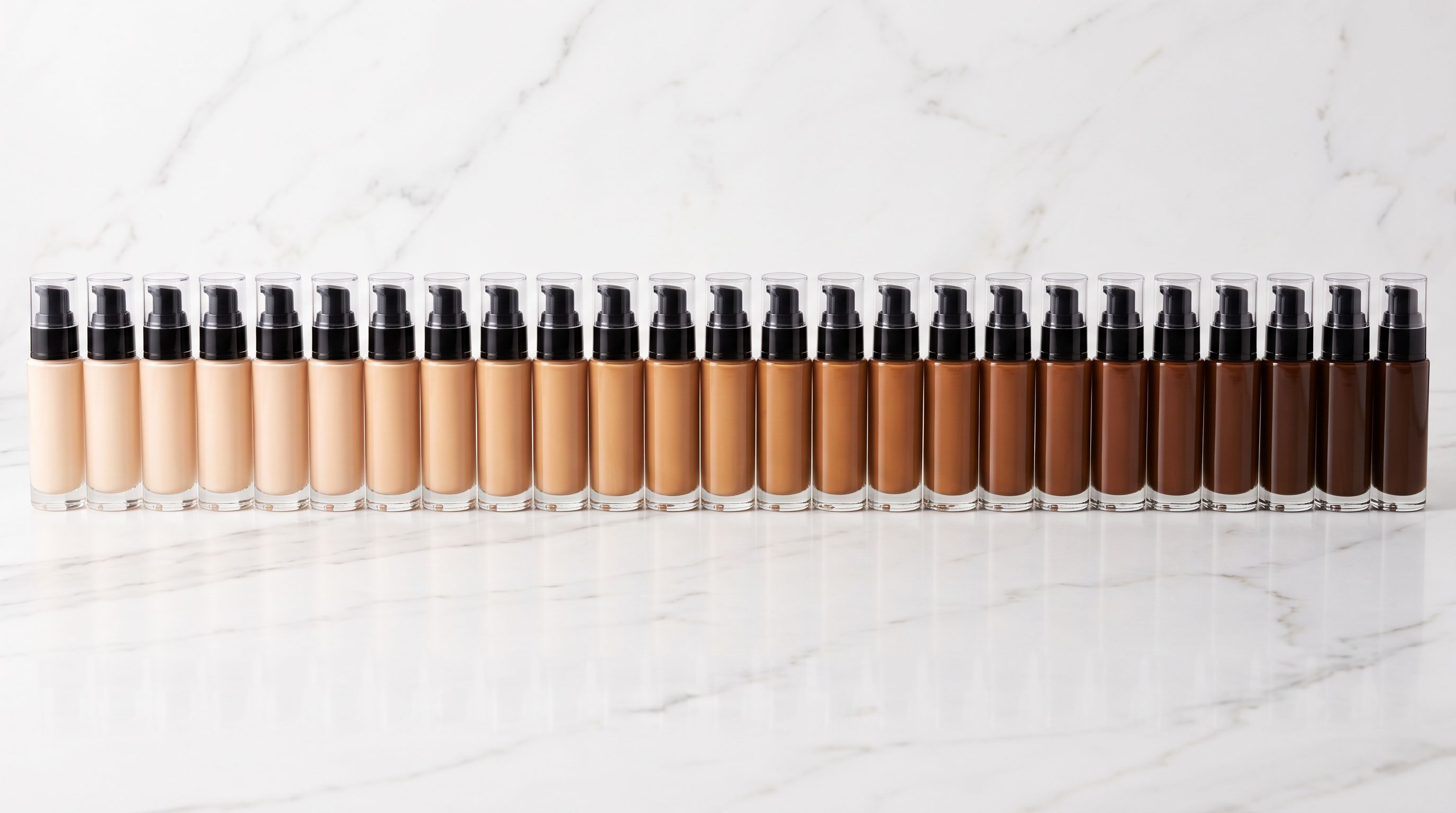
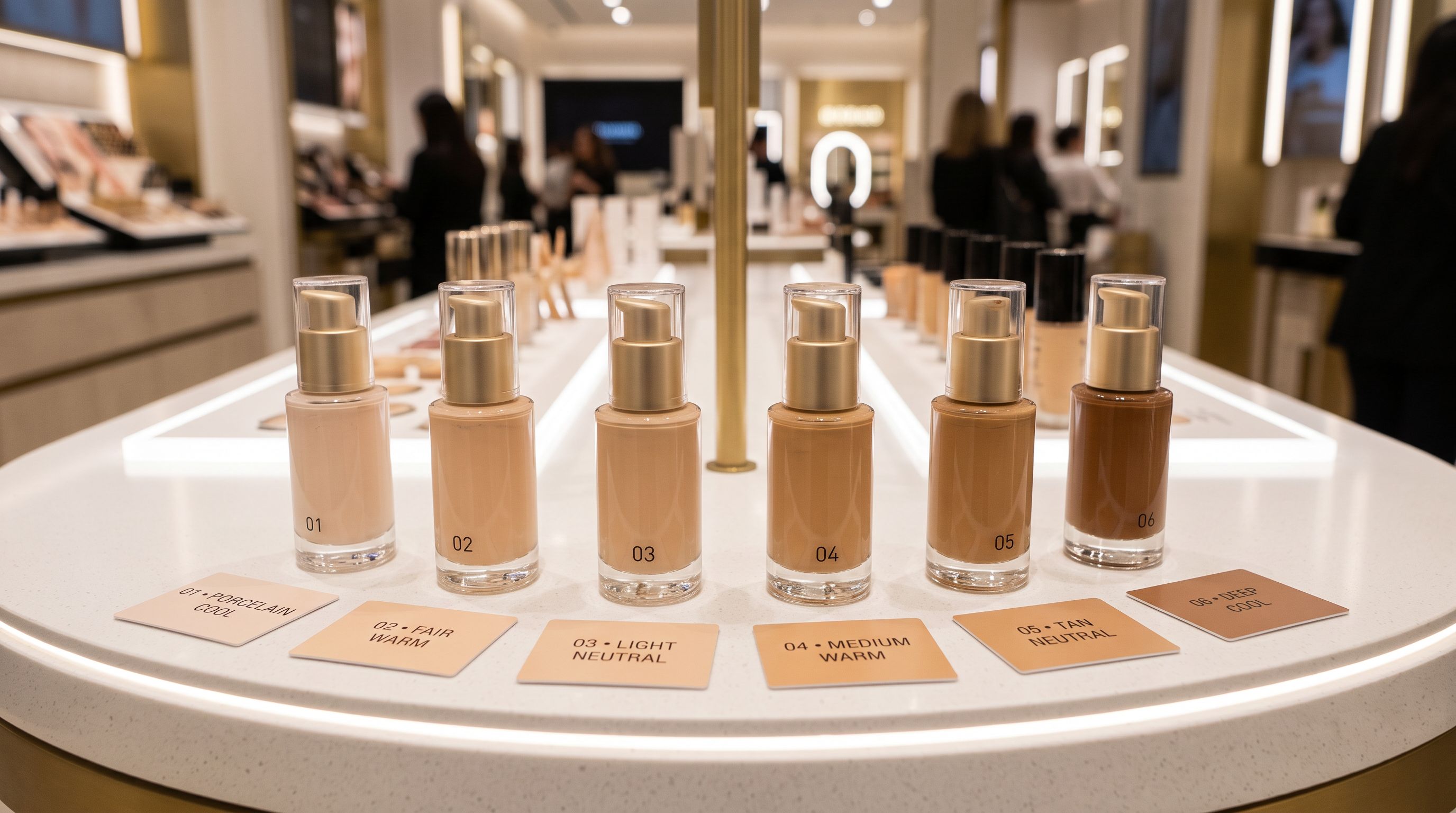
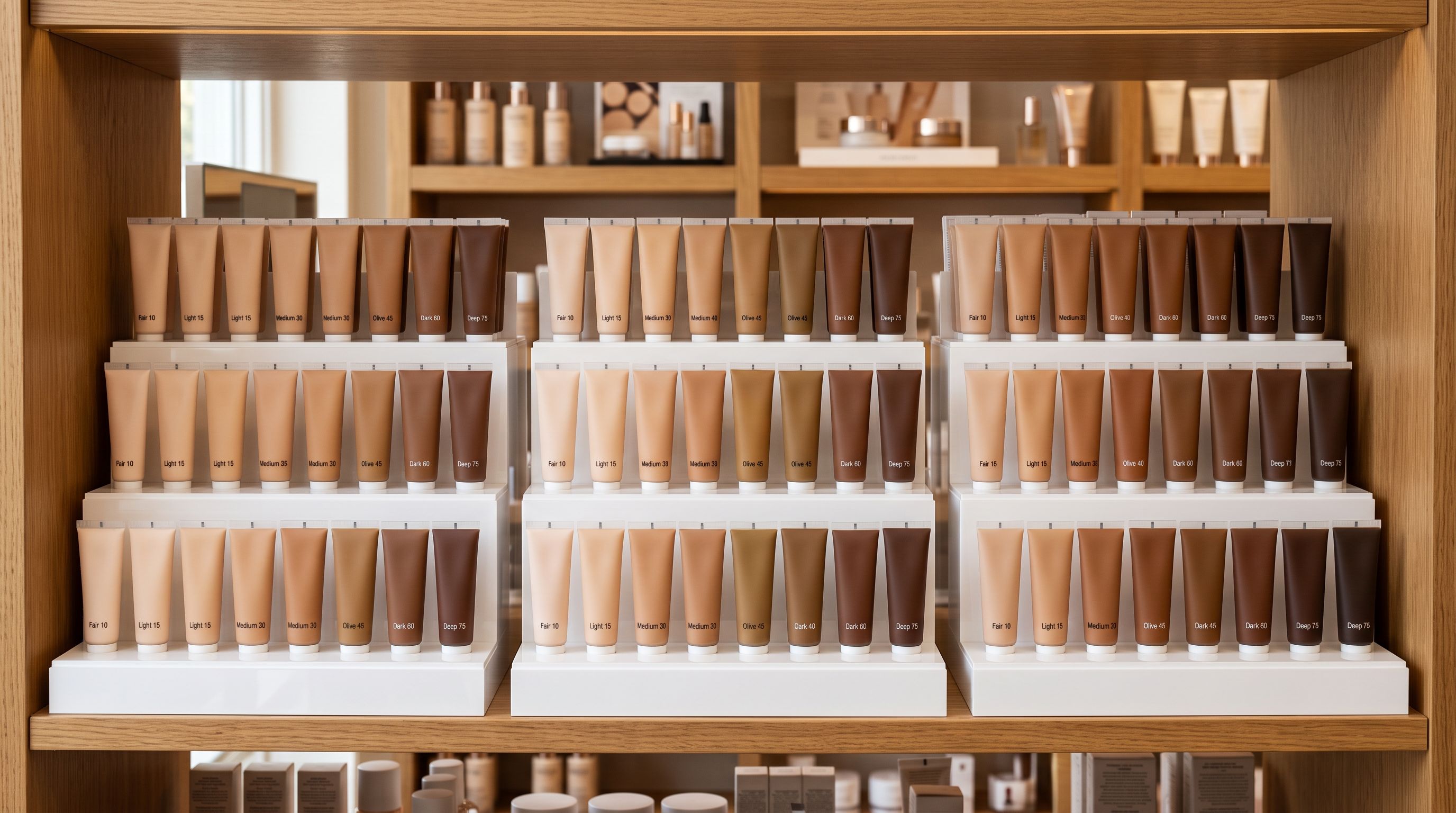
A UK cosmetics brand's Shopify cosmetics import begins with their core foundation range: 38 shades, each with a distinct undertone (warm, cool, or neutral), coverage level (buildable, medium, or full), and finish (matte, satin, or dewy). The supplier export has four columns: shade name ("Ivory Cool W10"), coverage, finish, and a combined ingredients cell.
Standard Shopify import sees four data columns. It imports each shade as a colour variant; the shade name goes into the option value and coverage and finish go nowhere. Undertone is embedded in the shade name but never parsed. The finished product page shows 38 colour swatches. Buyers searching for "warm medium coverage matte foundation" cannot filter by any of those attributes.
Shopify cosmetics import is a specification problem before it is a data volume problem. The data exists in the supplier file; the challenge is getting shade undertone, ingredient lists, and compliance fields into the right Shopify structures at import time.
Shade Specifications in Shopify Cosmetics Import
Shopify's native variant system is designed for attributes like size and colour. For a clothing store, "Red, S/M/L" covers the full variant matrix. For a cosmetics store, the same system treats "Ivory Cool W10" as a colour option value; it stores the shade name, nothing else.
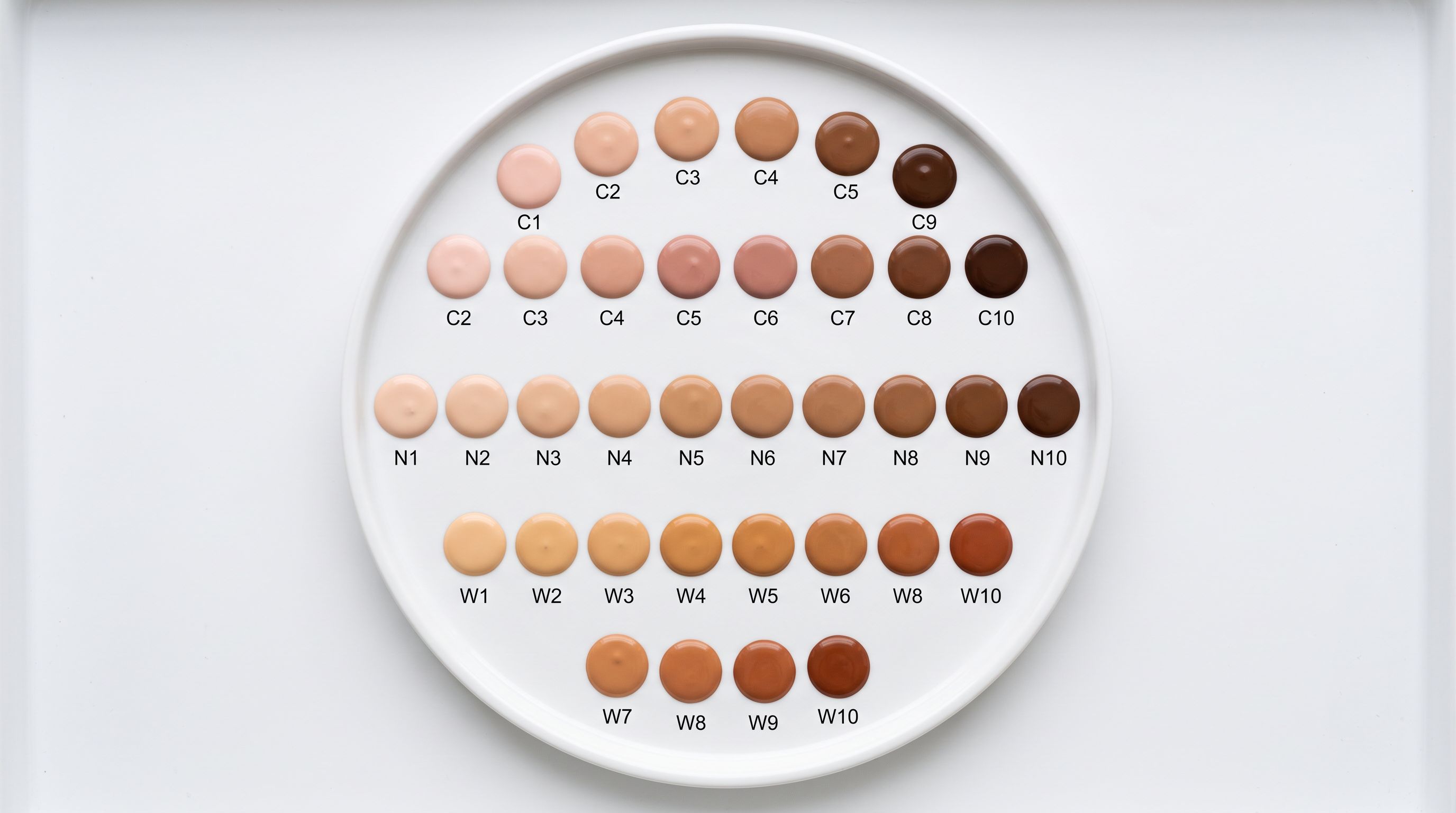
Shade names in cosmetics encode specification data that buyers use to make decisions. "Ivory Cool W10" tells a trained eye that the shade is in the lightest range, with a cool undertone, positioned in the winter-season range. But a Shopify product page that stores this as a colour option cannot expose "cool undertone" as a filterable attribute. A buyer who needs a neutral undertone must read every shade description individually.
The correct Shopify structure for a 38-shade foundation range is one product with 38 variant options, where each variant carries undertone, coverage, and finish as separate Shopify metafields.
Importier's Smart Variant Detection includes pattern sets for cosmetic shade naming conventions. It recognises that rows sharing the same product name but differing in shade name belong as variants of the same product, and consolidates them. The 150+ variant patterns include cosmetic-specific naming: W/N/C undertone codes, coverage descriptors, and finish abbreviations common in professional cosmetics supplier files. A 38-row supplier CSV (one row per shade) consolidates into one Shopify product with 38 variant options.
- 38 shades imported as 38 colour option values
- Undertone embedded in shade name, not parsed or searchable
- Coverage and finish stored nowhere in Shopify
- Buyers cannot filter by undertone or coverage level
- AI Shopping agents see 38 unlabelled swatches with no specification data
- 38 shade variants consolidated under one foundation product
- Undertone extracted and stored as a variant-level Shopify metafield
- Coverage and finish stored as separate variant metafields
- Buyers can filter by warm/cool/neutral and by matte/satin/dewy
- AI Shopping agents read structured attributes from metafields
Ingredient Mapping in Shopify Cosmetics Import
Cosmetics supplier files handle ingredient data inconsistently. Some suppliers export a single ingredients column with the full INCI list as one cell. Others export ingredient data across multiple columns: "Active Ingredients", "Additional Ingredients", "Preservatives". A third common format omits ingredients entirely and expects the retailer to source them from the product specification sheet.
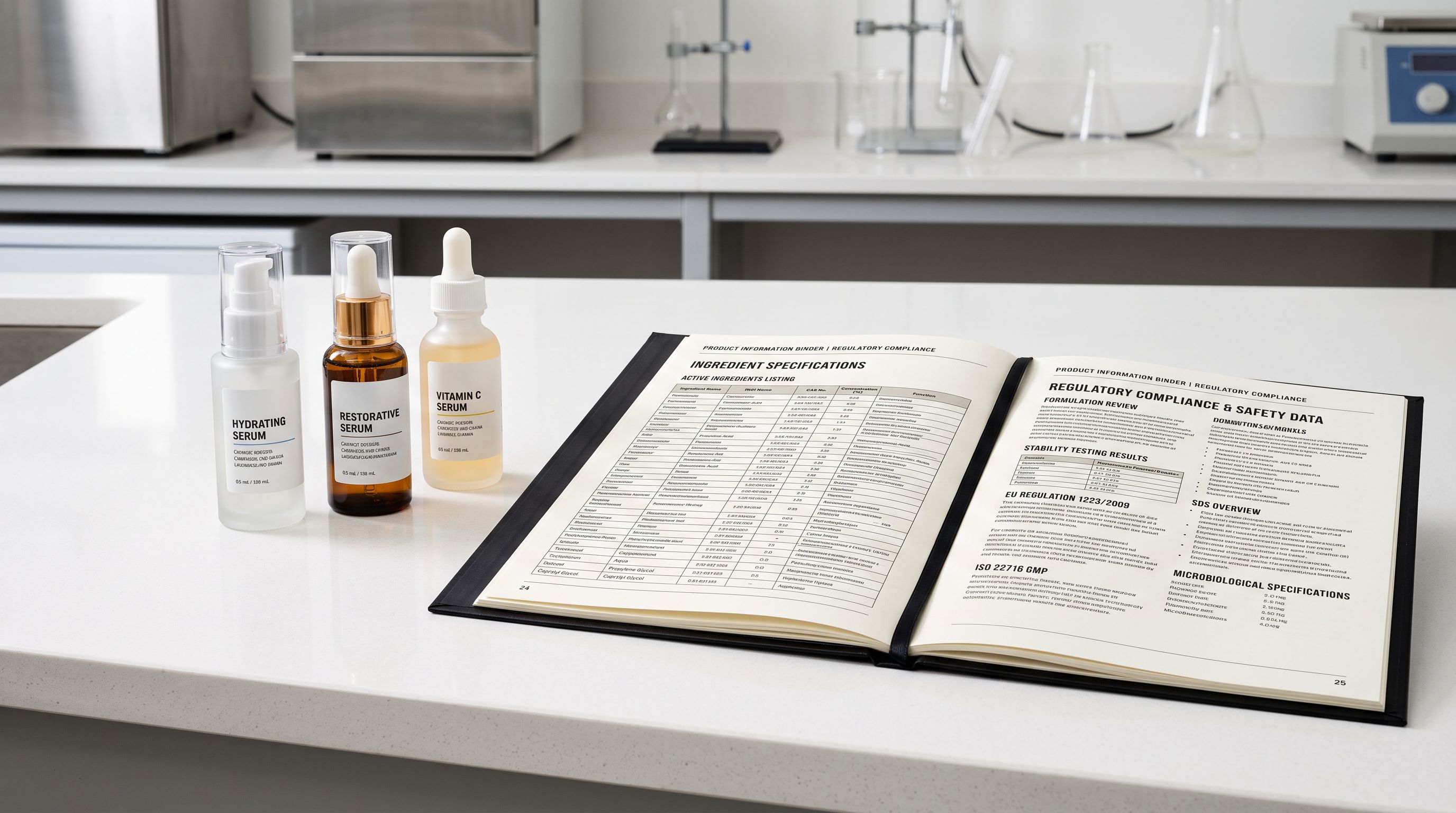
EU Cosmetics Regulation 1223/2009 requires cosmetics sold in the European market to list ingredients using INCI nomenclature: the International Nomenclature of Cosmetic Ingredients, a standardised naming system agreed by the International Nomenclature Committee. Supplier files written for the US or Australian market often use common names ("Vitamin C") instead of INCI names ("Ascorbic Acid"). These two naming conventions refer to the same ingredient, but a Shopify product page displaying the supplier's common-name list does not meet the EU listing requirement.
- 01Step 1During the import flow, map the supplier's ingredient column to Importier's Ingredient field. If the supplier uses multiple columns for ingredients, map each to the same target field with a separator character; Importier consolidates them into a single ordered list per product.
- 02Step 2Select the Ingredient Spotlight description style. For beauty products, this style opens the description with the active ingredients that drive the product's performance claims, then covers finish and coverage, then explains the ingredient system.
- 03Step 3For EU market sales, enable the EU compliance setting in Importier's Tax and Compliance configuration. The setting flags where common names in the source data differ from standard INCI names, and notes those fields for merchant review before descriptions are generated.
- 04Step 4Select the Beauty and Cosmetics Industry Pack in the category metafields step. The pack includes attribute types for active ingredients, finish, coverage, skin type suitability, SPF value, and certification. Importier extracts values from the mapped ingredient data and stores them as category metafields on each product.
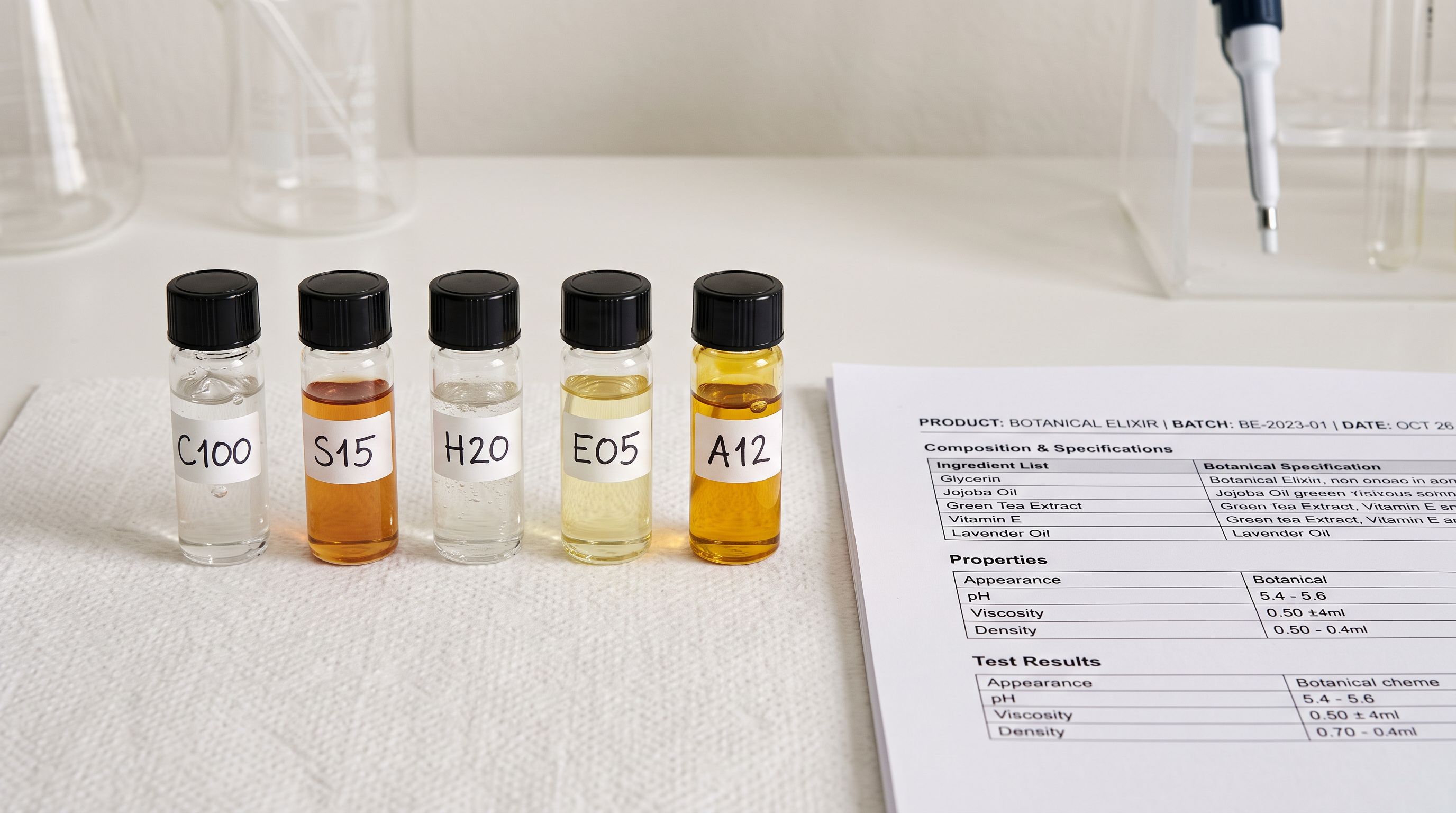
The most common ingredient import mistake is treating the INCI list as description text rather than a structured field. A foundation page with "Ingredients: Aqua, Cyclopentasiloxane, Titanium Dioxide, Ascorbic Acid..." in the product description cannot be filtered by ingredient, cannot surface in an "SPF foundation" search, and cannot be parsed by Google's structured data specification for cosmetic products. The same data stored as category metafield attributes (SPF value, active ingredients, skin type suitability) becomes filterable, exportable to Google Merchant Centre, and parseable by AI Shopping agents that compare specifications across products.
Compliance Requirements for Cosmetics Import
Compliance by market
The compliance requirements for cosmetics vary by market. A brand selling the same foundation formula across UK, EU, Australian, and US customers faces different display obligations in each territory. Getting this right at import time, rather than correcting it product by product afterwards, is the operational advantage of handling compliance as a configuration step within the cosmetics import workflow.
EU: INCI ingredient list mandatory on product page for all cosmetics. Allergen warnings required for 26 EU-listed fragrance allergens above threshold concentrations. "Free from" claims (paraben-free, sulphate-free) require substantiation: they cannot be used as marketing copy without evidence. The full regulation is governed by EU Cosmetics Regulation 1223/2009.
United States: The FDA does not pre-approve cosmetics but prohibits the use of prohibited ingredients and requires truthful labelling. The critical compliance line for cosmetics retailers is the FDA's cosmetics regulatory guidance, which documents the distinction between cosmetic claims and drug claims. Claims that cross into drug territory ("stimulates collagen production by 40%", "clinically proven to reduce wrinkles") require FDA drug approval. A cosmetics import that includes supplier-written descriptions with drug claims ships non-compliant product copy to the US storefront.
Australia: Cosmetics are regulated through the Australian Industrial Chemicals Introduction Scheme (AICIS). Products where ingredient concentrations or claims cross into therapeutic territory require Therapeutic Goods Administration (TGA) listing as a therapeutic good rather than a cosmetic. A brightening serum with high concentrations of nicotinamide or a product with SPF claims sits in a different regulatory category from a standard cosmetic.
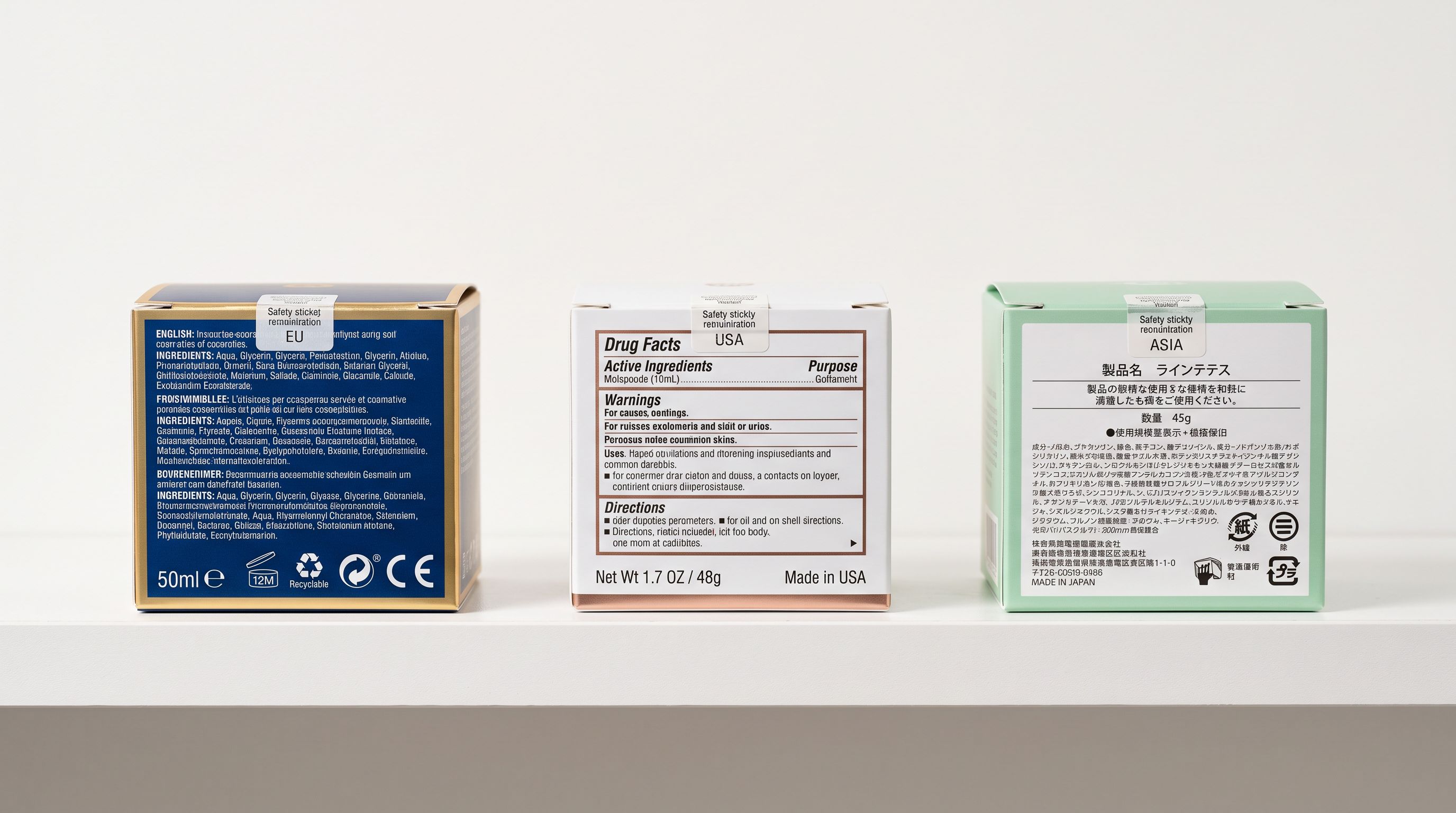
Importier's Tax and Compliance settings include region-specific fields for 12+ countries. For a multi-market cosmetics brand, the merchant configures their active markets in the compliance settings. Importier then applies the relevant compliance notes to generated descriptions: the INCI list structure for EU products, FDA claim-language guidance for US products, and AICIS category notes for Australian products. Compliance notes appear as a sub-section in the generated description, separate from the main product copy, structured so the merchant can verify each one before pushing to Shopify.
AI Descriptions for Beauty Buyers
Cosmetics buyers read descriptions differently from other product categories. They are making a sensory decision about how a product will look and feel on their specific skin, not evaluating a feature list. A foundation description that opens with "Achieve a flawless finish with our long-wearing formula" tells a buyer nothing they cannot get from any other foundation page. A description that opens with undertone ("This shade is formulated for fair to light skin with visible pink or rosy tones, with a cool undertone") signals fit immediately, before the buyer reads another word.
Importier's AI description generation includes 156 expert personas across 43 industry categories. The beauty retail persona writes from a perspective that understands cosmetics-specific terminology, leads with the attributes that matter most to the buyer's purchase decision, and knows the difference between a lifestyle claim ("wear all day with confidence") and a performance specification ("buildable from a light veil to full coverage in two layers").
A foundation description written by a beauty retail persona opens with undertone and skin type: not "flawless finish" or "long-lasting formula." That first sentence tells a buyer whether this shade is designed for their skin before they read anything else.
The Ingredient Spotlight description style works for cosmetics with active ingredient claims. It opens with the key actives and their functions, moves to the coverage and finish experience, then covers supporting ingredients and application guidance. For a vitamin C brightening serum, it leads with ascorbic acid concentration and the relevant performance claim (verified against FDA guidance on cosmetic versus drug claims), then explains the supporting ingredient system, then covers application and skin type suitability.
For a 38-shade foundation range, Importier generates one shade-specific description per variant when variant descriptions are enabled. Each variant description opens with the undertone and recommended skin tone range for that specific shade, then covers coverage and finish. The variant descriptions are stored as Shopify variant metafields and are displayed on the product page per-shade; a buyer who selects "Warm Beige W25" sees the copy written for that shade, not the generic product description.
The Beauty and Cosmetics Industry Pack
Importier's 22 Industry Packs cover Shopify's Standard Product Taxonomy. The Beauty and Cosmetics pack includes category attribute types aligned to the Cosmetics taxonomy categories, covering:
- Finish (matte, satin, dewy, luminous, natural)
- Coverage (sheer, buildable, medium, full)
- Skin type suitability (oily, dry, combination, sensitive, all skin types)
- SPF value
- Active ingredients (multi-value field)
- Certification (vegan, cruelty-free, organic, COSMOS, ECOCERT)
- Country of origin
For a shade range import, the pack operates at two levels. Product-level attributes (SPF, certification, country of origin) are stored as Shopify product metafields, shared across all shades of that formula. Variant-level attributes (undertone, coverage, finish, skin type) are stored as variant metafields, specific to each shade.
The split means that a Shopify storefront filter for "matte finish foundations" draws from the variant metafield. A buyer who selects "matte" sees only the matte-finish shades across all foundation products, not all shades of every foundation. Shopify storefront filters read category metafields natively when the theme supports metafield-based filtering, which means the metafields Importier creates at import time become available as filter options without additional theme development.
For the product specifications the Beauty and Cosmetics pack populates, GMC's product data specification reads Shopify metafields submitted via the Google channel. Cosmetics with complete metafield data (finish, coverage, skin type, SPF, certification) qualify for richer Shopping presentation than products with description-only attributes.
Key Takeaways
Shopify cosmetics import requires treating shades as specifications, ingredient data as structured fields, and compliance requirements as per-market configuration. The supplier file contains the right data; the import workflow determines whether it ends up in filterable metafields or buried in description text.
Key points:
- Shade variants are specifications, not colour swatches. Undertone, coverage, and finish stored as variant metafields make them filterable and readable by AI Shopping. Stored as colour option names, they are invisible to filters and search.
- Ingredient column mapping routes the INCI list to a structured field, not a description paragraph. The Ingredient Spotlight style then builds copy around the active ingredients and their functions.
- EU Cosmetics Regulation 1223/2009 requires INCI naming on product pages. FDA guidance draws a clear line between cosmetic copy and drug claims. Importier's compliance settings apply market-specific notes at import time, before descriptions are generated.
- The Beauty and Cosmetics Industry Pack stores certification, SPF, skin type, and active ingredients as category metafields, readable by Shopify's storefront filter system and by Google Merchant Centre's structured data parser.
- Variant descriptions generate shade-specific copy per variant when enabled. Each opens with undertone and skin tone range for that shade.
Import a cosmetics range with complete shade variant structure and ingredient metafields at importier.app. Growth plan and above includes the full Beauty and Cosmetics Industry Pack and variant descriptions.
Set up your first import in under five minutes.
Importier brings products into Shopify with AI descriptions, category metafields, and data enrichment on every run.