Shopify Import App Comparison 2026: Five Evaluation Criteria

On this page
Most merchants choose a Shopify import app based on demo videos and App Store ratings. Those signals miss what actually matters: how the tool handles your specific supplier file on your specific catalogue. This shopify import app comparison 2026 is not a "pick this tool" roundup. It is a five-criterion evaluation framework you can apply to any tool you are considering.
The five criteria are: file format support, column mapping flexibility, variant handling, AI content enrichment, and category metafield support. Each surfaces a different layer of what an import tool actually does to your catalogue. Miss any of them, and the tool that looked correct in a demo becomes a bottleneck in production.
Why a Shopify Import App Comparison 2026 Needs a Criteria Framework
The import tool problem is not which tool is "best". It is which tool handles the specific combination of file types, catalogue complexity, and enrichment needs your store has.
A dropshipping merchant importing 50 AliExpress products per week has completely different requirements from a wholesale accessories merchant importing a 1,000-SKU Excel catalogue from a European distributor. Both merchants may read the same App Store reviews and reach the same conclusion. One will be right.
The five criteria below give you a structured way to run a live test on any tool with your own data. That test tells you more in 20 minutes than any comparison article can tell you in 2,000 words.
Criterion 1: File Format Support
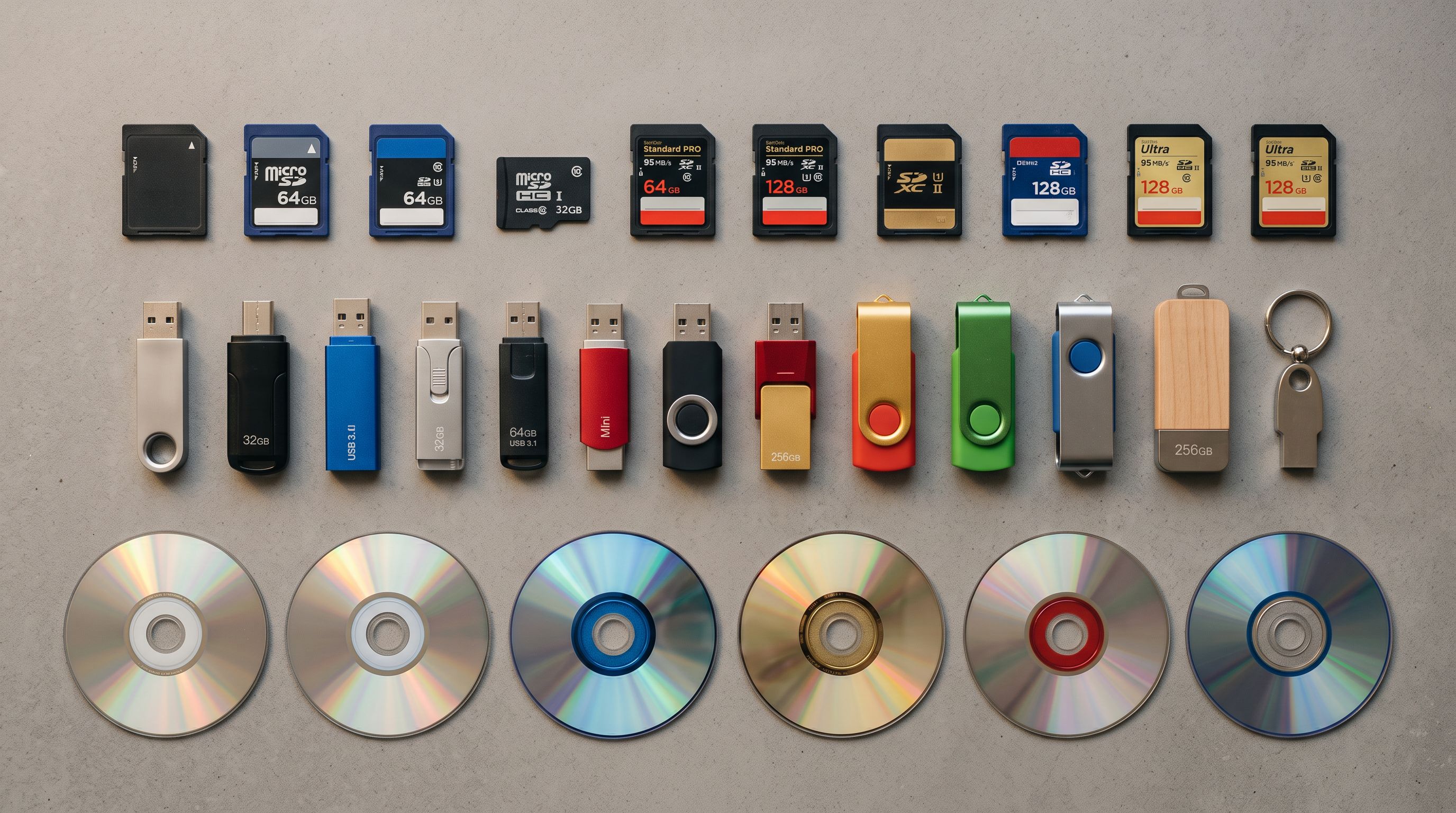
The first question in any import app evaluation is whether the tool can ingest your actual supplier data without requiring you to reformat it first.
There are three supplier file types Shopify merchants deal with regularly:
- CSV and Excel files: the most common format. Almost every import tool handles these.
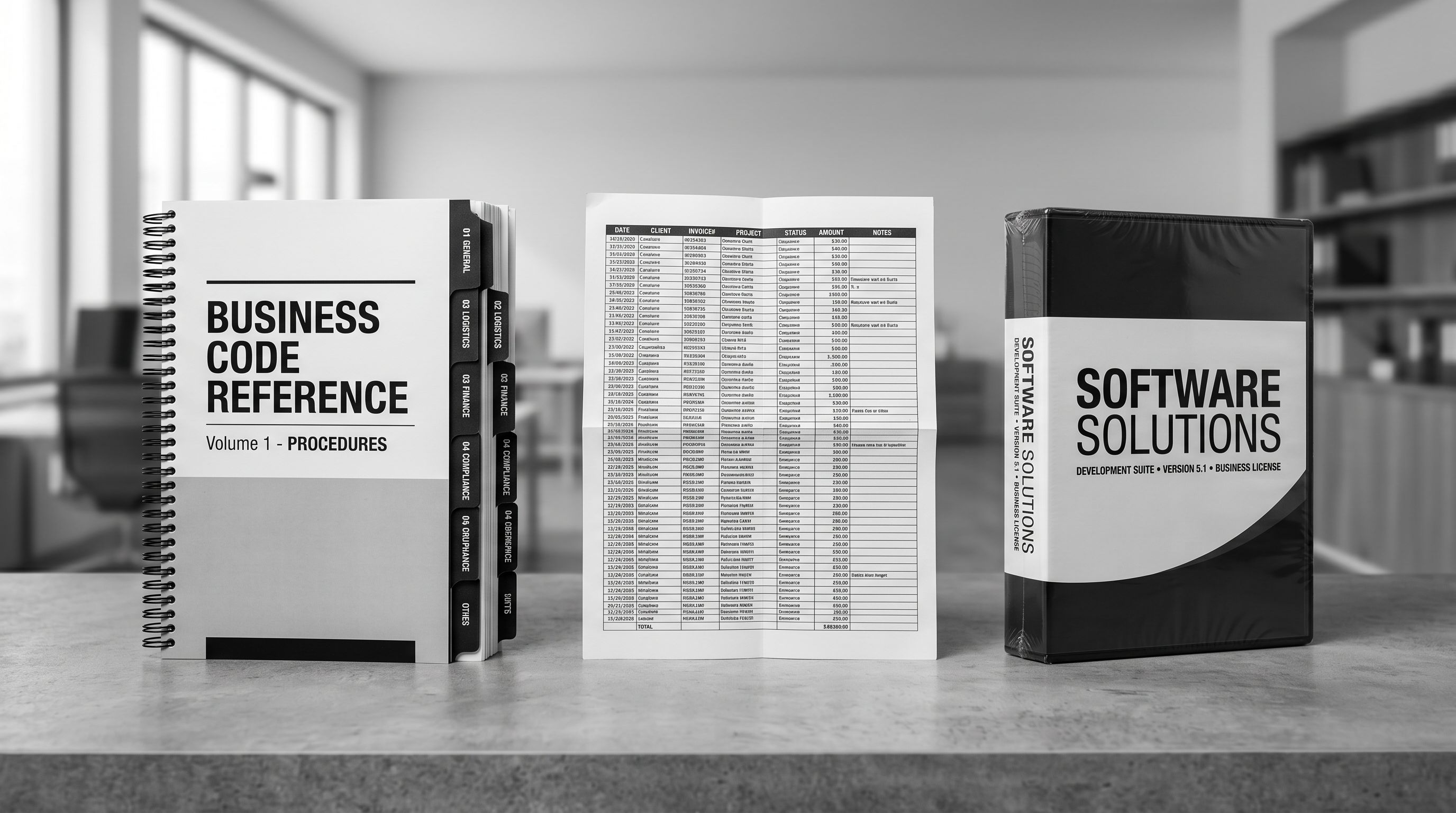
- PDF invoices: the standard format for wholesale and B2B suppliers. Most import tools do not handle PDFs at all. A merchant receiving a 50-line wholesale invoice needs to either re-key the data manually or convert the PDF to a spreadsheet before importing.
- Marketplace URLs: used by dropshippers and multi-channel merchants importing directly from Amazon, eBay, AliExpress, and other platforms by pasting a product URL.
Importier supports all three: CSV, Excel, TSV, PDF (AI-parsed directly from the supplier invoice), and marketplace URLs across Amazon, eBay, AliExpress, Walmart, Etsy, and any supplier website. It also supports Google Drive shared folder links for bulk image imports alongside product data files.
What to test: run your actual supplier file through the tool without renaming any columns or converting formats. Any tool that requires preprocessing on your side is adding work that belongs inside the tool.
Criterion 2: Column Mapping Flexibility
Column mapping is where import tools diverge most sharply. A supplier CSV rarely uses Shopify's exact column names. A supplier may call the weight field "Weight (grams)", "Gross Weight", or "Weight_kg". Shopify's native importer treats any unrecognised column name as a custom metafield. Product data ends up in the wrong place.
Auto-mapping solves this by matching arbitrary supplier column names to Shopify fields using pattern recognition. The merchant sees the proposed mapping before confirming and can adjust any field that has not been matched correctly.
Importier's column mapper handles non-standard headers and allows header row selection for CSVs where data does not start on row one, which is a common pattern in supplier catalogues exported from ERP systems. For fields with no matching column at all (weight, HS codes, country of origin, product category), AI enrichment fills in the value using the product's title and description as context.
A detail most comparison articles skip: a wholesale electronics merchant receiving a file from a Japanese supplier may have a column labelled with a Japanese term for "specification." A rigid column mapper treats it as an unmapped field and leaves it in the wrong place. Importier passes the content through AI enrichment, which parses the value and routes it to the correct Shopify field or generates a usable product description from it.
What to test: run your actual supplier CSV without renaming any columns. Count how many fields auto-map correctly and how many end up in the wrong place or in an unintended metafield.

Criterion 3: Variant Handling
Variant grouping failure is the most common import problem merchants hit after choosing a tool based on a demo. In a demo, the sample catalogue is pre-formatted with a Handle column already populated. In a real supplier CSV, every variant is a flat row with no grouping information.
Shopify requires variants to be grouped under a single product Handle. When a tool imports a flat CSV without variant grouping, a product with four sizes becomes four separate products.
A 300-SKU apparel catalogue with six sizes per product becomes 1,800 separate products in Shopify. Fixing that after the fact takes longer than the original import.
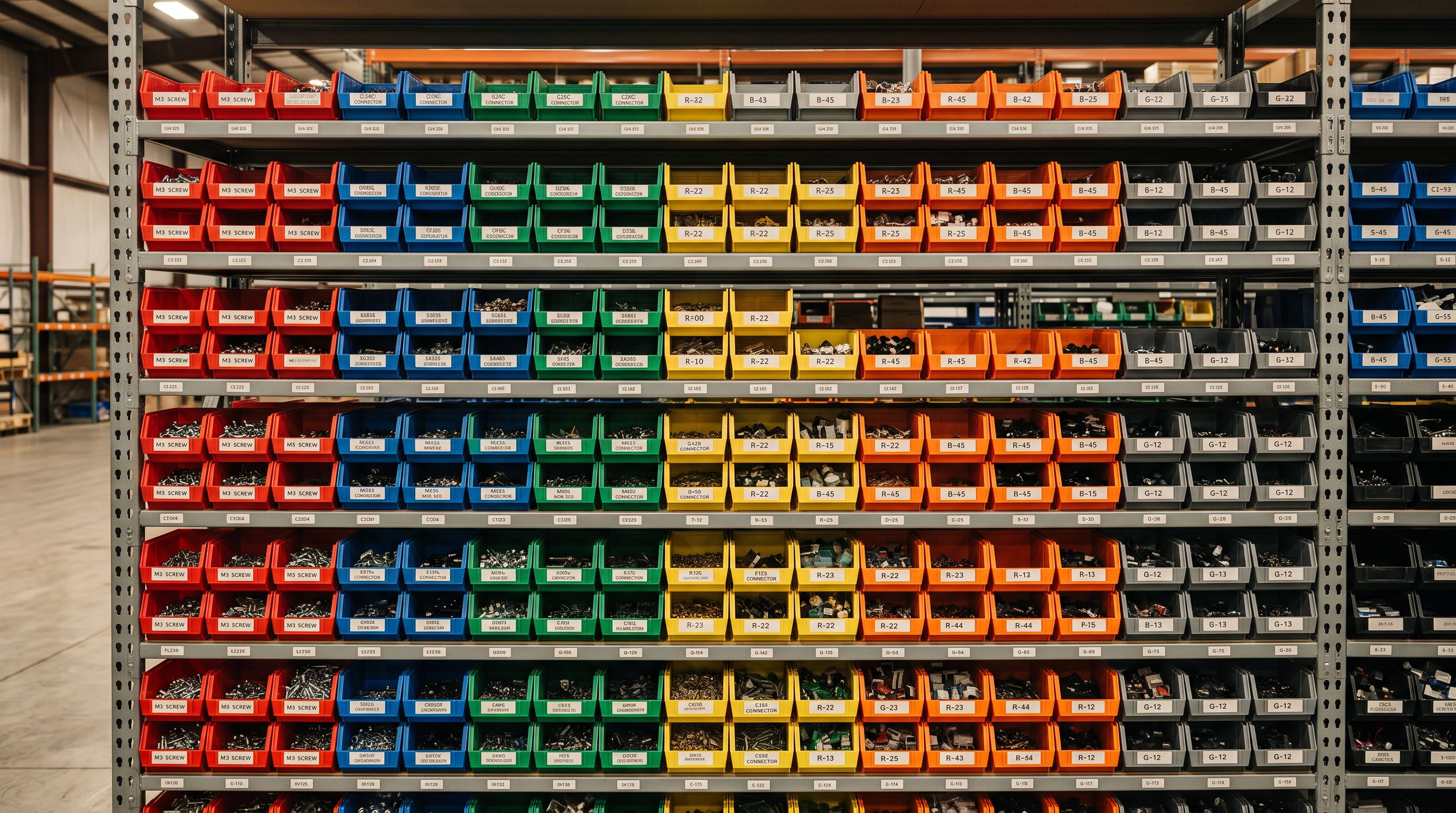
Smart Variant Detection solves this by identifying variant attributes from column names and value patterns, then grouping rows automatically before the import runs. Importier has 150+ regex-based detection patterns covering 15+ industries: Size, Colour, Storage/Memory, Weight, Volume, Pack Size, Material, Flavour, Scent, Power, Dimensions.
The pattern library extends to industry-specific naming conventions. An apparel supplier CSV that uses "Colourway" instead of "Colour" is matched automatically; the merchant does not need to tell the tool that "Colourway" maps to Shopify's Colour option. The same applies to "Finish" in materials, "Capacity" in electronics, "Fragrance" in cosmetics, and hundreds of similar variants across different supplier naming conventions.
What to test: import a 10-product sample from your supplier file where each product has four to six variants and no Handle column pre-filled. Count how many separate products appear in Shopify versus how many grouped products you expected.
The import tool that works in a demo is not necessarily the import tool that works with your supplier's file. The difference appears at the variant detection step.
From criteria to testing
Criterion 4: AI Content Enrichment
AI content enrichment is where this shopify import app comparison framework separates three distinct tool tiers from each other.
No AI: the tool imports the data as-is. Products land in Shopify with thin supplier descriptions, missing weights, no HS codes, no category taxonomy.
Third-party AI plugin required: the import tool handles the data move; a separate subscription handles content generation. Two tools, two bills, two steps. Products are in Shopify but incomplete.
AI built into the import pipeline: content is generated as part of the import session. Products are complete when the import finishes.
The practical difference matters more than it might appear on paper. A merchant importing 400 products into the second tier ends up with 400 incomplete products in Shopify requiring a second-pass edit. That second pass is often where the project stalls.
Importier includes AI content generation inside the import pipeline. A single import session can generate product descriptions (18+ AI models across 4 tiers, 7 description styles, 156 expert personas across 43 industries), optimise product titles for Google Merchant Centre via the Title Optimiser, add per-product FAQs via the FAQ Generator, and assign category metafields automatically. All AI features are included in the subscription with no per-token charges.
The AI models available depend on the merchant's plan. Scale plan adds variant descriptions (individual AI-generated descriptions per variant, stored as metafields). Enterprise plan adds marketplace import and 10 scheduled imports per month. Starter and Growth plans cover CSV, Excel, and PDF imports with AI descriptions and category metafields.

Criterion 5: Category Metafield Support
Category metafields are Shopify's Standard Product Taxonomy structured attributes: Colour, Material, Size Range, Target Audience, Age Group, and hundreds of other category-specific attributes. They power Google Shopping feed compliance, on-site product filtering, and recommendation engines.
Google's product data specification for Merchant Centre requires structured product attributes including colour, size, pattern, and material for many Shopping ad categories. Products submitted without these attributes are either disapproved or given lower placement priority in the feed.
Most import tools output flat product data with no taxonomy assignment. Products land in Shopify with descriptions and pricing, but with empty taxonomy fields. Every product then needs manual category assignment in Shopify admin: two to four minutes per product, or 10 to 17 hours for a 300-SKU catalogue.
Importier assigns category metafields automatically during import using 22 Industry Packs covering 3,758 attribute types. The matching uses two phases: text matching first (fast and accurate for unambiguous attributes), then AI matching for attributes where the value is ambiguous from the product title alone. Multi-value attributes are supported. A camera that accepts four memory card types is stored as four separate taxonomy values, not a concatenated string.
What to test: after a test import, open one imported product in Shopify admin and check the Category section. If it is empty, that tool is not assigning taxonomy during import.
- Choose based on demo video and App Store ratings
- Discover variant grouping failure after importing 300 products
- Find out the tool has no built-in AI two weeks in
- Manually assign taxonomy to every product after import
- Spend hours reformatting supplier CSVs before each import
- Test file format support with your actual supplier file before committing
- Confirm variant detection handles your supplier's column naming conventions
- Verify AI runs inside the import pipeline with no separate subscription
- Confirm category metafields are populated during the import session
- Confirm column auto-mapping handles your supplier headers without preprocessing
How to Run a Five-Criterion Test Import Before Committing
A 10-product test import with your actual supplier data tells you everything the demo misses. The whole test takes under 20 minutes.
- 01Run your actual supplier file through the tool without renaming any columnsNote which fields auto-map correctly and which land in the wrong place or in an unintended metafield. Any field that requires manual correction shows you the tool's mapping gap
- 02Include at least 10 products where each has four or more size or colour variantsCheck whether the tool groups the variants automatically, or whether they come through as flat separate products. If grouping requires preprocessing on your side, that is the tool's limitation, not your data's
- 03Check the imported products in Shopify admin for description qualityIs the AI description in your brand voice, or is it generic supplier copy with minor rewording? This distinction determines whether the import finishes the job or hands you an editing backlog
- 04Open one imported product and check the Category section in Shopify adminIf category metafields are empty, the tool is not assigning taxonomy. Budget two to four minutes of manual work per product after import
- 05Export a small sample of imported products and verify the data against your original supplier fileFields that appear correctly mapped in the preview step sometimes contain the wrong units or data type. A weight listed as 1.2 in grams may have been stored as 1.2 kilograms. Catch this in a 10-product test rather than after a 400-product import.
A problem caught in a 10-product test takes minutes to investigate. The same problem discovered after a 400-product import takes hours to unpick. The five criteria are independent: a tool can pass on file format support and fail on variant detection. Test all five before committing.
Importier Against This Shopify Import App Comparison Checklist
Importier covers all five criteria in a single import session: CSV, Excel, TSV, PDF, and marketplace URLs; auto-mapping with header row selection; 150+ variant detection patterns across 15+ industries; 18+ AI models with descriptions, Title Optimiser, and FAQ Generator built into the pipeline; and 22 Industry Packs covering 3,758 category metafield attribute types.
For a detailed head-to-head on how Importier differs from Matrixify specifically on content generation and taxonomy, see the Matrixify vs Importier comparison. For a merchant-profile approach to choosing an import app based on your use case, see Best Shopify Product Import App: How to Choose in 2026.
Key Takeaways
- A shopify import app comparison 2026 based on demos and App Store ratings misses the five criteria that determine whether a tool works with your actual supplier data
- File format support is the first gate: any tool that requires you to convert or reformat your supplier file before import is adding work that belongs inside the tool
- Variant detection matters most for fashion, apparel, electronics, and any catalogue where products have multiple size or colour options. Test it with your own data, not the tool's sample file
- AI enrichment is only as useful as its integration: AI that runs inside the import pipeline produces complete products at the end of a single session; AI that requires a second app produces incomplete products that need editing before they go live
- Category metafields are not optional for merchants selling on Google Shopping. Test whether the tool populates them during import, not after
See how Importier handles all five criteria at importier.app. The import wizard runs your whole catalogue through the full pipeline in a single session.
Related Articles
Set up your first import in under five minutes.
Importier brings products into Shopify with AI descriptions, category metafields, and data enrichment on every run.
Free for your first 10 products. No credit card needed.