Shopify Product Data Enrichment: Fix Missing Weight, HS Codes, and Barcodes
On this page
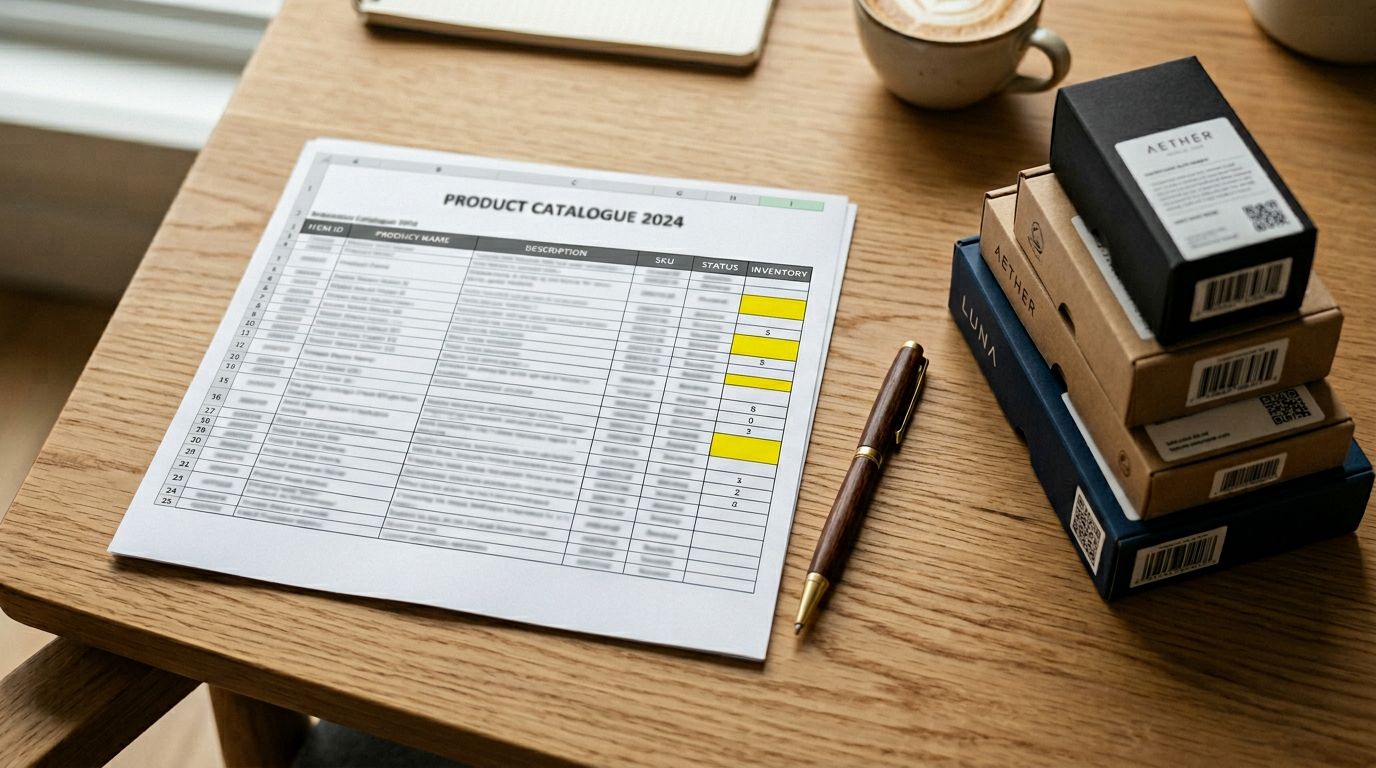
Shopify product data enrichment is the process of filling critical product fields that supplier files leave blank. Weight. HS code. Country of origin. Barcodes. You get a title, a price, maybe a SKU. Not much else.
Those gaps cause problems downstream: inaccurate shipping rates, failed customs clearance, rejected Google Shopping feeds, and product pages that look incomplete to buyers. This article covers which fields go missing most often, what each omission costs, and how Importier's AI enrichment fills them automatically during import.
The Five Fields That Go Missing Most Often
Supplier data varies widely depending on how a manufacturer formats their catalogue. But five fields account for the overwhelming majority of enrichment work.
Weight. Shopify uses weight to calculate carrier-based shipping rates. If a product has no weight, your store falls back to flat-rate or manual pricing. For merchants using Australia Post, UPS, or any real-time carrier integration, missing weights mean wrong quotes at checkout: either overcharging buyers or absorbing the difference yourself.
Product type and category. Shopify's Standard Product Taxonomy links your products to Google's product taxonomy. Without it, Google Shopping campaigns are less targeted, Google Merchant Centre feeds flag products as incomplete, and on-site filters based on product type stop working.
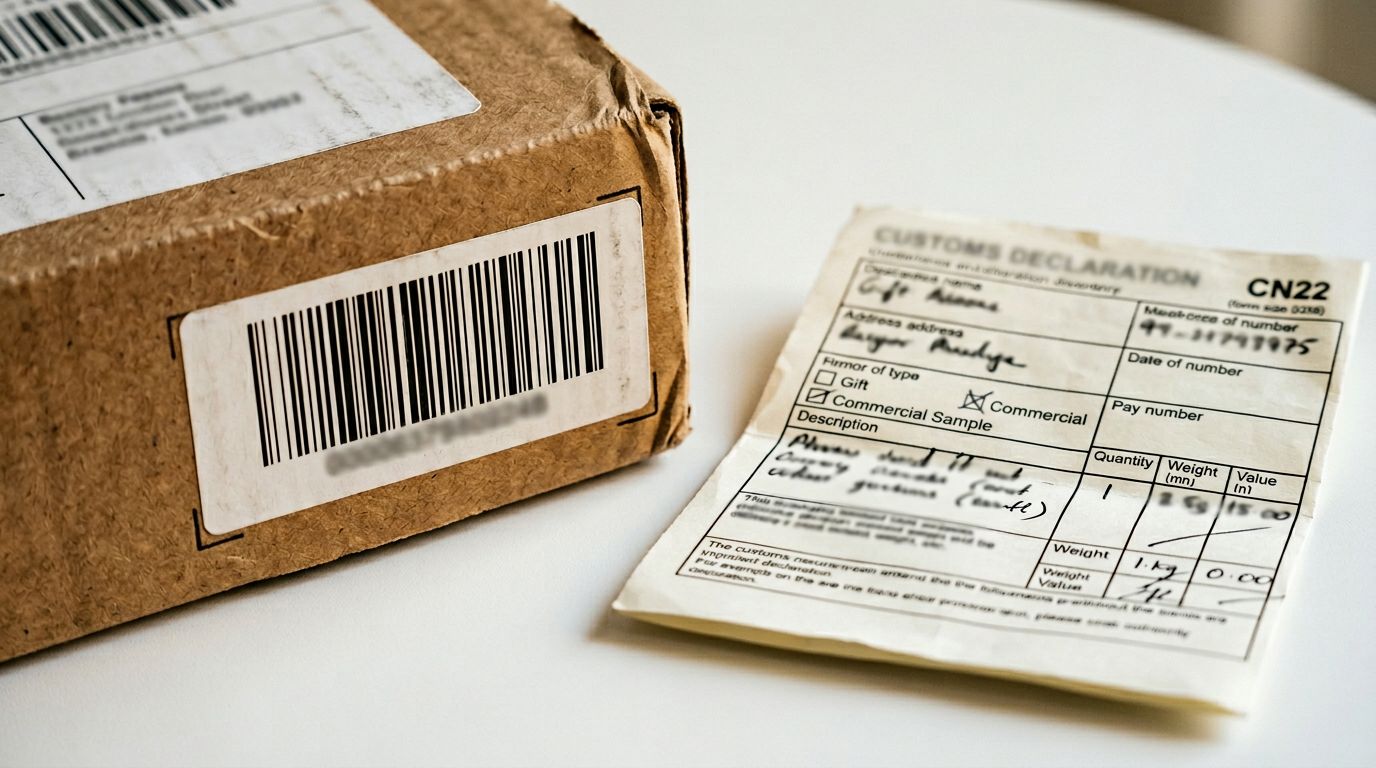
HS code (Harmonised System code). HS codes are required for international shipping. They tell customs authorities what a product is so duty rates can be calculated accurately. Shopify uses HS codes in its Duties and Import Taxes feature at checkout. Products missing HS codes either fail customs clearance or attract incorrect duty estimates, both of which create fulfilment problems and unhappy buyers.
Country of origin. Paired with HS codes, country of origin is required for accurate duty calculation under most trade agreements. Some countries (Switzerland, for example) also require it for weight-based duty calculations. If your supplier catalogue doesn't include country of origin, you're operating blind on cross-border shipments.
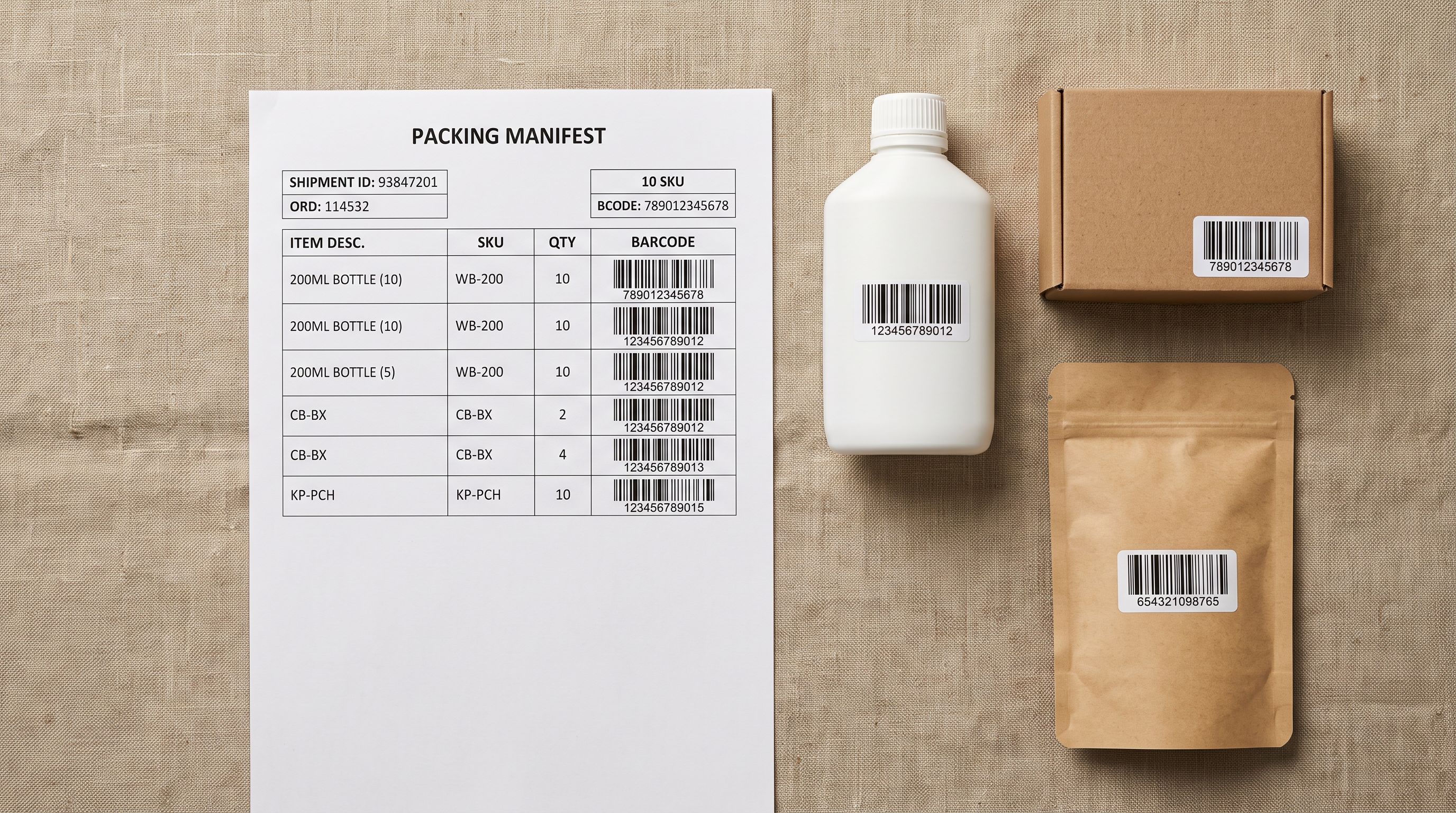
Barcode (GTIN, UPC, EAN, ISBN). Barcodes enable inventory management across multiple sales channels. Without them, products can't be listed on eBay or Amazon, can't be synced via Google Merchant Centre, and can't be scanned in your warehouse. Many supplier catalogues include barcodes on physical labels but omit them from the data file entirely.
What Manual Enrichment Actually Costs
For a small catalogue of 20 or 30 products, manual enrichment is manageable. You look up each HS code in a customs database, find the weight from the product spec sheet, check the manufacturer's website for country of origin. It takes time but it's doable.
At 500 products, the maths changes. Looking up HS codes alone requires knowledge of the Harmonised System classification structure: a 6-digit code that has to match the correct product category in the customs tariff schedule. Getting it wrong creates compliance exposure. Getting it right for 500 different products, across multiple categories, takes a trained operator a full working week.
Barcode lookups are similarly tedious. If you have the barcode but no other data, you're querying databases one product at a time: entering each GTIN into a lookup tool, copying the returned data, pasting it into your product record. At 50 products that's an afternoon. At 500 it's a multi-day project.
There's no clever workaround here: either you find the data manually, pay a data entry operator to find it, or you leave the fields blank and accept the downstream consequences.
Either you find the data manually, pay a data entry operator to find it, or you leave the fields blank and accept the downstream consequences.

How Importier Data Enrichment Works
Importier's AI enrichment fills missing product fields automatically as part of the import flow. You don't run a separate tool or export a CSV to fix it. Enrichment happens during the same 14-step import wizard where you map columns and preview your products.
The enrichment step uses two sources. First, the product's existing data: title, description, visible specifications, and any category information already in the file. Importier passes this to AI (drawing on the same models available for description generation) and asks it to infer missing fields based on what it knows about the product.
For barcodes, Importier takes a different path. It queries the barcodelookup.com API directly using the barcode value, retrieving verified product data (title, weight, category, manufacturer details) that has been validated against real product records. Google Gemini with search handles barcodes the lookup API doesn't have a record for, cross-referencing manufacturer data and public product databases.
The result is weight (with unit conversion between grams, kilograms, pounds, and ounces), product type, category, HS code, and country of origin filled in automatically for every product in the import batch.
For a 500-product catalogue with missing weights and HS codes, the manual approach takes the better part of a week. Importier's AI enrichment runs during the import itself, adding minutes to a process that was already happening.
- A full working week for 500 products
- HS code lookup requires customs classification expertise
- Barcode queries done one product at a time
- Each new stock arrival restarts the process
- Minutes added to an import already in progress
- AI infers HS codes from product data automatically
- Barcode API lookups return verified product records
- Enrichment runs inline during every import
Enrichment Context: Helping the AI Get It Right
Not every product is self-evident from its title alone. "Type A connector, 1.5m, black" could be a USB cable, an audio cable, or an HDMI cable depending on the supplier's naming conventions. A kitchen appliance SKU might not include units in the product name.
Importier includes an enrichment context field for exactly this situation. Before running enrichment, you can enter a plain-language hint: "These are kitchen appliances, weights should be in grams" or "Electronic components, all sourced from China". The AI uses your context to interpret ambiguous products and fill fields more accurately.
This is particularly useful for niche catalogues (medical equipment, industrial parts, speciality food products) where generic product names don't give the AI enough signal on their own.
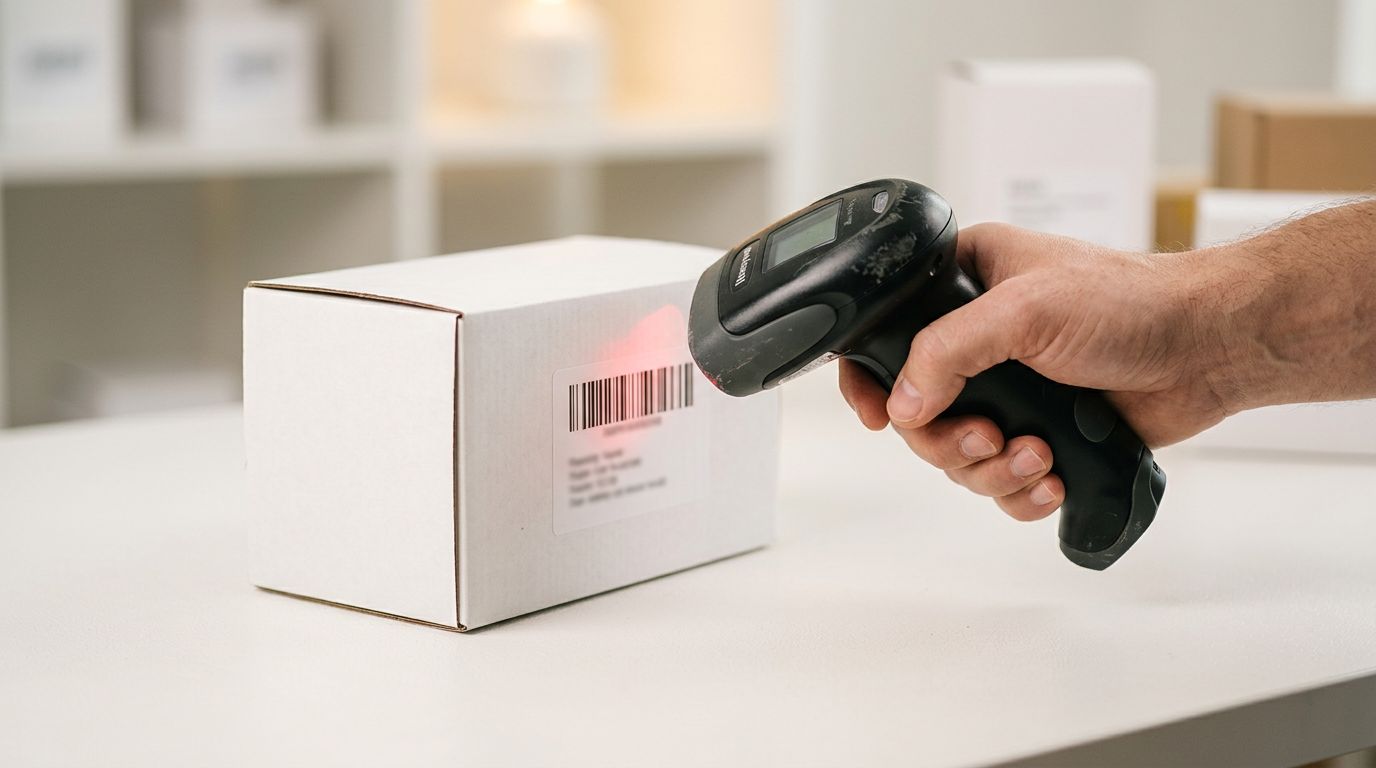
Barcode Lookup: When Your Only Data Is a Barcode
Some merchants receive stock with physical barcodes but no accompanying data file. Liquidation stock, clearance lots, and wholesale purchases from distributors who don't provide product sheets all fall into this category.
Importier handles this case directly. You can import using barcode as the primary identifier and let the lookup fill everything else: product title, description, weight, product category, and manufacturer. For standard consumer goods with GTINs registered in major product databases, the barcode lookup returns a complete product record in seconds.
After the lookup populates your product fields, the AI description generator runs across the enriched data to produce unique, SEO-optimised product descriptions, avoiding the duplicate content problem that comes from using database-sourced descriptions verbatim on your store.
If you're importing from a PDF supplier invoice and the invoice includes barcodes, Importier extracts those barcodes during the PDF parse and feeds them into the lookup automatically. You don't need to enter them manually.
Running Enrichment: Import Flow and Existing Products
Data enrichment runs in two contexts.
During a new import. When you upload a CSV, Excel, or PDF file through Importier's 14-step wizard, the enrichment step appears inline. You select which fields to enrich, add any context hints, and Importier fills missing values before the products are created in Shopify. This is the most efficient path: you're enriching at the point of creation, so the products land in Shopify already complete.
On existing Shopify products. If you've already imported products and want to backfill missing fields, Importier's Store Scanner identifies products with incomplete data across your catalogue. You can filter by collection, SKU pattern, or barcode pattern to target a specific batch. The same AI enrichment then fills missing fields on the selected products and pushes the updates back to Shopify.
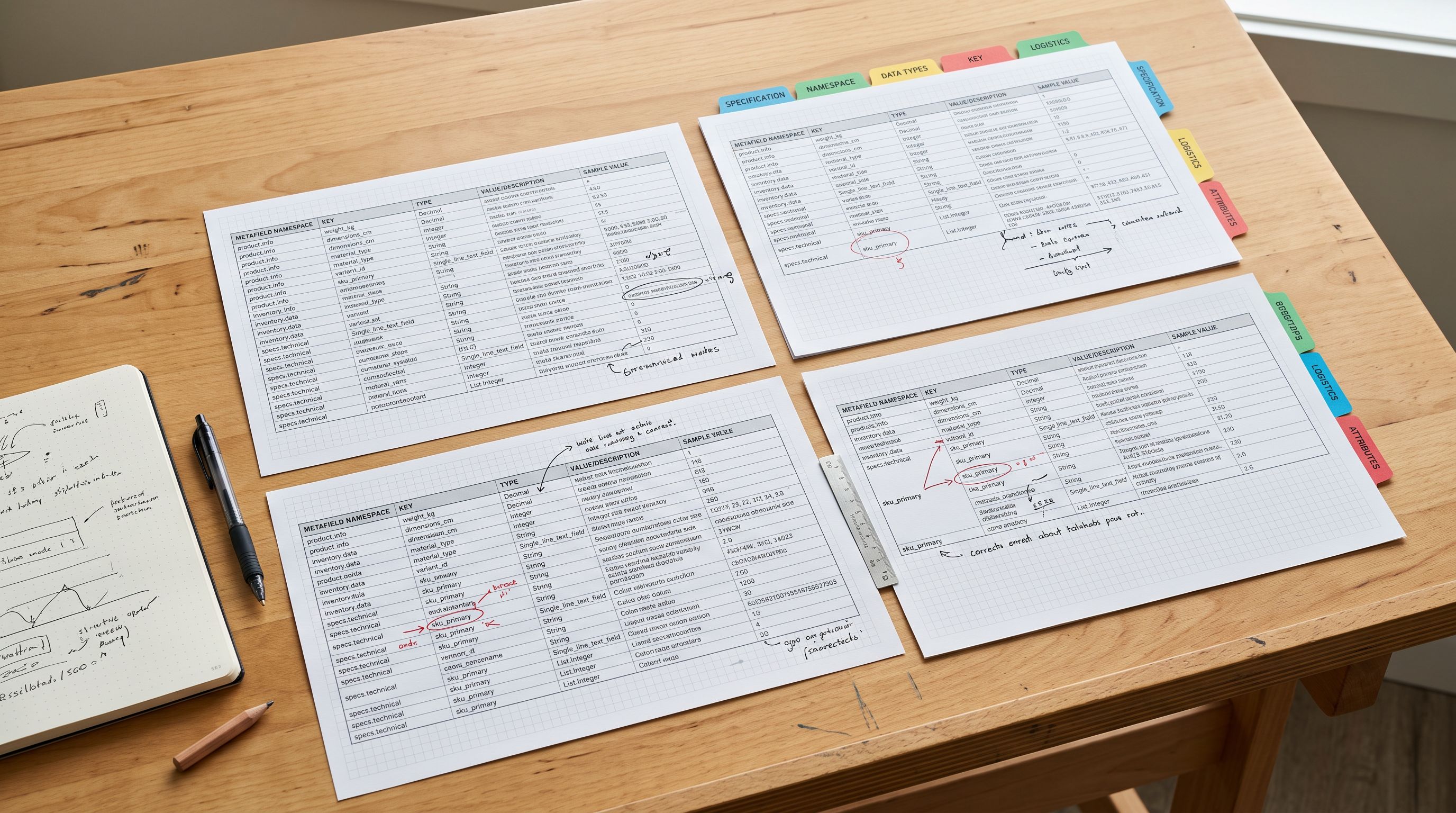
After enrichment runs, Importier also assigns category metafields using its two-phase matching: text-based matching first, then AI for any ambiguous categories. This draws on 22 industry packs covering 3,758 Shopify taxonomy attribute types, filling the structured data that powers Google Shopping feeds and on-site filtering simultaneously.
What Comes After Enrichment
Once your product fields are complete, AI description generation runs across the enriched data. Weight, product type, category, country of origin, and specifications are all fed into the description prompt, giving the AI enough context to write descriptions that are genuinely specific to each product rather than generic placeholder text.
Importier's description generator covers 7 styles and draws on 156 expert personas across 43 industry categories, so a kitchen appliance description reads differently to an electronics component description or a food product. The enriched data is what makes that specificity possible.
If you're rebuilding a catalogue after importing product variants (grouping supplier rows into proper Shopify variant structures), enrichment runs after the grouping step so the AI fills fields at the product level, not for each variant row individually.
Supplier data is never as clean as you need it to be. Missing weights, absent HS codes, blank country of origin fields: these aren't edge cases, they're the standard condition of wholesale catalogue data. Importier's AI data enrichment fixes them at the point of import, so your products land in Shopify ready to ship, ready for customs, and ready for Google Shopping.
Try Importier free at importier.app.
Set up your first import in under five minutes.
Importier brings products into Shopify with AI descriptions, category metafields, and data enrichment on every run.