Shopify Store Migration Timeline: How Long Does It Actually Take?
On this page
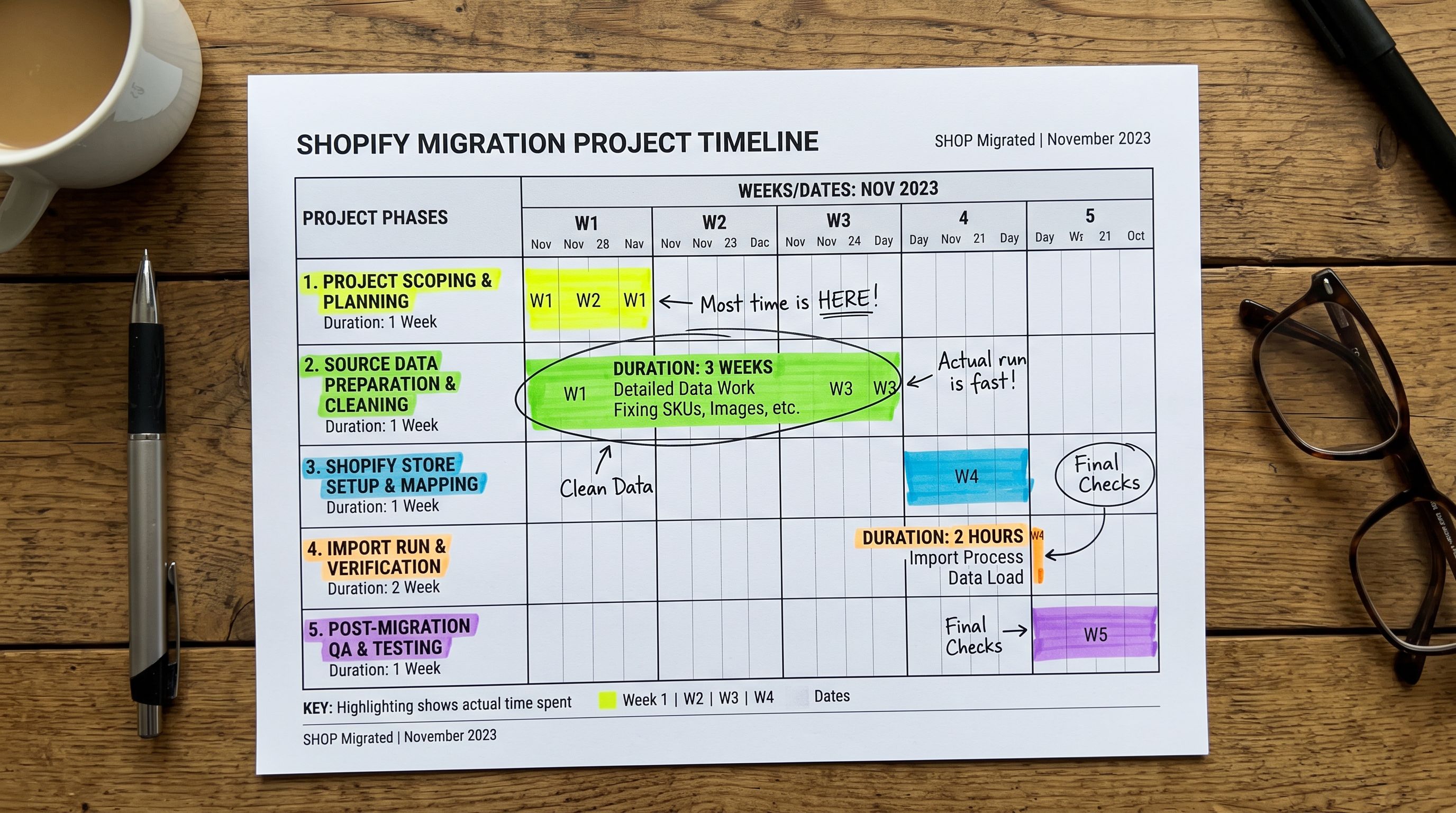
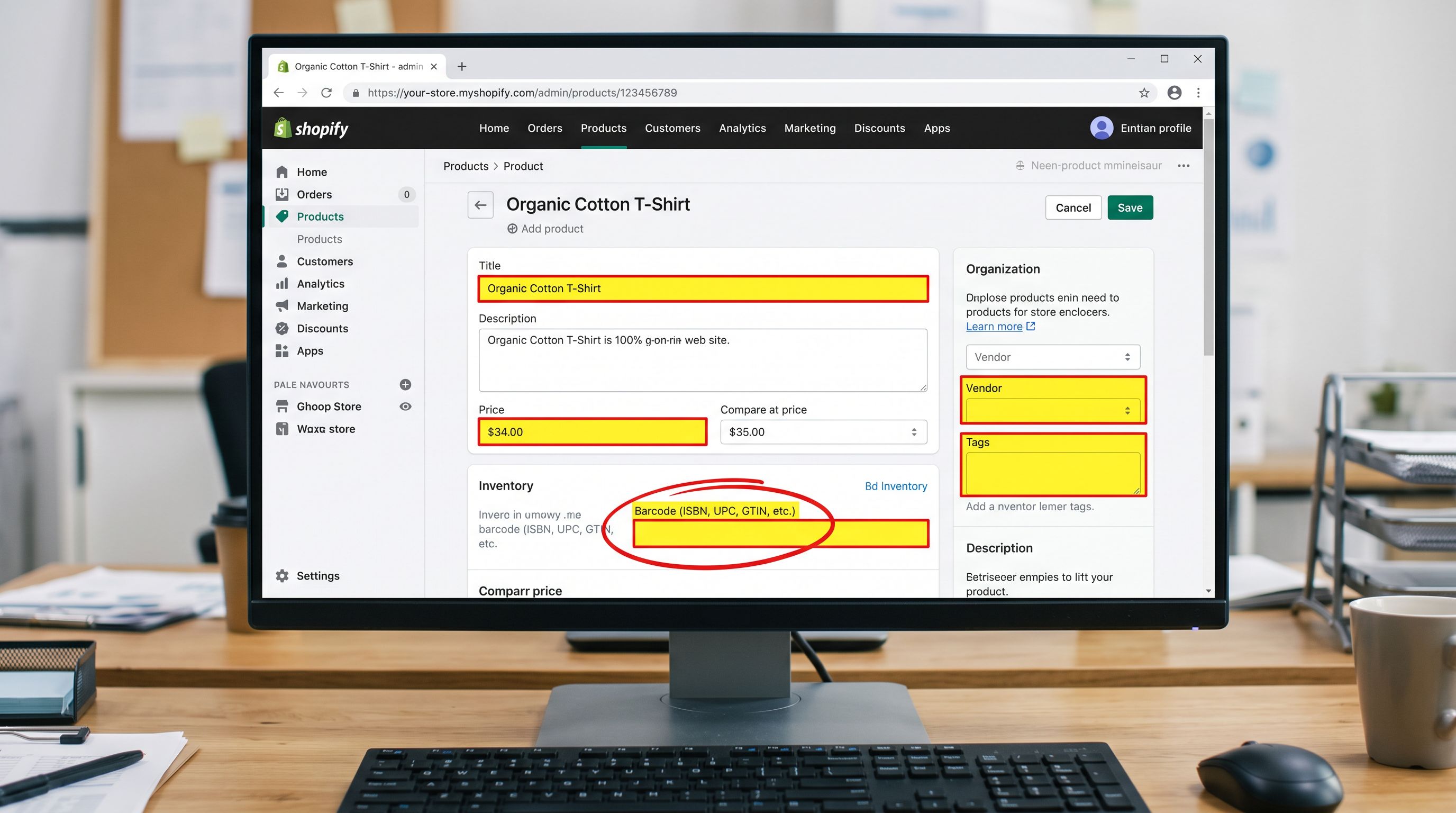
A Brisbane electronics distributor gave their board a three-week timeline to migrate 8,000 product SKUs from Magento to Shopify. The data phase alone took six weeks. Four suppliers. Four CSV formats. Inconsistent naming across the catalogue. Missing GTINs on 2,300 products. Product images stored on a local drive with no hosting solution in place.
The import itself, once the data was ready, took under two hours. The three-week estimate did not account for the six weeks before it.
This is the pattern behind almost every migration that runs over time. The import tool is not the bottleneck. The data before the import tool is.
Why Migration Timeline Estimates Fail
Project managers estimating a Shopify migration typically count the wrong things. They estimate: number of products, time to set up the store, time to run the import. They do not estimate: time to audit what the source data actually contains, time to resolve data quality problems, time to decide on category structure, time to handle the products where the right answer is not obvious.
Shopify's migration documentation covers the mechanics of moving to Shopify. It does not tell you how long your specific data will take to clean.
The data quality phase is the variable that drives migration timeline variance. Two merchants migrating 10,000 products can have timelines that differ by a factor of four because one has clean, consistent supplier data and the other has four years of accumulated product entries from three platforms, two warehouse systems, and a spreadsheet someone built in 2021.
Time Estimates by Catalogue Size
These estimates cover the full migration process: data audit, data preparation, import configuration, import run, AI description generation (if applicable), and QA review. They assume one primary supplier data source and a clean image hosting situation. Multiple suppliers or unhosted images add time to the data preparation phase.
| Catalogue size | Data preparation | Import configuration | Import run | Description generation | QA review | Total (realistic) |
|---|---|---|---|---|---|---|
| 1,000 products | 4–8 hours | 30–60 minutes | 5–15 minutes | 30–90 minutes | 2–4 hours | 1–2 days |
| 10,000 products | 1–3 days | 1–2 hours | 30–90 minutes | 3–8 hours | 1–2 days | 1–2 weeks |
| 100,000 products | 2–6 weeks | 1–2 days | 4–12 hours (batched) | 2–5 days | 2–4 weeks | 2–3 months |
The import run column is the one merchants typically plan around. It is consistently the shortest phase. The data preparation column is the one that determines whether the project finishes on time.
The Five Timeline Factors
The Five Factors That Compress or Extend Your Timeline
1. Source data cleanliness. Clean supplier data means column headers that map directly to Shopify fields, consistent product naming, complete GTINs for distributed products, and no duplicate rows. Dirty data means any of: missing required fields across a significant percentage of rows, inconsistent naming conventions between products that should be variants, fields that contain mixed data types, or columns that need to be split or combined before they map to Shopify.
A clean 10,000-product import can be configured and running in under a day. A dirty 10,000-product import with missing GTINs on 30% of rows and inconsistent supplier naming that requires manual variant grouping can take a week of data preparation before the import runs.
2. Image state. Images hosted as public URLs in the supplier file import directly. Importier fetches and processes them during the import run. Images stored on a local drive, Dropbox, or internal server need to be hosted before they can be imported. For a 10,000-product catalogue with 3 images per product, setting up image hosting and generating the URLs to include in the import file is a project phase of its own.
3. Description quality requirements. If the merchant is generating AI descriptions via Importier during the import, that adds 30 minutes to a few hours depending on catalogue size and the review standard applied. If the merchant is reviewing every AI-generated description before publishing, that phase scales with the catalogue. A 1,000-product catalogue with human review on every description adds one to two days. A 10,000-product catalogue with human review on a 10% sample adds a day.
4. Number of suppliers and formats. Each supplier file requires its own column mapping configuration in Importier. One supplier, one format: configuration takes 30 to 60 minutes. Four suppliers, four formats: configuration takes 2 to 4 hours. The compounding factor is that different supplier formats often require different data cleaning steps. What works as a normalisation formula for Supplier A's export format does not apply to Supplier B's.
5. Category structure decisions. Deciding how to organise the catalogue into Shopify collections is not a data task. It is a business decision. Merchants who resolve this before the migration starts can configure tags and collection assignments at import time. Merchants who resolve it mid-migration create extra work: products import into a flat structure, then require a second pass to assign to collections once the structure is decided. For new store launches, the right time to make this decision is before the first import runs, not after.
Every day a category structure decision is deferred past the import date is a day of retroactive correction work added to the project.
What Importier Automates Versus What Requires Human Decisions
Understanding where automation compresses the timeline matters for project planning. The phases Importier handles quickly are not the phases that cause overruns.
Automated (fast):
- Column mapping: once configured per supplier file, reusable for every subsequent import from that supplier
- Variant detection: 150+ patterns across 15+ industries identify which rows belong together as product variants; for a clean supplement catalogue, this converts a 480-row flat file to 80 grouped products without manual intervention
- AI description generation: 18+ models, 156 expert personas, 7 description styles run across the full catalogue in a single pass
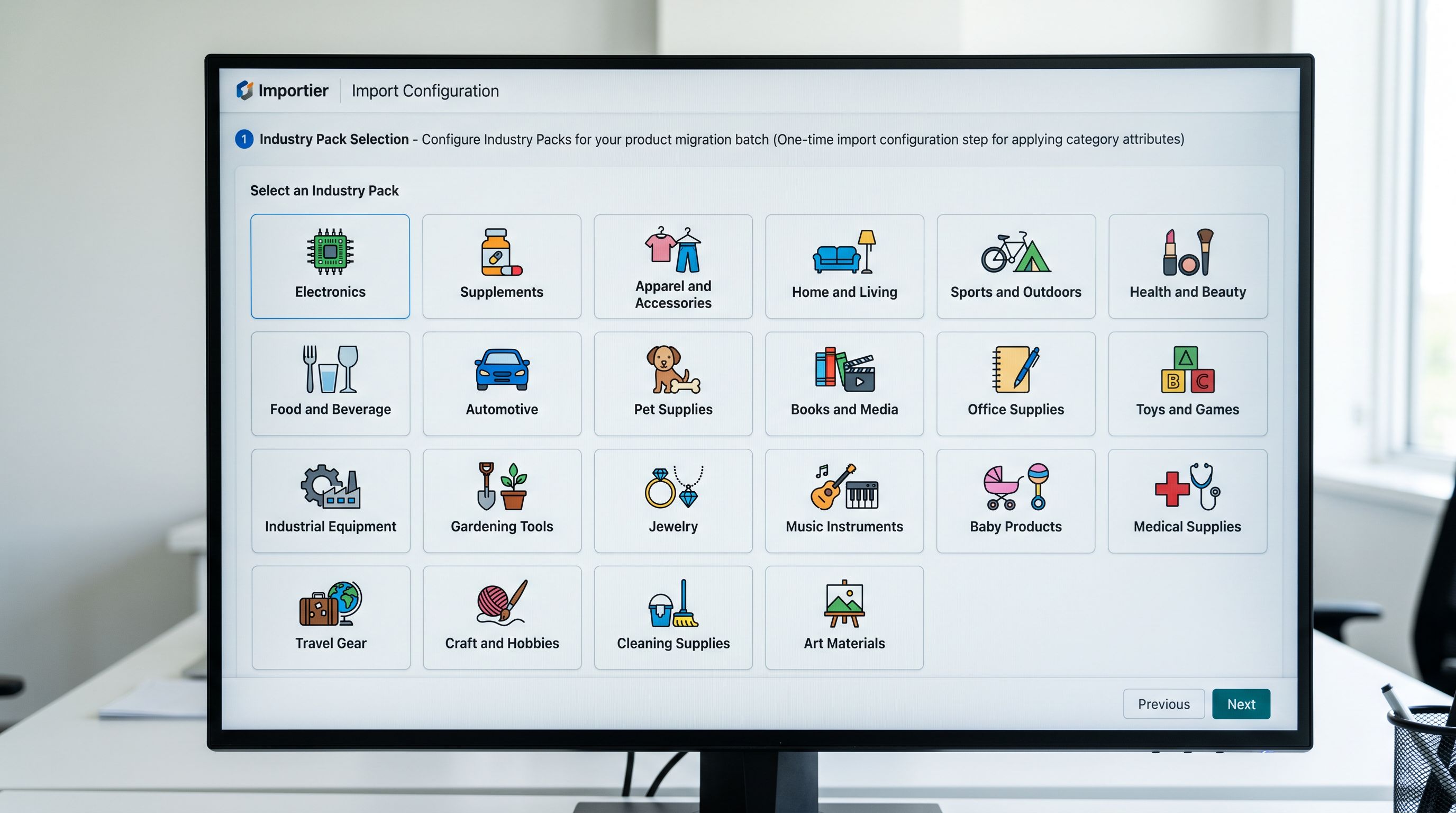
- Industry Pack attribute mapping: 22 packs covering the Shopify standard taxonomy apply category-specific metafields across every product in a batch in one configuration step
- Image processing: URL-based images fetched and processed during the import run
Human decisions required (slow):
- Data quality resolution: what to do with products that have incomplete data (import with missing fields, exclude from the batch, return to supplier for correction)
- Variant grouping edge cases: products where the naming is ambiguous or the variant structure is not standard need manual column preparation before Smart Variant Detection can group them
- Description review for compliance or brand-sensitive categories: regulated product categories (supplements, electronics, medical devices) where AI-generated claims need human verification before publishing
- QA sign-off: the decision that the import result is correct and products can go live
The human decision phases are the ones that do not appear in migration estimates because they feel like "just checking" rather than project work. They are consistent sources of timeline overrun.
Common Overruns
The Four Common Migration Overruns
"The supplier will send the data this week." Supplier data delivery is the single most common cause of migration delay. The project plan shows data arriving in week 1. It arrives in week 4. Every other phase shifts. A realistic migration plan includes a supplier data delivery deadline with a two-week buffer and a contingency plan if that deadline is missed.
Images are not hosted. The merchant discovers mid-project that their product images are on a local drive or in a folder structure that does not have public URLs. Generating a hosting solution, uploading images, and producing URLs for 10,000 products is a project phase that was not in the original plan. According to Shopify's product import documentation, images must be accessible via public URL at import time; they cannot be uploaded from local storage during a CSV import.
Category structure decided after import. The merchant imports 10,000 products into a flat catalogue and then decides the collection structure. Every product needs to be re-tagged or re-assigned. For a 10,000-product catalogue, this is a significant batch operation that could have been included in the original import at no additional cost.
QA reveals a structural problem. The pre-launch testing protocol catches structural issues before they affect live products. Merchants who skip structured QA and go live immediately sometimes discover problems at scale: variant groupings that look correct in a sample review but break down across 30% of the catalogue, or missing attributes on all products from one supplier that were mapped correctly but the source column was empty. Fixing structural problems post-launch costs more than catching them in QA.
Building a Realistic Migration Project Plan
The project plan structure below works for catalogues from 1,000 to 100,000 products. The duration of each phase scales with catalogue size and data quality. The structure does not change.
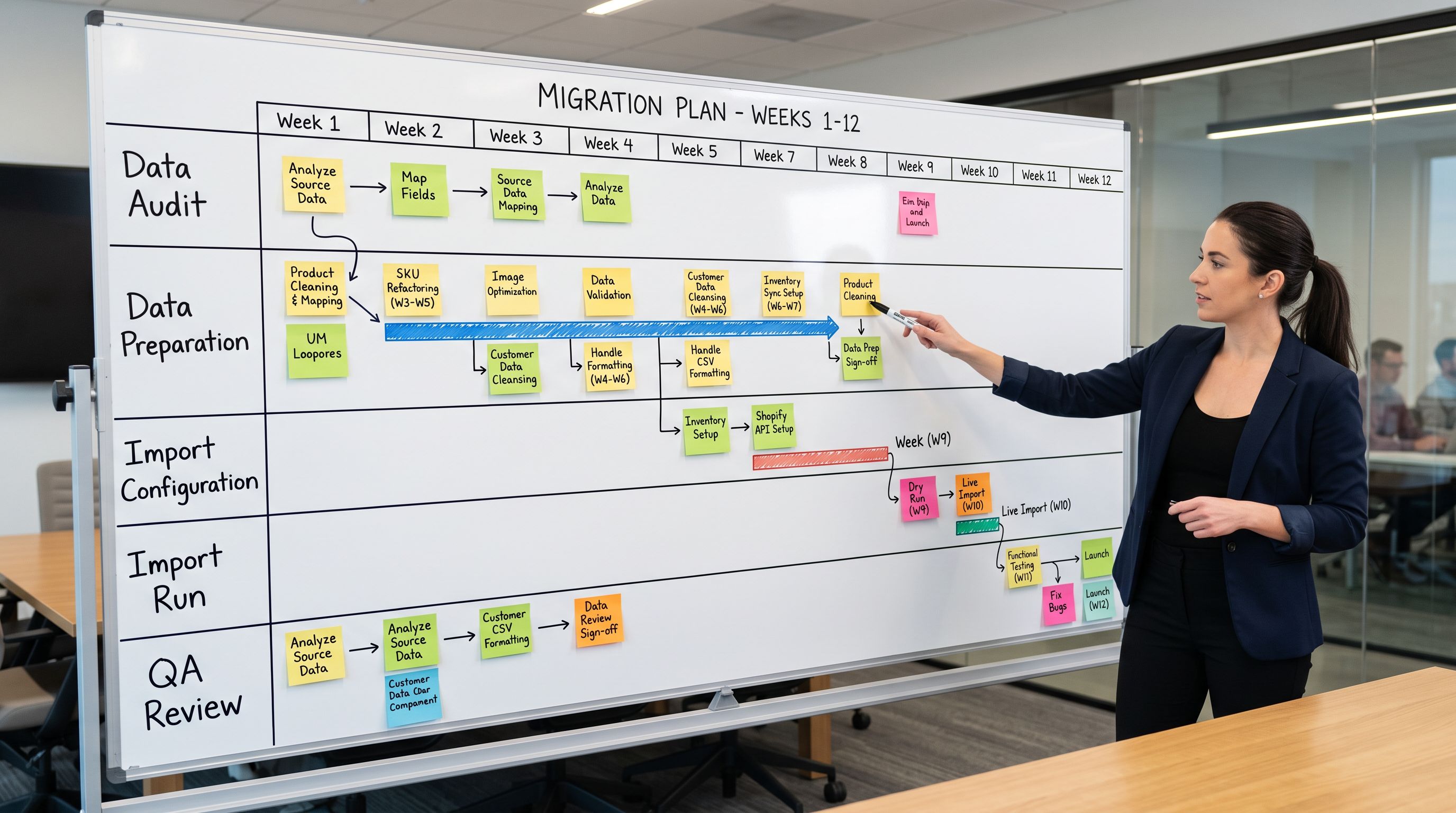
- 01Data audit (1–3 days)before writing a timeline, audit the source data. Count the number of products, suppliers, and file formats. Check GTIN completeness, image hosting state, variant structure consistency, and description availability. This audit produces the inputs for every subsequent phase estimate
- 02Data preparation (variablethis is your risk phase): clean the source files to the standard required for import. Resolve missing GTINs, consolidate supplier files to a consistent format, set up image hosting if needed, add a Handle column with your URL architecture strategy. Budget generously here. This phase determines whether the project finishes on time
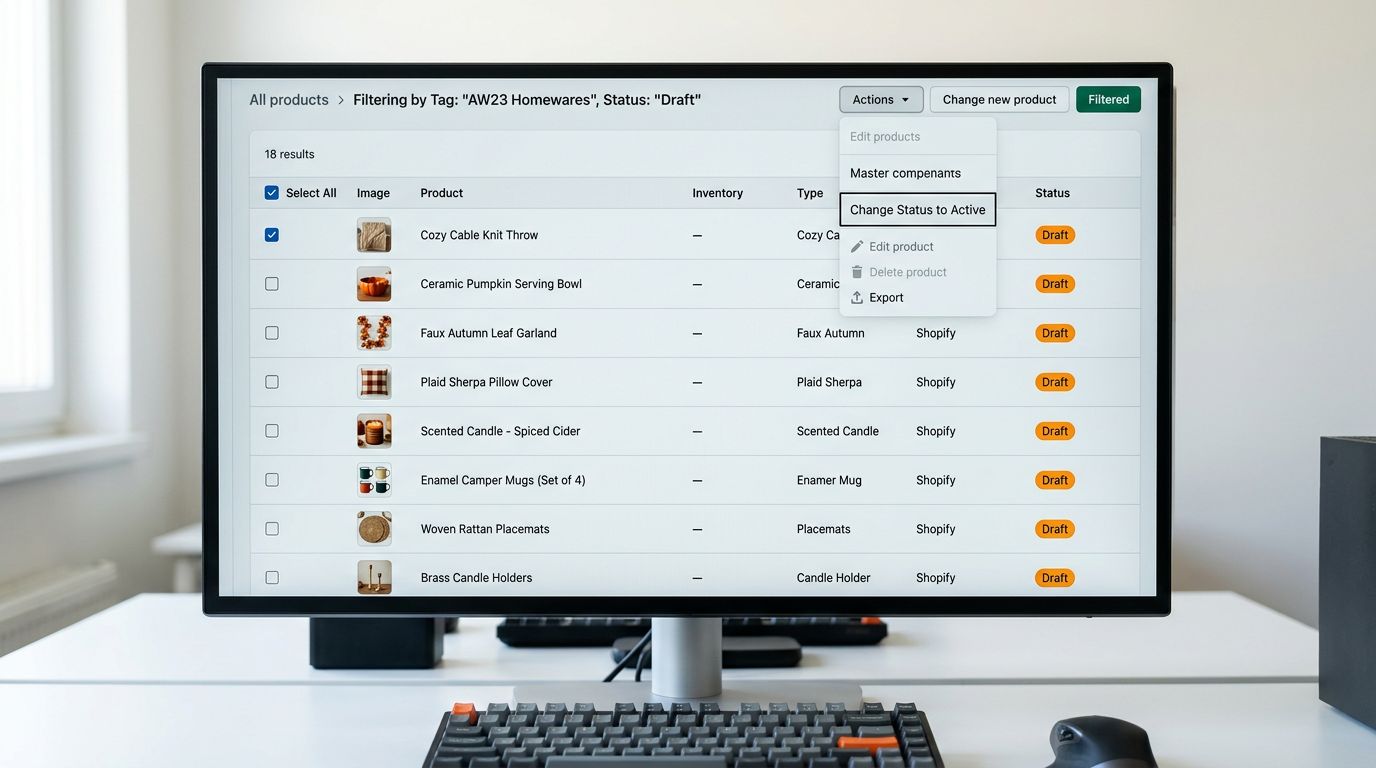
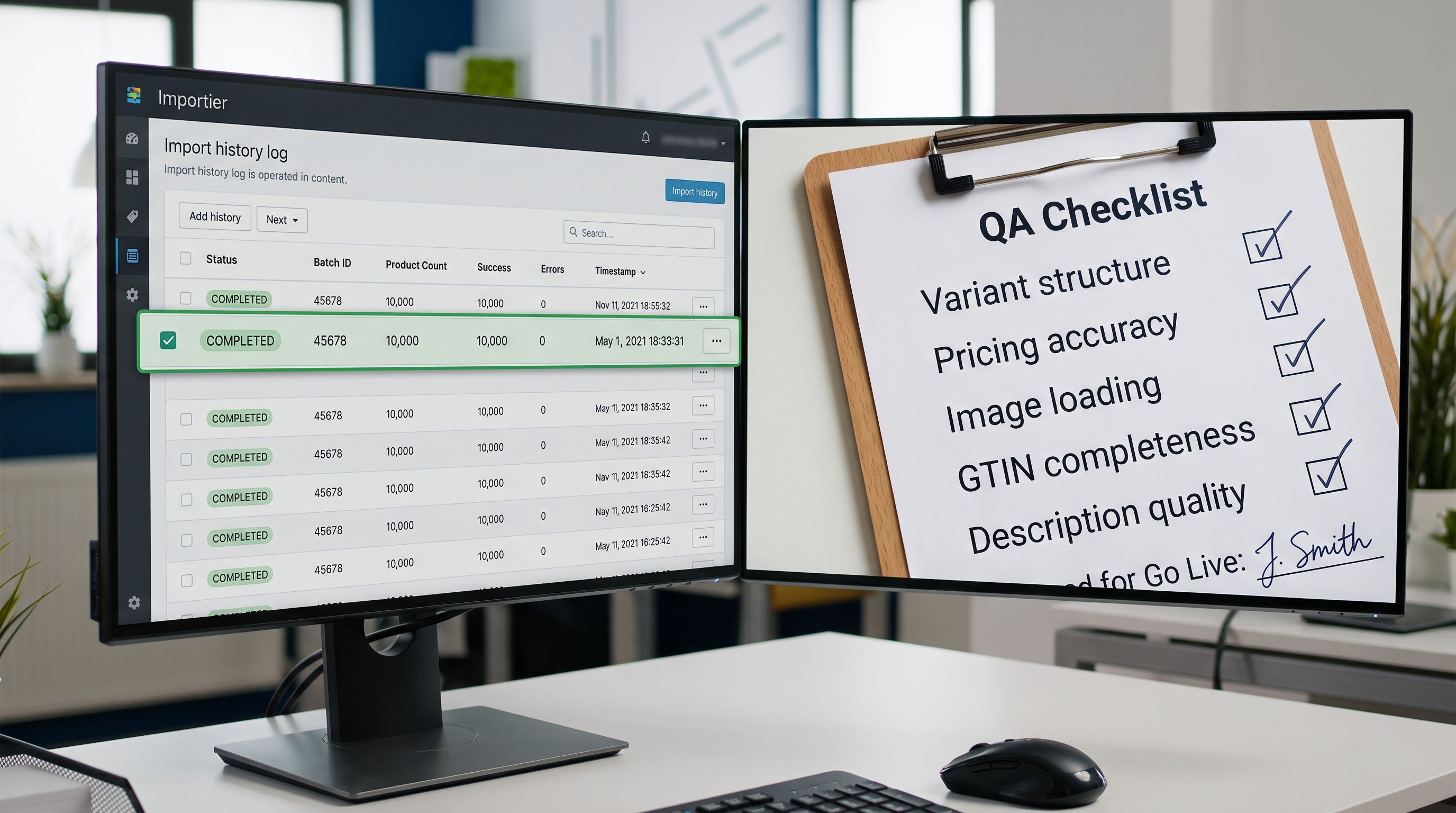
- 03Pilot import (1–2 days)import 5–10% of the catalogue as Draft status. Configure column mapping, Industry Pack settings, and AI description generation for each supplier. Review the pilot products in Shopify admin for correct variant structure, description quality, image loading, and attribute completeness before importing the full catalogue
- 04Full import (1 day to 1 week depending on catalogue size)run the full catalogue import in batches if the catalogue exceeds 50,000 products. Generate AI descriptions in the same pass. Keep all products in Draft status until QA is complete
- 05QA and go-live (1–5 days)review a structured sample of the imported catalogue. Check pricing accuracy, variant structure, image loading, description completeness, and Google Shopping attribute requirements. Fix any issues identified. Batch-publish once QA passes
The migration planning guide covers the strategic decisions in each of these phases. The timeline estimates here add the hours to each phase so you can build a project plan with dates rather than tasks.
- 3-week estimate assumes the import tool is the project: configure it, run it, done
- Data audit not in the plan; data quality problems surface mid-import
- Supplier data delivery not scheduled; migration stalls when files arrive late
- QA treated as an afternoon task; structural problems found post-launch require a re-import
- Project runs 2x to 4x over timeline; stakeholders lose confidence in the migration team
- Realistic estimate starts with a data audit that prices the data preparation phase
- Data quality problems identified before the project plan is written; buffer added for the risk phase
- Supplier data delivery deadlines with buffer built into the project plan
- Structured QA phase with a defined pass/fail standard before any product goes live
- Migration runs on schedule because the estimate was built from the actual bottlenecks, not the tool
The Brisbane electronics distributor's migration finished successfully. The final timeline was 11 weeks: 6 weeks of data preparation (supplier coordination, GTIN sourcing, image hosting setup), 1 week of import configuration and pilot testing, 2 hours of import runs across 3 batches, 3 days of AI description generation with human review on the regulated electronics lines, and 2 weeks of QA. The original three-week estimate was not wrong about the import. It was wrong about everything before the import.
A migration timeline built from a data audit is a project plan. A migration timeline built from product count and import speed is a guess.
Try Importier free at importier.app.
Set up your first import in under five minutes.
Importier brings products into Shopify with AI descriptions, category metafields, and data enrichment on every run.