How to Plan a Shopify Catalogue Migration: Six Phases

On this page
A homewares retailer migrating 2,400 products from Magento imported a CSV directly into Shopify and went live the same day. Within three weeks: 312 products had broken image links (images still hosted on the Magento server, which was decommissioned after the DNS cutover), 180 products had lost their search rankings (Shopify auto-generated new URL handles, invalidating inbound links that had accumulated over seven years), and 40 product lines had variant explosions (size and colour options stored as separate product records on Magento became individual Shopify products, fragmenting inventory across duplicates).
None of these required a technical fix after the fact. All three required a planning decision before the first import ran.
Platform migrations fail most often not at the technical layer but at the planning layer. The export-to-import path from any major ecommerce platform to Shopify is straightforward. What creates post-launch problems is the set of decisions that precede the import: which fields map to which Shopify fields, where images will be hosted, how URLs will be handled, whether variants will be grouped, and what acceptable product data looks like on day one versus after the catalogue stabilises.
A migration plan answers those questions before the first product enters Shopify.
The Six Phases of a Catalogue Migration
A platform migration has six distinct phases. Each phase produces an output that feeds the next. Skipping a phase pushes its decisions into a later phase, where the cost of making those decisions is higher.
- 01Auditinventory what exists on the source platform: product count, field completeness, image hosting environment, URL structure, variant configuration, and data quality issues that migration will not automatically resolve
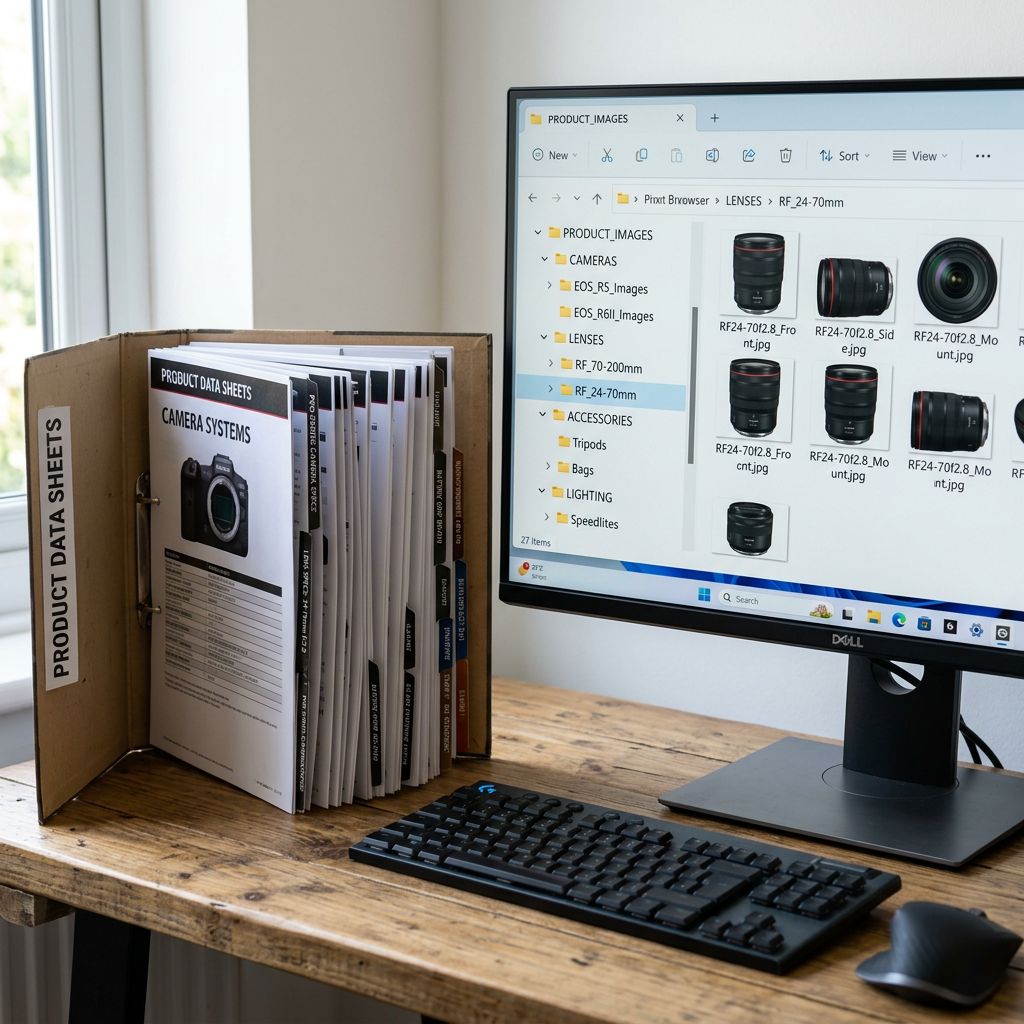
- 02Extractexport from the source platform in the most complete format available; download all images to a local staging folder rather than importing URL references; document every existing product URL as the input to the redirect plan
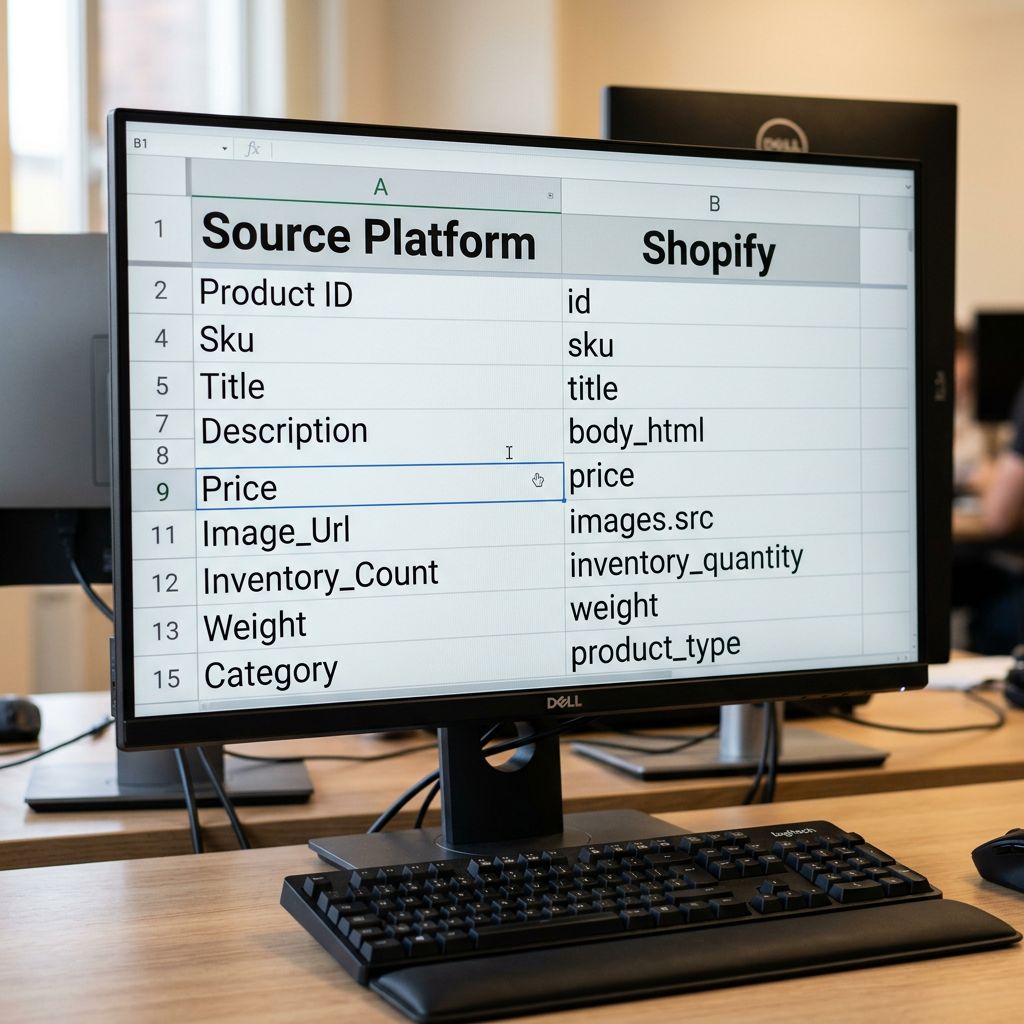
- 03Transformmap source platform fields to Shopify fields; flatten variants where the source platform stores options as separate products; normalise weight units; clean up shortcodes, HTML tags, and formatting artefacts in description fields
- 04Testimport the transformed file to a Shopify development store; verify handles, variant grouping, image resolution, and price formatting against a sample of 200 to 300 products before the full catalogue is touched
- 05Migrateimport the full catalogue via Importier with AI description generation, Industry Pack enrichment, and variant grouping patterns applied at import time; publication status set to Draft until verification completes
- 06Verifyrun the SEO Audit export preset against the full catalogue; confirm URL redirects are in place; spot-check metafield population; set products to Active in batches once each batch clears the verification checklist
Each phase produces a document or file that feeds the next: the audit produces the field mapping plan, the extract produces the staging folder and URL map, the transform produces the import-ready CSV, the test produces a list of issues to resolve before the live migration, and the verify phase confirms the catalogue is publication-ready.
What to Preserve From the Source Platform
Descriptions. Most source platform descriptions fall into two categories: thin supplier copy that does not belong on a Shopify store, or proprietary copy worth preserving. For the first category, migration is the opportunity to replace all descriptions with AI-generated content using Importier's Brand Voice settings and Industry Packs, producing Shopify-optimised descriptions from day one rather than inheriting a catalogue of low-quality copy. For the second category, descriptions transfer via the CSV and can be enriched selectively through Importier's update mode.
Images. Image URLs pointing to the source platform's hosting environment will break when the source server is decommissioned or the domain changes. Every image referenced in the source catalogue must be downloaded to a staging folder before migration and re-uploaded as part of the Shopify product record. Importier supports direct image URL imports from a staging location: the import CSV contains the staging URL, and the app downloads and attaches the image to the product during the import process.
Reviews. Shopify has no native product review system. Reviews from the source platform cannot be imported via a standard product CSV. Review migration requires a third-party review app that supports CSV import and should be planned as a separate workstream, not treated as part of the product import.
URLs and handles. Every product URL on the source platform that carries inbound links, search rankings, or bookmarks needs a corresponding 301 redirect to the Shopify URL. Shopify derives the product handle from the product title at import time unless a handle is specified in the import CSV. Specifying handles in the CSV allows the Shopify URL structure to be pre-determined and matched against the redirect plan before the migration runs.
Metafields. Category attributes that exist in the source platform's taxonomy (material, finish, weight, dimensions, compliance certifications) need to be mapped to Shopify's standard metafield definitions or custom metafield definitions before import. Importier's 22 Industry Packs with 3,758 attributes provide the target taxonomy for this mapping: the pack attributes define what each metafield should contain, and the enrichment pass populates them from the product data or via AI lookup.
A migration that transfers product records without transferring search equity, URL continuity, and data structure is a partial migration. The catalogue exists in Shopify; the business context does not.
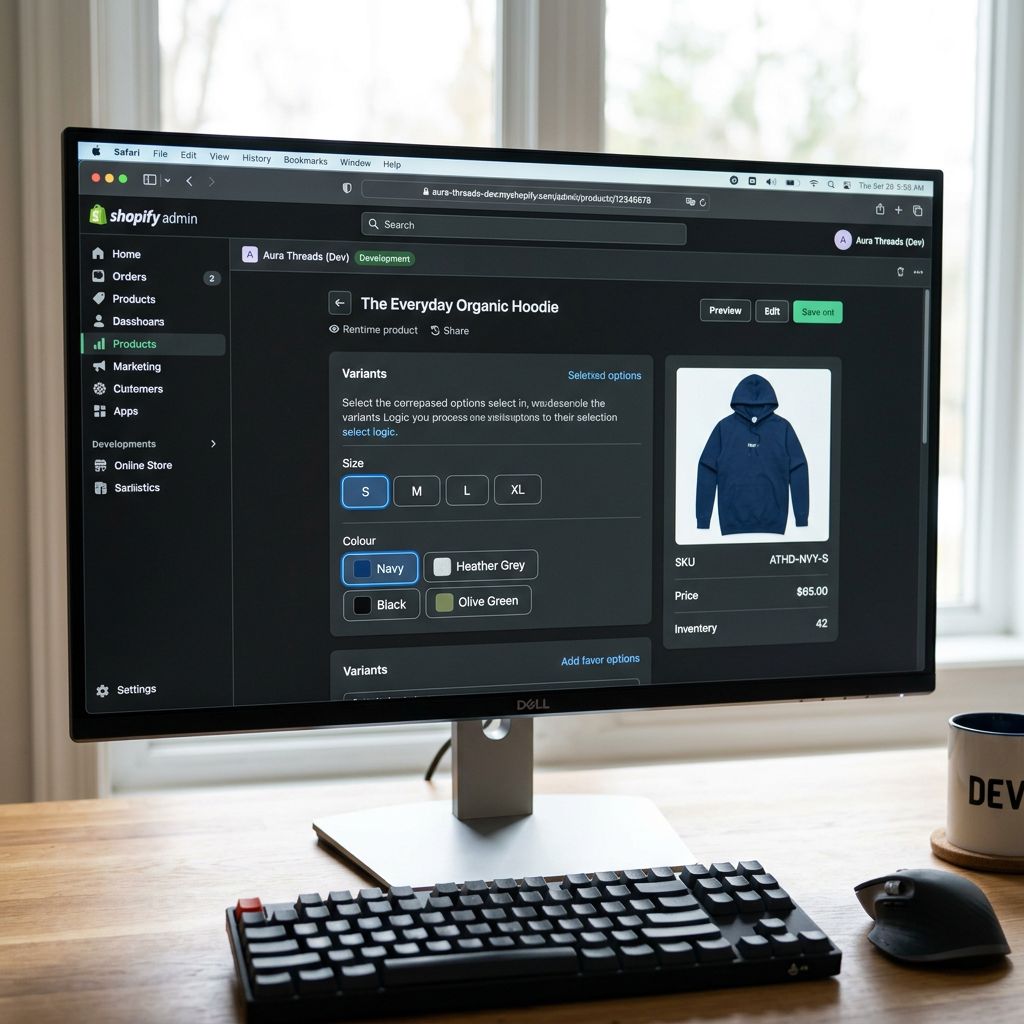
The Test Migration
According to Shopify's documentation on development stores, a development store is a free Shopify environment that mirrors a production Shopify store. Development stores support the full import flow, including product creation, variant configuration, and metafield population.
A test migration imports the transformed CSV into the development store before the production migration runs. The test reveals:
Handle conflicts. If two products in the source catalogue have identical titles, Shopify appends a numeric suffix to the second handle. The redirect plan must account for these suffixes before the production migration runs.
Variant grouping accuracy. If the source platform stored options as separate product records, the variant grouping patterns in Importier need to be validated against the actual product set. A sample of 200 to 300 products covering the major variant types confirms the grouping logic before it runs on the full catalogue.
Image resolution. The test migration confirms that every image URL in the staging folder resolves correctly and that images attach to the correct product records rather than to a neighbouring product due to a row offset in the CSV.
Price formatting. Currency conversion from a source platform's stored format to Shopify's expected format produces zero-price errors if the decimal separator is wrong or the currency field is unpopulated. The test migration catches these before they affect a live storefront.
The test migration adds one to two days to the timeline. It removes the risk of discovering a systematic transform error after 2,400 products are live in Draft or, worse, in Active status.
For large catalogue imports run across multiple batches, the test migration should cover at least one complete batch per major product category, not just an arbitrary sample from the full export.
URL Redirect Planning
URL Redirect Planning as Part of the Import
URL redirects are not an afterthought. They are part of the migration plan and must be completed before the source platform goes offline or the domain switches to Shopify.
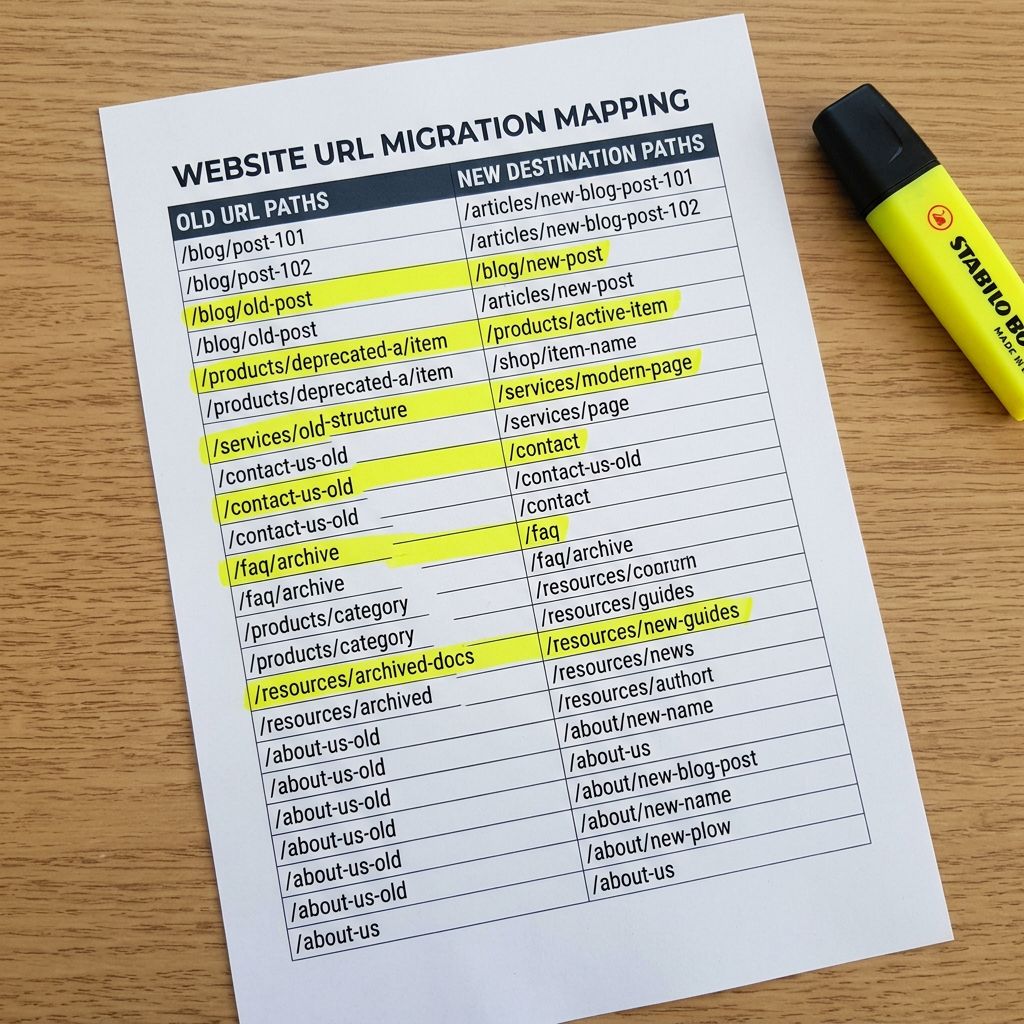
The redirect plan is a two-column document: the old URL from the source platform and the corresponding new Shopify URL. For a 2,400-product catalogue, this is a 2,400-row spreadsheet produced during the Extract phase using the source platform's URL structure and the handles specified in the import CSV.
According to Shopify's URL redirects documentation, Shopify accepts bulk redirect imports via CSV under Settings, Navigation, URL Redirects. The redirect CSV format requires two fields: the old path (not the full URL, just the path) and the new Shopify path. This bulk import runs after the production migration and before the DNS cutover, ensuring that inbound links from search engines, external sites, and bookmarks resolve to the correct Shopify product page from the moment the domain points to Shopify.
Specifying handles in the import CSV is the mechanism that makes the redirect plan accurate. When Shopify generates handles automatically, the redirect plan can only be finalised after the import runs and the generated handles are confirmed. Specifying handles before import allows the redirect plan to be built in parallel with the transform phase rather than as a corrective step after the migration.
Common Migration Traps
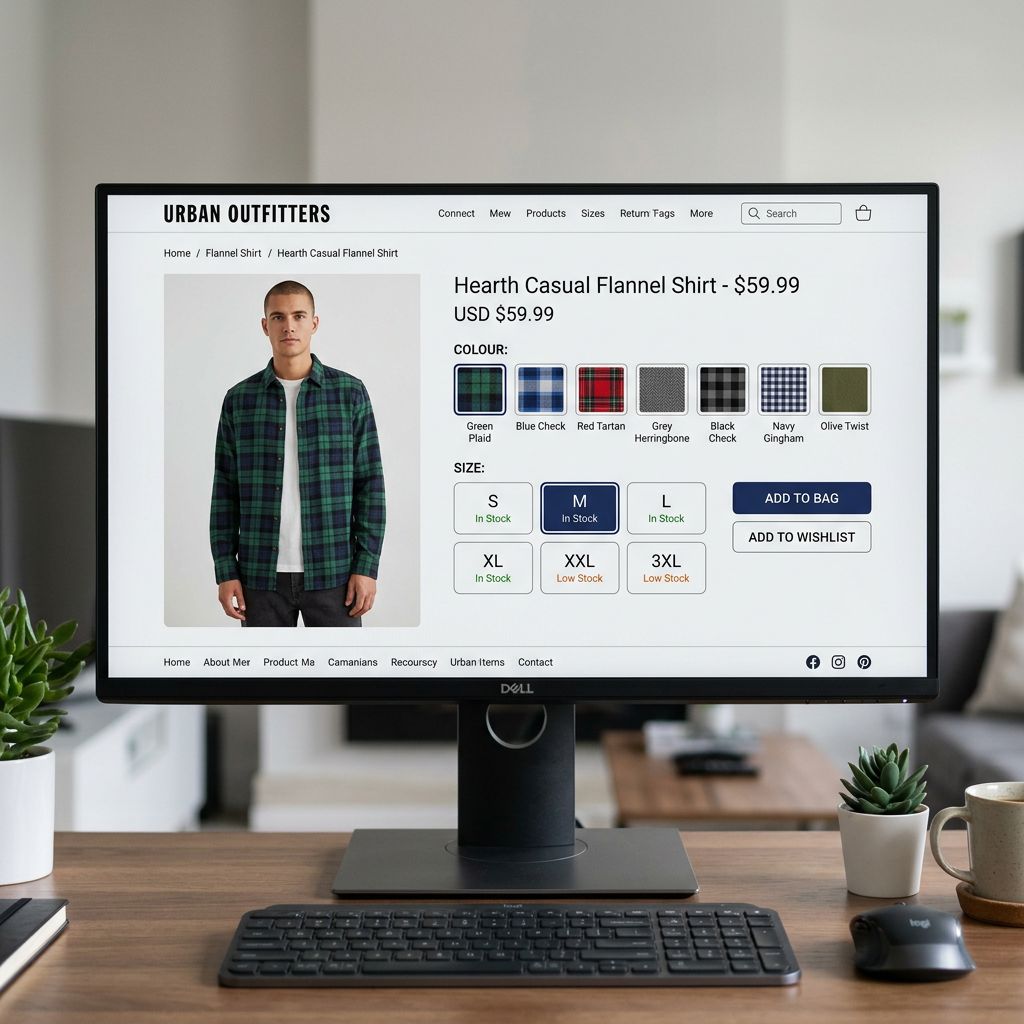
Variant explosion. When the source platform stores product options (size, colour, material) as separate product records rather than as variant options, a direct import creates one Shopify product per option combination. A dress available in 12 sizes and 6 colours produces 72 Shopify products instead of one. Importier's 150+ variant detection patterns across 15+ industries identify this pattern at import time and group the records into a single product with the correct variant structure.
ID mapping breakage. Source platform product IDs do not carry over to Shopify. Any external system that references products by their source platform ID (loyalty programmes, integration apps, analytics event tracking, email marketing product blocks) will fail to resolve those references after migration. The audit phase should identify every external system that uses product IDs and document the mapping from old IDs to new Shopify product IDs after the migration completes.
Weight unit mismatch. Magento stores weights in kilograms. WooCommerce often stores weights in grams. Some platforms store weights as integers without a unit field. Shopify's weight field accepts a value and a unit. A weight stored as 500 on a grams platform imports as 500 kg on Shopify if the unit field is not explicitly set in the transform phase, producing incorrect shipping rates immediately after launch.
The post-migration enrichment gap. Even a well-planned migration produces a set of products that need enrichment after import: missing GTINs, blank weight fields, shortcodes rendered as visible text in descriptions, or category attributes that could not be automatically assigned. The post-migration data cleanup workflow covers this pass: descriptions first, data enrichment second, category attributes third, and SEO Audit verification last.
Incomplete category taxonomy. Platform-specific category strings from the source system (WooCommerce category slugs, Magento attribute sets) do not map automatically to Shopify's category taxonomy. The transform phase must include an explicit mapping from source category strings to Shopify product types and the Industry Pack that applies to each category. Importier's two-phase pack matching (text-first, then AI) identifies the correct pack even when product type fields still carry legacy category strings.
- Image links break when source server decommissions after DNS cutover
- Search rankings lost to auto-generated handles that do not match redirected URLs
- Variant explosion produces 72 products from one product line
- Weight unit mismatch produces incorrect shipping rates at launch
- ID breakage in loyalty and analytics systems discovered weeks post-launch
- Images downloaded to staging during Extract phase and re-hosted at import time
- Handles specified in import CSV to match redirect plan before DNS cutover
- Variant grouping patterns consolidate option records into correct variant structure
- Weight unit field explicitly mapped and normalised in the transform phase
- External ID dependencies documented in audit; mapping table produced immediately post-migration
The homewares retailer's migration problems were each preventable. Broken images required a download-to-staging step in the Extract phase. Lost rankings required a handle specification in the import CSV. Variant explosion required a grouping pass before import. A migration plan does not add weeks to the timeline. It adds two to three days of structured preparation that removes weeks of post-launch correction.
Try Importier free at importier.app.
Set up your first import in under five minutes.
Importier brings products into Shopify with AI descriptions, category metafields, and data enrichment on every run.