Shopify Wholesale Product Import: B2B Catalogue Guide

On this page
Shopify Wholesale Product Import: How to Add Your Supplier Catalogue Without Manual Entry
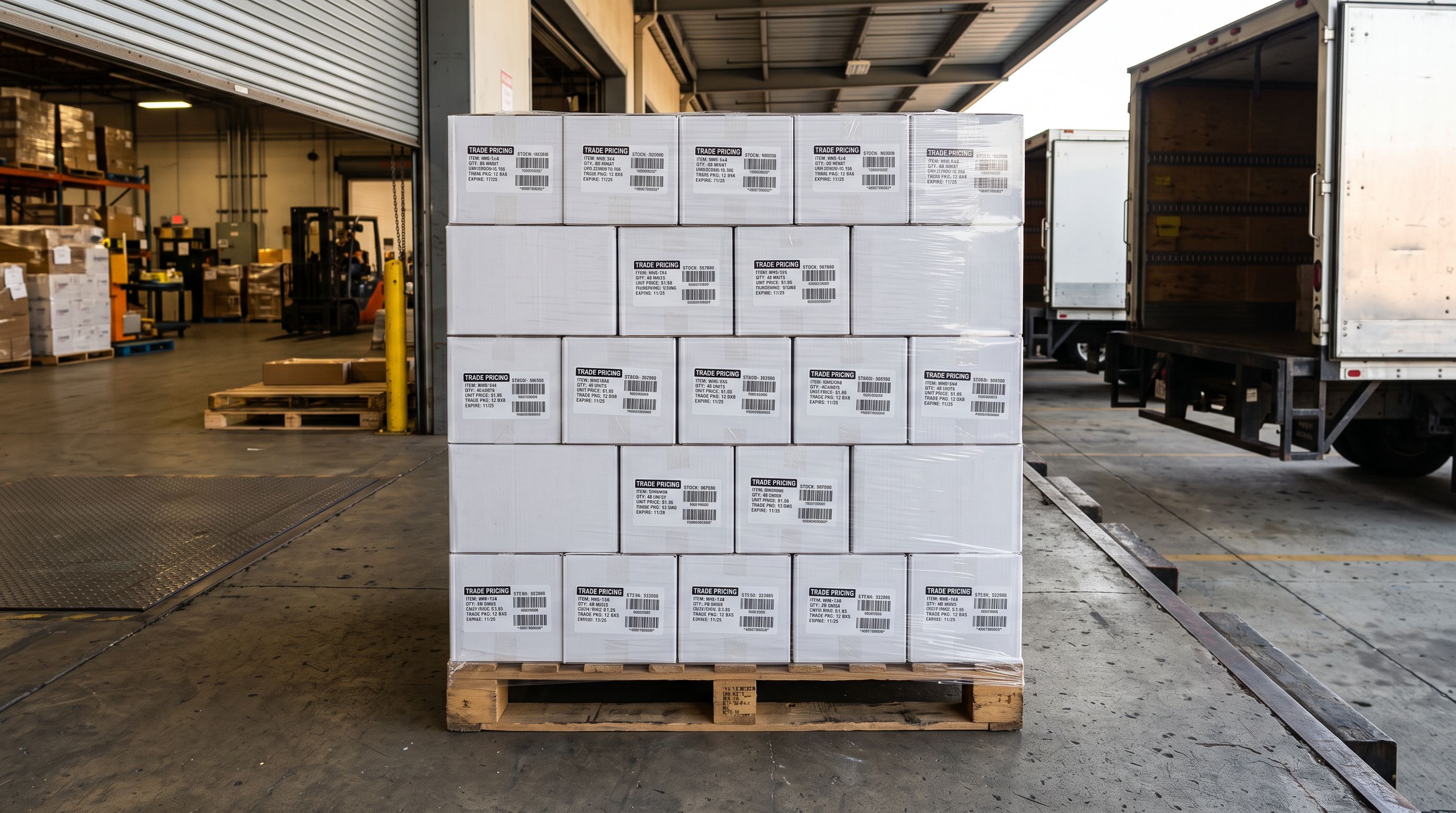
A wholesale homewares merchant enables Shopify B2B, spends an afternoon configuring customer accounts and price lists, then opens their supplier catalogue file. It has 1,400 rows, each a separate SKU. Variants are not grouped. Weight and HS codes are blank. Descriptions read like warehouse labels. This is the shopify wholesale product import problem that every B2B setup guide skips entirely.
Setting up Shopify B2B without loading the product catalogue is like setting up a retail storefront with empty shelves. This guide covers the part that comes after the pricing rules: getting a supplier catalogue into Shopify with correct variant grouping, complete product data, and retail-quality descriptions, without rebuilding the file from scratch.
Why Shopify B2B Setup Guides Skip the Product Import Step
Every guide to setting up B2B on Shopify covers the customer-facing layer: company accounts, price lists, payment terms, the B2B storefront. The assumption behind all of them is that the product catalogue already exists in Shopify, or that importing it is a one-step process.
For a merchant with 30 products and a clean, pre-formatted CSV, that assumption holds. For a wholesale merchant receiving a supplier file with 500 to 10,000 SKUs every month, it breaks down immediately.
Shopify's B2B documentation is thorough on what the platform offers. It is silent on how to load the product range that B2B pricing, inventory tracking, and Google Shopping all depend on. That silence is where most wholesale merchants spend their first week.
Why Shopify Wholesale Product Import Breaks on Supplier Files
Supplier CSVs are not formatted for Shopify. They are formatted for the supplier's warehouse management system, and the two formats are structurally incompatible in three specific ways.
The first problem is variant structure. Shopify groups rows into variants using the Handle column: rows with identical Handle values become variants of one product, and every row with a unique Handle becomes a separate product. Supplier files use internal SKU codes as row identifiers, which means every row arrives as its own product by default.
A fashion supplier's file with 800 rows representing 200 products in four colours and four sizes produces 800 separate Shopify products. No import error appears. The import completes without complaint and produces the wrong result.
The second problem is missing data fields. Wholesale catalogues consistently lack weight (or use the wrong unit), HS codes, country of origin, and valid barcodes. These fields are not part of the supplier's warehouse workflow, so they are not in the file. They matter for Shopify: weight drives shipping rate calculation, HS codes are required for international orders, and barcodes determine Google Merchant Centre eligibility.
The third problem is description quality. Supplier catalogue descriptions are spec sheets and product codes. Using them on a Shopify storefront produces thin, duplicate content that every other stockist of the same products also has. It performs poorly in search and communicates little to buyers.
The Workflow
Two Approaches to Shopify Wholesale Product Import
There are two ways to tackle shopify wholesale product import. The first is Shopify's standard Shopify CSV import, which works correctly when the file is already structured to Shopify's specification. The second handles the raw supplier file as-is.
The Native CSV Import and Where It Breaks Down
Getting a wholesale supplier catalogue to a correctly structured Shopify-ready file requires three rounds of manual work before a single product reaches the store.
First, variant restructuring: identifying every product group in the file, assigning matching Handle values to each row in the group, and adding the correct Option Name and Option Value columns. For a 500-row catalogue with an average of five variants per product, this takes 3 to 4 hours of spreadsheet work with a meaningful chance of Handle typos that split variants into separate products.
Second, data research: finding weight, HS code, and country of origin for every product individually. At 5 to 15 minutes per product, a 500-product catalogue requires 40 to 125 hours.
Third, description writing: replacing warehouse copy with retail-ready descriptions. At 20 to 30 minutes per product, a 500-product catalogue is 160 to 250 hours of writing.
The total time before a wholesale catalogue is correctly in Shopify via the native route: multiple working weeks. For a merchant who receives an updated supplier file monthly, the same process repeats every cycle.
The Import Wizard Workflow for Wholesale Catalogues
- 01Upload the supplier fileCSV or Excel files upload directly with no restructuring required before the first step
- 02Review the column mappingthe wizard auto-maps supplier column names like 'Product Code', 'Wholesale Price', and 'Item Description' to the correct Shopify fields; the merchant reviews the proposed mapping and corrects any mismatches before proceeding
- 03Confirm variant groupingsSmart Variant Detection analyses the raw supplier file and proposes variant groups; the import preview shows each proposed product with its option names, option values, and variant count
- 04Review enriched datathe wizard fills missing weight, HS code, country of origin, and barcodes automatically; enriched values appear in the preview for merchant review before any product is committed
- 05Generate descriptionsAI description generation runs on the enriched product data; the merchant selects a description style appropriate for the catalogue range
- 06Confirm the importthe full batch imports to Shopify with grouped variants, complete data fields, and generated descriptions in a single operation

For a 1,400-row supplier catalogue representing 350 products: column mapping review takes 2 to 3 minutes, variant detection runs automatically, enriched values appear in the preview, and 350 AI descriptions generate in 8 to 12 minutes. Total time from file upload to products in Shopify: under 25 minutes for a catalogue that would take the better part of a working week to import manually.
Smart Variant Detection for Wholesale Catalogues
Wholesale catalogues are the primary use case for variant grouping at import time. The structural mismatch between supplier file formats and Shopify's Handle convention appears in nearly every wholesale catalogue, regardless of category.
Importier's Smart Variant Detection covers 150+ patterns across 15+ industries. The pattern library covers the variant types that appear most frequently in wholesale supplier files:
- Fashion and apparel: size (S/M/L/XL, UK8–UK20, international sizing equivalents), colour (standard names and supplier codes like BLK/NVY/RED)
- Homewares: pack size (Single/3-Pack/6-Pack/12-Pack), colour, material (Glass/Ceramic/Stainless Steel)
- Electronics: storage (64GB/128GB/256GB/512GB/1TB), RAM, colour (including model-specific names like Space Grey)
- Food, supplements, and beverages: weight (100g/250g/500g/1kg/2kg), flavour, serving count, volume
- Industrial and trade: dimension ranges, power ratings (110V/240V), material grades
An import preview shows the proposed groupings before any product is committed to Shopify. A wholesale merchant can review the proposals, split any incorrectly merged groups, and confirm the results in a single step. In practice, catalogues in mainstream wholesale categories (fashion, homewares, food) require no manual corrections at the preview stage.

Filling Missing Data During the Import
Wholesale catalogues missing weight, HS codes, country of origin, and valid barcodes is the rule in wholesale, not the exception. The supplier's file was built for warehouse operations, not for international e-commerce compliance. The data enrichment step in the import wizard fills these fields automatically during the same run as variant detection.
The enrichment step addresses the four fields most commonly absent from supplier files:
- Weight: Importier estimates weight from product type, title, and any specifications in the supplier data, with unit conversion included automatically (g, kg, lb, oz)
- HS code: Importier assigns an HS code from product category and description for customs and international shipping compliance
- Country of origin: Importier infers country of origin from supplier data, product naming, and category context
- Barcode: Importier searches registered GTIN databases where the product name or SKU returns a match
The enrichment context field improves accuracy for niche catalogues. A distributor importing a range of Australian-made ceramic cookware can add "all products are Australian-made ceramic cookware, PFAS-free" to improve accuracy on products where the title alone provides limited context for classification.
To fill missing weight, HS codes and barcodes on an existing Shopify catalogue after the fact, the Store Scanner handles retroactive enrichment as a separate step. For a new wholesale import, enrichment runs inline as part of the same wizard session.
AI Descriptions for Wholesale Products
Supplier catalogue descriptions fail as retail copy for a straightforward reason: they describe the product from a warehouse perspective rather than a buyer perspective, using materials codes, product numbers, and internal classifications. They also appear word-for-word on every other stockist's Shopify store that imports from the same supplier.
The description generation step in the import wizard replaces supplier copy with unique, retail-appropriate descriptions. Importier offers 7 description styles; the most relevant for wholesale categories are:
- Standard: balanced tone for general retail; works across most homewares, fashion, and stationery
- Benefits-First: leads with what the product does for the buyer; effective for tools, appliances, and health products
- Technical Gadget: specification-led with buyer context; suited for electronics, industrial goods, and audio equipment
- Ingredient Spotlight: breaks down materials and components; suited for food, supplements, and beauty products
All 7 styles draw on 156 expert personas across 43 industry categories, so a wholesale distributor of industrial fasteners generates descriptions written with different vocabulary and emphasis than one supplying luxury homeware.
For B2B stores with an established brand voice, the Brand Voice field carries through every description in the catalogue. A wholesaler with a specific vocabulary and tone does not need to edit each generated description after the import. The configuration is set once and applies to the full run.
AI-generated product descriptions run on 25 AI models across Importier's plan tiers. The models available vary by plan: Starter through Enterprise each include progressively more capable models, with no per-token charges on any tier.
A wholesale catalogue with supplier copy is a catalogue of warehouse data. One import run turns it into retail-ready products with grouped variants, complete fields, and unique descriptions.
Keeping Up With Supplier Catalogue Updates
Most wholesale merchants receive updated supplier files monthly or quarterly. Each update cycle brings the same import problem back: the file needs to be mapped, variants need to be detected, and new products need descriptions. The manual approach means the same cleanup hours repeat every cycle.
Scheduled supplier imports address this at the workflow level. After the first manual import runs successfully, the merchant configures a recurring schedule: set the frequency (daily, weekly, or monthly), set the time zone, and upload the updated supplier file to the same scheduled import job before each cycle. The full pipeline runs automatically without any further configuration.
Column mapping from the original import is retained between cycles, so no remapping is needed as long as the supplier uses the same file format. If a supplier changes their column names (which happens occasionally when they switch warehouse systems), the mapping needs updating once before the next scheduled run.
Scale plan merchants can configure 2 scheduled imports. Enterprise plan merchants can configure 10. A wholesale distributor managing separate catalogues from five or six different suppliers can run each one independently on its own schedule.
Import History logs every scheduled run: file name, date, product count, and a breakdown of new products created versus existing products updated. Import Undo reverts any scheduled run that produces an unexpected result in one click, with up to 20 import snapshots retained and a 60-day download window for the source file.
- 3 to 4 hours to restructure variant rows by hand
- 40 to 125 hours to research missing weight, HS codes, and barcodes
- 160 to 250 hours to write descriptions for 500 products
- Full process repeats on every supplier update cycle
- Column auto-mapping reviews the raw supplier file in under 3 minutes
- Smart Variant Detection (150+ patterns, 15+ industries) groups products automatically
- AI data enrichment fills weight, HS codes, and barcodes during the same import run
- AI descriptions generated for 500 products in 8 to 12 minutes
- Scheduled Imports automate the full pipeline on every update cycle

Key Takeaways
- Shopify B2B setup guides focus on customer accounts and pricing rules. The product catalogue import step is left for merchants to figure out, and it is where most wholesale merchants spend the most time.
- Supplier CSVs are structurally incompatible with Shopify's import format in three ways: variant rows are separate products, data fields are missing, and descriptions are warehouse copy. All three require fixing before a native Shopify CSV import produces a usable catalogue.
- Smart Variant Detection handles the variant grouping step automatically from the raw supplier file. 150+ patterns across 15+ industries cover the variant types found in most wholesale categories.
- AI data enrichment fills weight, HS code, country of origin, and barcodes during the same import run as variant detection. Enriched values are reviewed in the import preview before any product is committed.
- Scheduled Imports turn a monthly supplier catalogue update from a recurring manual project into an automated background task. Manual entry is workable for a one-time catalogue import; it is not sustainable once supplier updates become a recurring part of the workflow. After the second or third cycle, the accumulated hours start affecting everything else.
Try Importier free at importier.app
Related Articles
- How to Bulk Import Products to Shopify from CSV
- How to Import Product Variants in Shopify Without Restructuring Your Supplier CSV
- Shopify Product Data Enrichment: Fix Missing Weight, HS Codes, and Barcodes
- Shopify AI Product Descriptions: The Complete Guide
- How to Set Up Shopify Scheduled Product Imports
Set up your first import in under five minutes.
Importier brings products into Shopify with AI descriptions, category metafields, and data enrichment on every run.