Shopify Halloween Catalogue Import: Costumes, Variants, and Collections
On this page
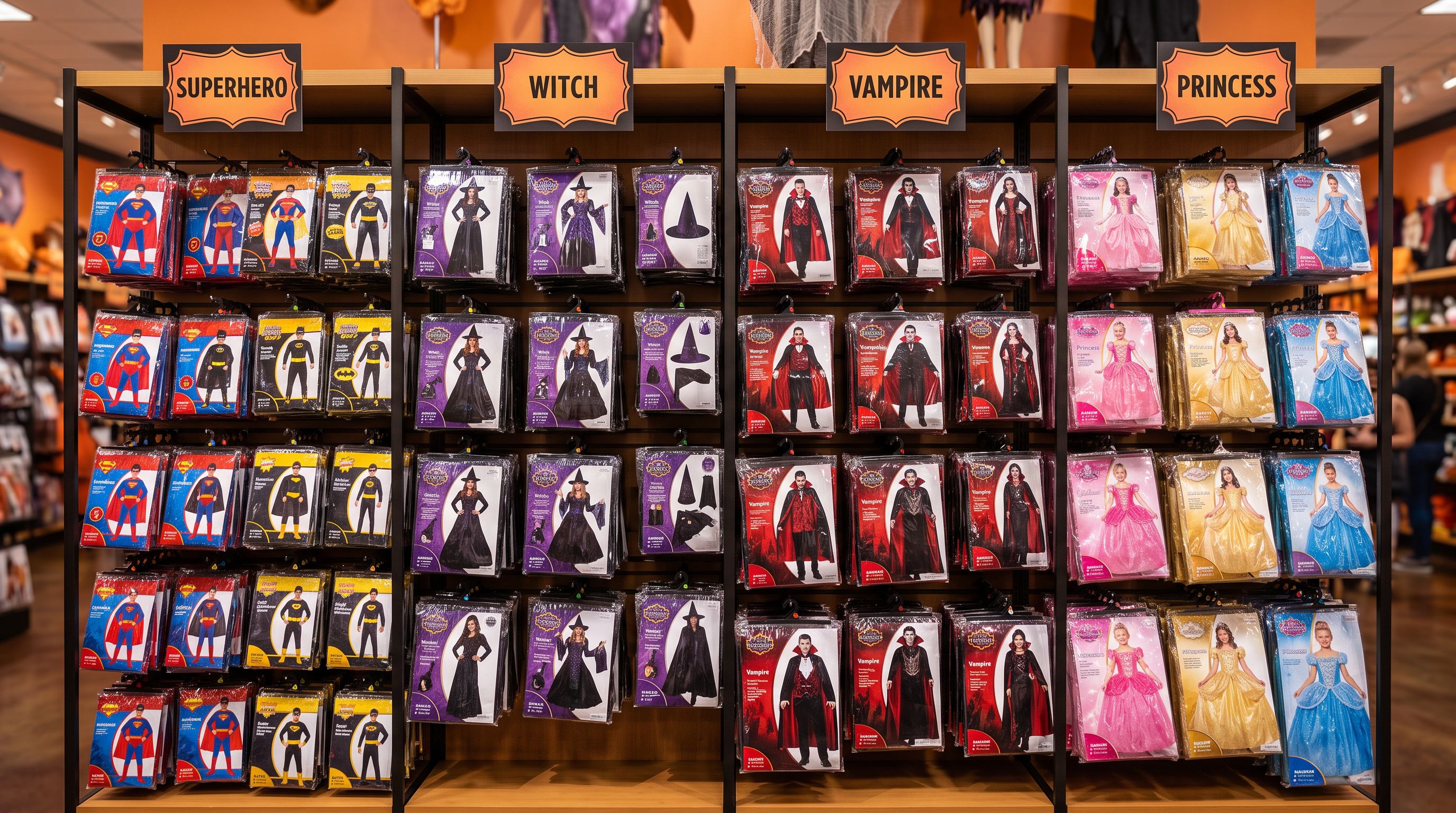
A fancy dress retailer received their full Halloween stock list from their distributor on 4 September last year. The spreadsheet had 312 rows: 22 costume themes, each available in toddler, child, child large, teen, and adult sizing, with eight themes also offered in a deluxe variant with additional accessories. The file used the distributor's internal part-numbering system, not Shopify handles. Variants were each on their own row.
The retailer needed every product live by the second week of September. According to the National Retail Federation's annual Halloween consumer survey, over 40 per cent of Halloween shoppers begin researching and buying in September. A store that publishes their costumes on 1 October has already missed nearly half the research window.
That timeline makes the import problem urgent. Getting 312 supplier rows mapped, grouped into products with correct variant structures, tagged, and published with descriptions in a single session is the difference between a six-week selling window and a three-week one.
What Makes Halloween Imports Different From Regular Product Imports
Most Shopify product imports have a predictable structure: each product has one or two variant options, column headers are recognisable, and the supplier file is built to describe the product accurately.
Halloween costume imports break all three assumptions.
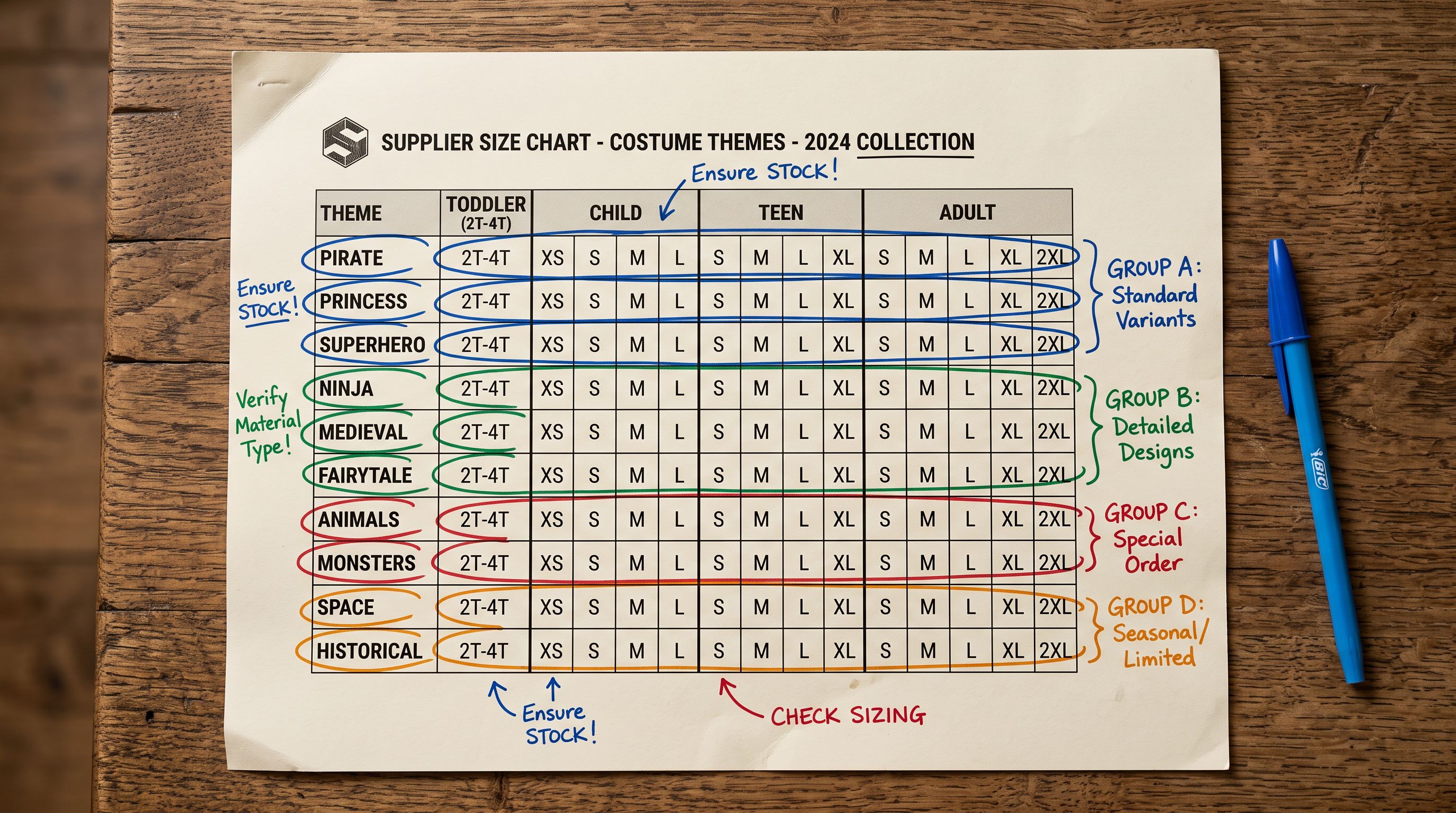
Variant complexity: A single costume theme ships in toddler (ages 2-4), child (ages 4-8), child large (ages 8-12), teen (ages 12-16), and adult in S, M, L, and XL. That is eight size points, and they are not standard clothing sizes. Some retailers add a colour variant. A deluxe versus standard option brings the total to three variant dimensions, which is exactly the maximum Shopify allows per product.
"One-size" naming: Supplier catalogues frequently abbreviate age-bracket sizing as "OS" (one size), "STD" (standard), or "UNIV" (universal) across both toddler and adult products. An import that maps all of these as the same size option places a toddler costume and an adult costume in the same size filter. That is a visible storefront problem that generates customer complaints and returns.
Seasonal pricing: Halloween stock is event-driven. Promotional compare-at pricing for pre-Halloween sales needs to be mapped at import, not added manually across 200 products the morning a sale starts.
How Smart Variant Detection Handles Costume Sizing
Importier's Smart Variant Detection includes 150+ patterns across 15+ industries. For costume imports, the relevant patterns cover age-bracket sizing, one-size abbreviations, and combined size-age shorthand that suppliers use for internal cataloguing.
The specific challenge with Halloween stock is distinguishing OS as "toddler one-size" from OS as "adult one-size". A supplier file that uses the same abbreviation for both requires adjacent data: the product title, a description field, or a separate age column. That data determines the correct grouping.
When Importier reads a row with the product title "Vampire Costume Toddler OS" and another with "Vampire Costume Adult OS", it groups these as two separate products rather than two variants of the same product. The age-bracket text in the title acts as a differentiator, so Smart Variant Detection creates distinct products for each age group, each with their own size variants.
This is the correct outcome. A customer filtering for a toddler costume should not encounter an adult "OS" result. Keeping age brackets as separate products (rather than treating them as a variant option) keeps collection filtering accurate across the full seasonal catalogue.
Shopify's product variants documentation confirms the three-option limit and the requirement to plan variant structure before import. Getting this wrong across 22 costume themes means correcting 220 product records individually after the fact. The shopify import product variants guide covers how Shopify's variant matching works in more detail for merchants handling complex supplier structures.
- 01Upload the supplier's Halloween CSV or Excel file to Importier. The auto-mapper proposes column assignments for product name, price, SKU, and variant fields. Review the variant column suggestions. For costume files, age and size often appear in the same column as combined values like '4-8yr M'.
- 02In the Review step, confirm that age-bracket products are grouped correctly. 'Toddler Vampire' and 'Child Vampire' should appear as two separate products, not one product with an age option. Adjust any groupings where auto-detection has merged what should be separate records.
- 03Map the compare-at price column if the supplier file includes RRP. This enables immediate promotional display for pre-Halloween sale events without a second import pass.
- 04Add Halloween-specific tags in the batch settings before confirminghalloween, costume, seasonal, plus theme tags such as vampire, princess, witch, zombie. These drive Smart Collection assignment automatically.
- 05Confirm and push. Importier generates AI descriptions during import. For Halloween products, the Emotional Storytelling style produces descriptions that reflect the occasion rather than just listing materials and care instructions.
Setting Up Halloween Collections at Import
Halloween collections in Shopify work as Smart Collections driven by product tags. Setting the correct tags at import time means every product automatically appears in the right collection without manual assignment after the fact.
A practical Halloween collection structure uses three tag categories:
- Occasion tag:
halloweenon every product in the seasonal batch - Theme tags:
vampire,witch,superhero,princess,zombie, one per costume theme - Audience tags:
toddler-costume,child-costume,adult-costume, enabling age-segment collections for parents searching "Halloween costumes for kids"
In Importier's batch settings, the occasion tag can be applied as a default across all rows in the import. Theme tags come from a column in the supplier file (or from a manual addition in the Review step for rows that lack a theme column).
Smart Collections configured with tag-based rules populate automatically as products are imported. A collection for "Kids Halloween Costumes" requires a single rule: tag contains halloween AND tag contains child-costume. No product-by-product collection assignment.
Writing descriptions for costume products
AI Descriptions That Match the Occasion
Costume descriptions need to do something different from most product descriptions. A buyer choosing a witch costume is not comparing technical specifications. They are imagining wearing it. The description that works is the one that helps them picture the moment.
A witch costume described as "black fabric with silver detailing, 80% polyester" sells on specification. One described as "the hat tips low, the cape sweeps long, the silver detailing catches the light just before the door opens" sells on the occasion.
Importier's Emotional Storytelling description style generates descriptions that lead with the experience of wearing the product, then cover practical details: sizing, care instructions, and what is included in the set. For toddler and child costumes, the persona can be set to a children's costume specialist, which is one of the 156 expert personas, producing language appropriate for a parent reading the description rather than a trade buyer.
The description style and persona settings apply to an entire import batch. When importing 22 Halloween costume themes, one configuration covers all products consistently.
For deluxe costume variants that include accessories, the AI description names the included items specifically. "Includes: conical hat, silver star wand, and snap-on cape" removes the question that otherwise generates support tickets. Customers who know exactly what they are getting do not open tickets asking whether the wand ships with the costume.
- No AI descriptions: supplier copy or blank description fields across 200+ costume products
- No batch tagging: tags must be added product by product after import
- Variant grouping done manually from supplier row structure
- Compare-at pricing added individually after import for sale events
- No difference between a toddler OS and an adult OS without manual correction
- AI descriptions using Emotional Storytelling style generated at import for every costume product
- Halloween, theme, and audience tags set for the entire batch in batch settings
- Smart Variant Detection groups age-bracket products correctly from title and variant data
- Compare-at price column mapped at import; sale pricing is live from the moment products publish
- Toddler OS and adult OS detected as separate products from title data, keeping size filters accurate
Managing Seasonal Stock Limits
Halloween inventory operates differently from year-round stock. Suppliers enforce minimum order quantities, stock is finite with no October reorders, and unsold stock after the first week of November faces clearance.
For finite seasonal stock, the inventory policy setting matters. Products set to stop selling when out of stock go unavailable the moment the last unit sells. For high-demand sizes and themes, this means losing sales to a competitor who still shows stock in the final week before Halloween.
Products set to continue selling allow orders to come in even when inventory reads zero, which creates a fulfilment risk if stock genuinely runs out. The workable approach for seasonal stock: set the batch-level inventory policy to deny in Importier's import settings, then manually override specific high-demand variants to continue in the Review step before confirming.
At import time, the inventory policy column can be mapped and applied per product or at the batch level. Making the decision during import, before 220 products are live, is faster than revisiting each variant record individually after the fact. A common problem with CSV imports is that the inventory_policy field gets silently reset to "deny" by supplier files that include it with their default value. The inventory policy reset guide covers how to protect this setting during update imports.
Publishing Timing and Post-Halloween Archiving
Halloween collections should go live in the second week of September. The first week is for import review: generate descriptions, check that variant groupings are correct, confirm images are rendering, and spot-check a sample of descriptions for brand voice consistency. A retailer who imports on 1 September and reviews through the following week is live at the optimal time.
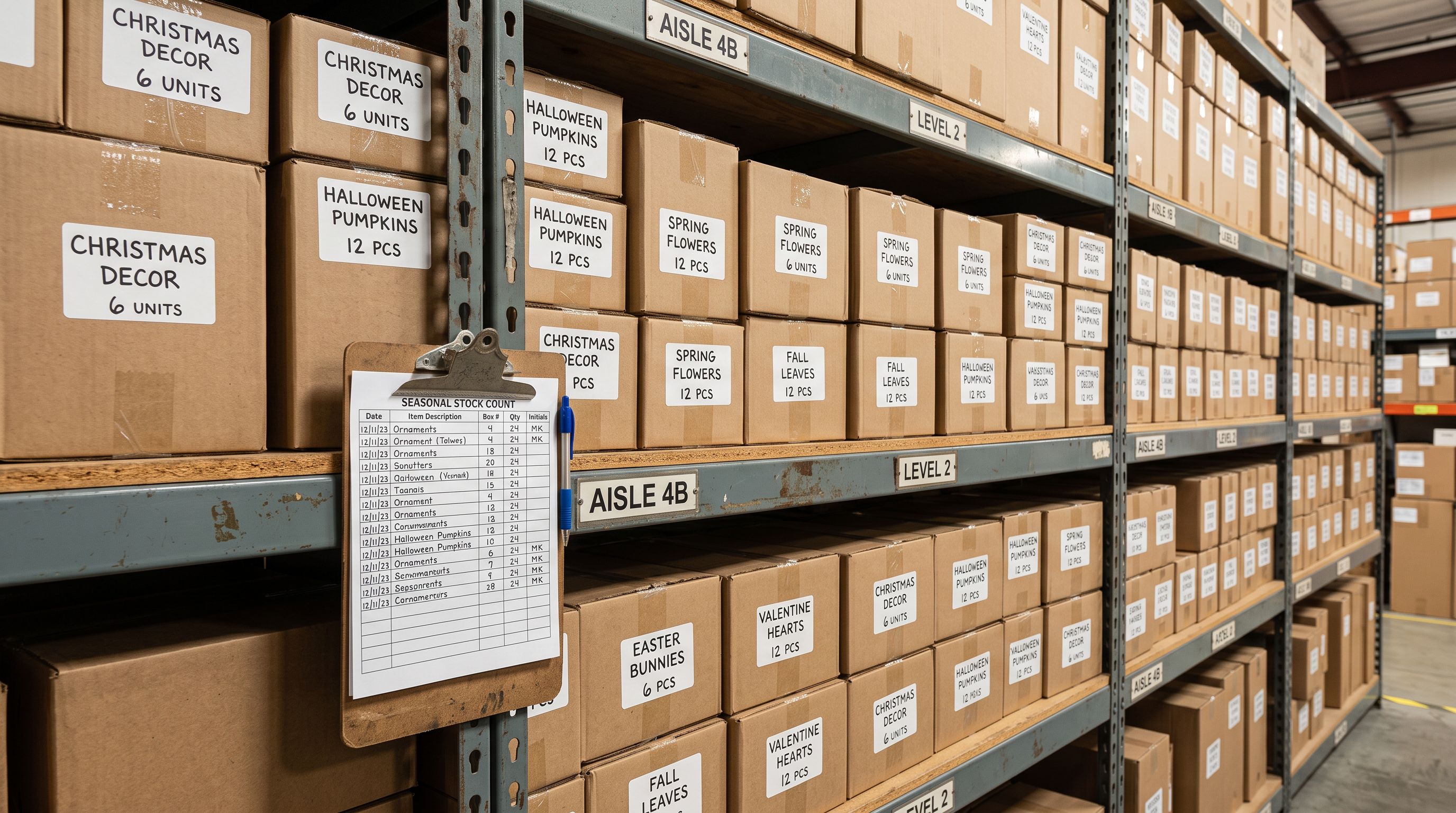
After Halloween, seasonal products should be archived rather than deleted. Archived products can be restored the following year without re-importing. The halloween tag provides the filter for archiving in bulk. Importier's export preset captures the current product data (including any edits made during the season) as a file that can be re-imported next year with one update to the publish date. The seasonal catalogue management guide covers the archive and restore workflow in more detail for stores running multiple seasonal catalogues simultaneously.
Import History in Importier logs the exact batch from the September import, including the file name, import timestamp, and product count. If a product needs to be restored mid-season or a variant quantity needs checking against what was originally imported, the history record is the reference.
Key Takeaways
-
Halloween costumes use all three of Shopify's variant options (age bracket, size, deluxe/standard). Plan the variant mapping before import rather than adjusting 200+ products individually afterwards.
-
Supplier "one-size" abbreviations apply differently to toddler and adult products. Smart Variant Detection reads adjacent title data to distinguish these, but verify the groupings in the Review step before confirming.
-
Set seasonal tags at import, not after. The
halloweentag plus theme and audience tags applied during batch setup means Smart Collections populate automatically from the moment products go live. -
The Emotional Storytelling description style produces Halloween costume copy that sells the experience, not the fabric. Apply it across the full batch with a children's costume persona for toddler and child products.
-
Go live in week two of September. NRF data shows over 40 per cent of Halloween shoppers start researching in September. A mid-October launch misses the peak research window.
-
Archive, do not delete, after Halloween. Tagged seasonal products restore next year from export data without a full re-import.
Set up your Halloween catalogue import at importier.app and have seasonal products live before the September research window opens.
Set up your first import in under five minutes.
Importier brings products into Shopify with AI descriptions, category metafields, and data enrichment on every run.